Download
Download the AutobotSignal trading bot
Automated execution runs on your own machine. Install AutobotSignal for Windows, macOS or Linux, sign in, and connect your broker. On Android, get AutobotSignal for Deriv from Google Play.
Windows, macOS and Linux · Android on Google Play · updates install automatically
Why the desktop app
Runs your sessions
Signal parsing, risk rules and order execution all happen locally while the app is running.
Holds broker sessions
Your broker login or API token stays on your machine — funds are never in AutobotSignal's custody.
Auto-updates
The app checks for new releases and updates itself, so you stay on the current build.
Ships its own browser
Brokers that need a browser session use a bundled Chrome build, so there is nothing extra to install.
Connects from blocked regions
A connection proxy is built in for regions that block trading sites — set it up on the connect screen. Every broker's sign-in routes through it, and live prices for Pocket Option and Quotex; Deriv and your AutobotSignal account always connect directly.
After installing
- 1
Sign in
Use your AutobotSignal account. Create one free first if you have not already.
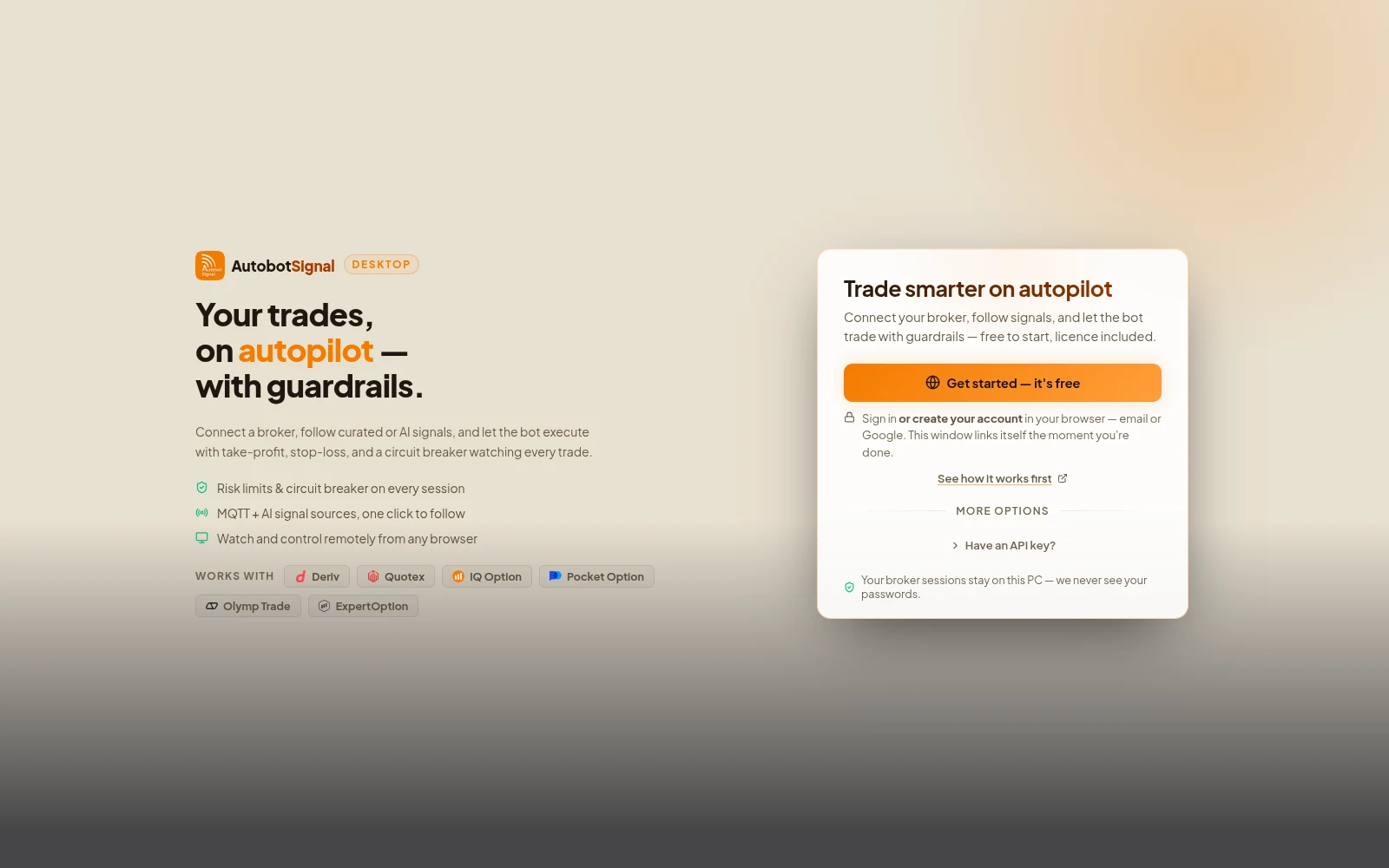
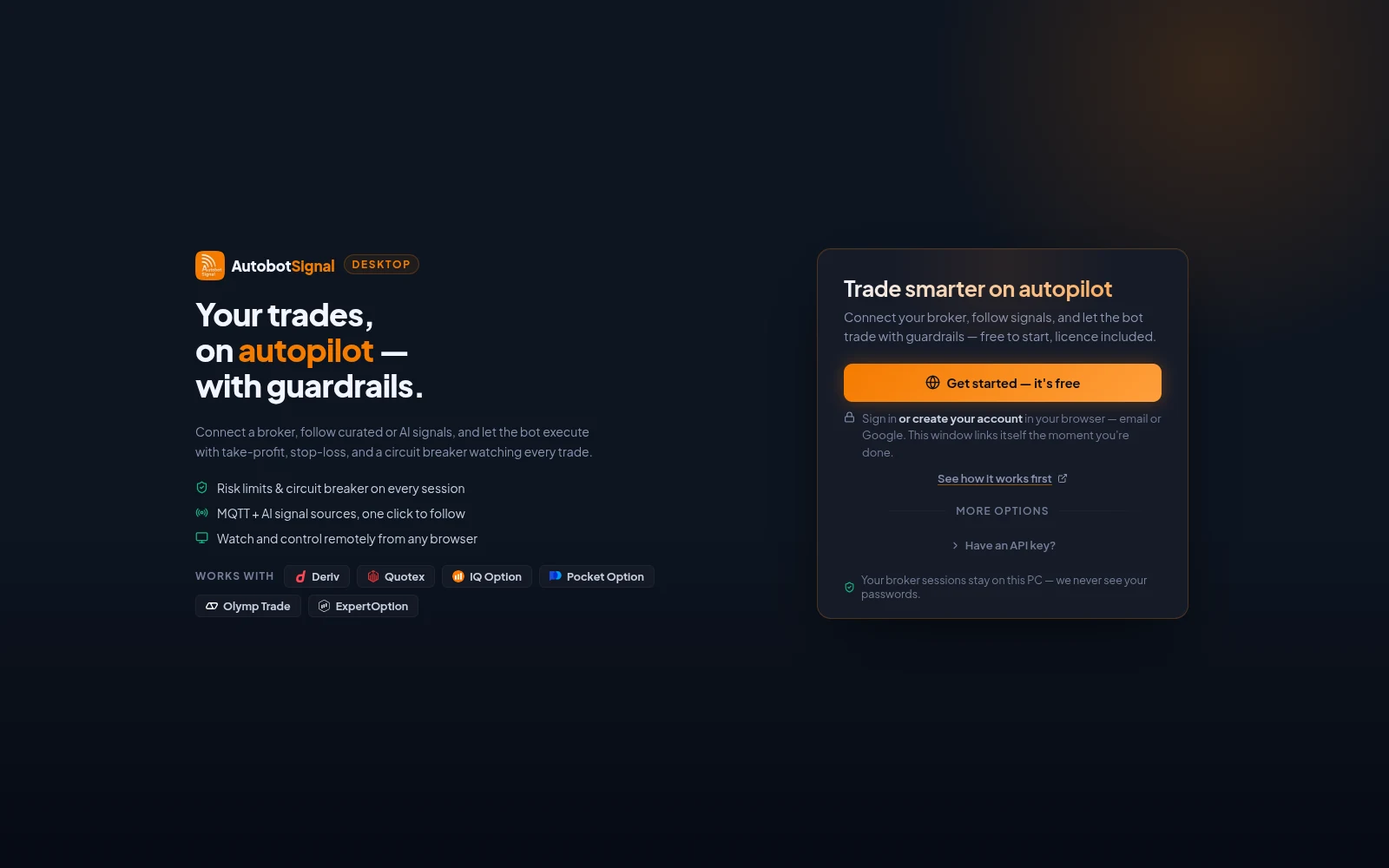
The desktop app after installing: Get started creates or signs in to your account in the browser, and the window links itself when you are done. - 2
Connect a broker
Open Brokers and connect an account — start in demo mode.
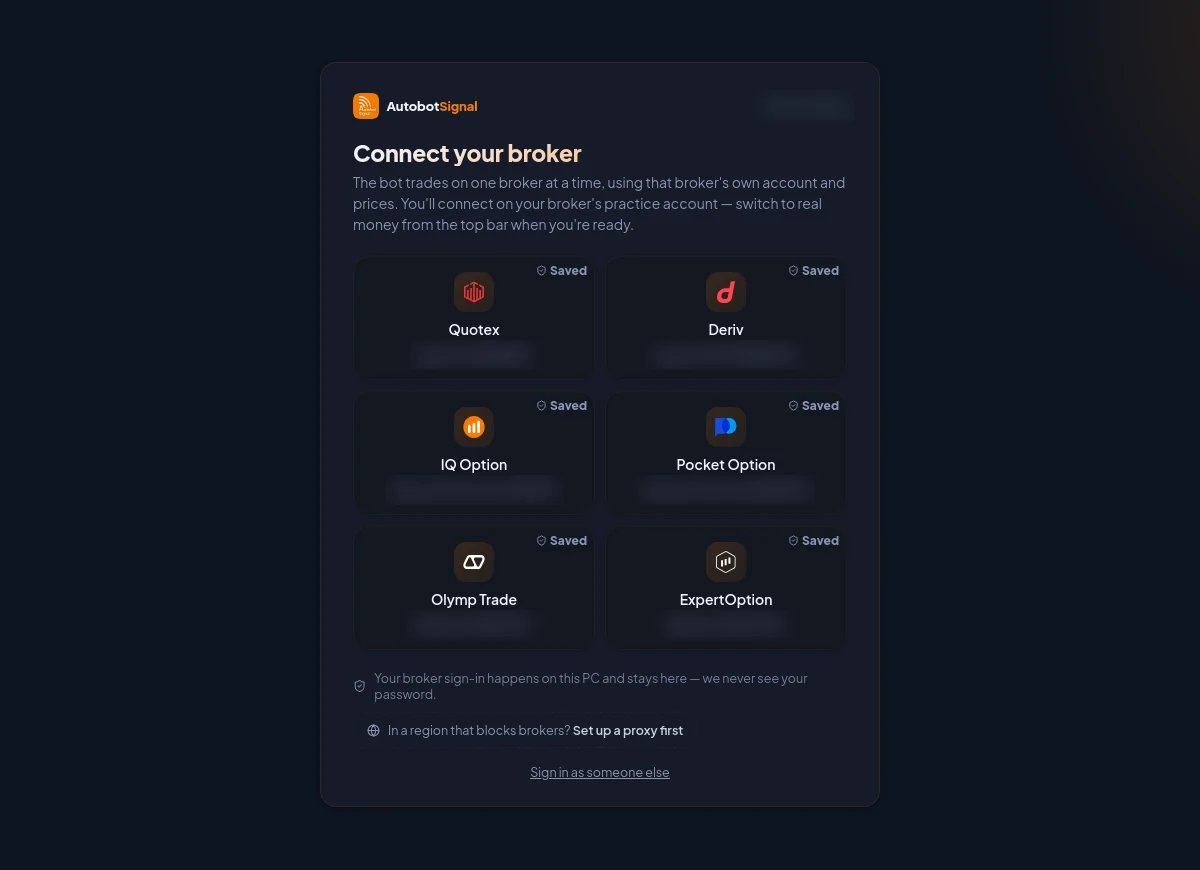
The Brokers screen before anything is connected: one card per broker. A card marked Saved resumes a previous sign-in; otherwise the broker's own sign-in opens in a secure window on your PC. - 3
Pick a signal source and arm
Choose AI, Telegram, TradingView, MetaTrader or Copy Trade, set your limits, and start a session.
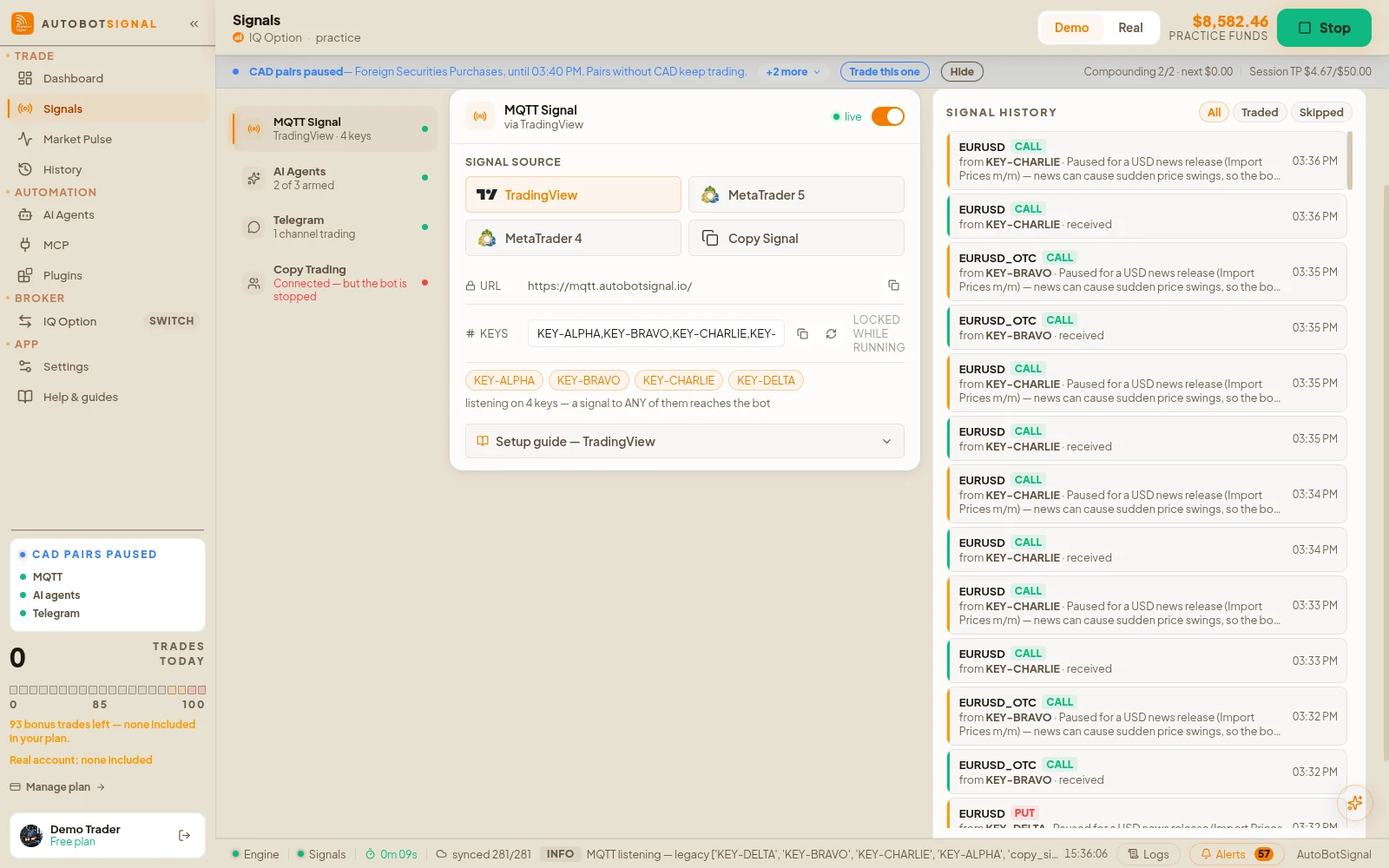
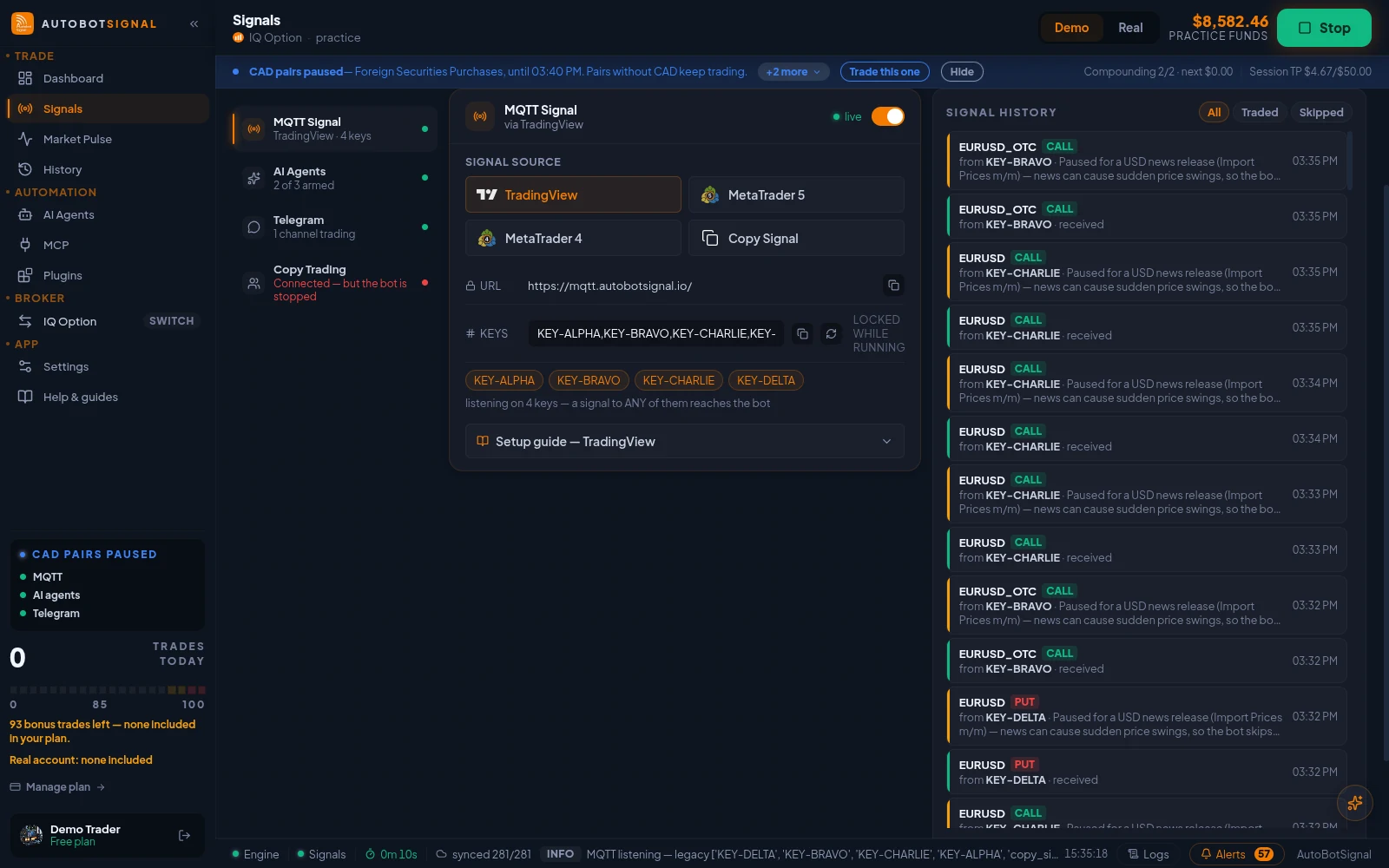
Signals → Sources → MQTT Signal: the webhook URL, your signal keys, and the TradingView, MetaTrader 5, MetaTrader 4 and Copy Signal senders.
Inside the app
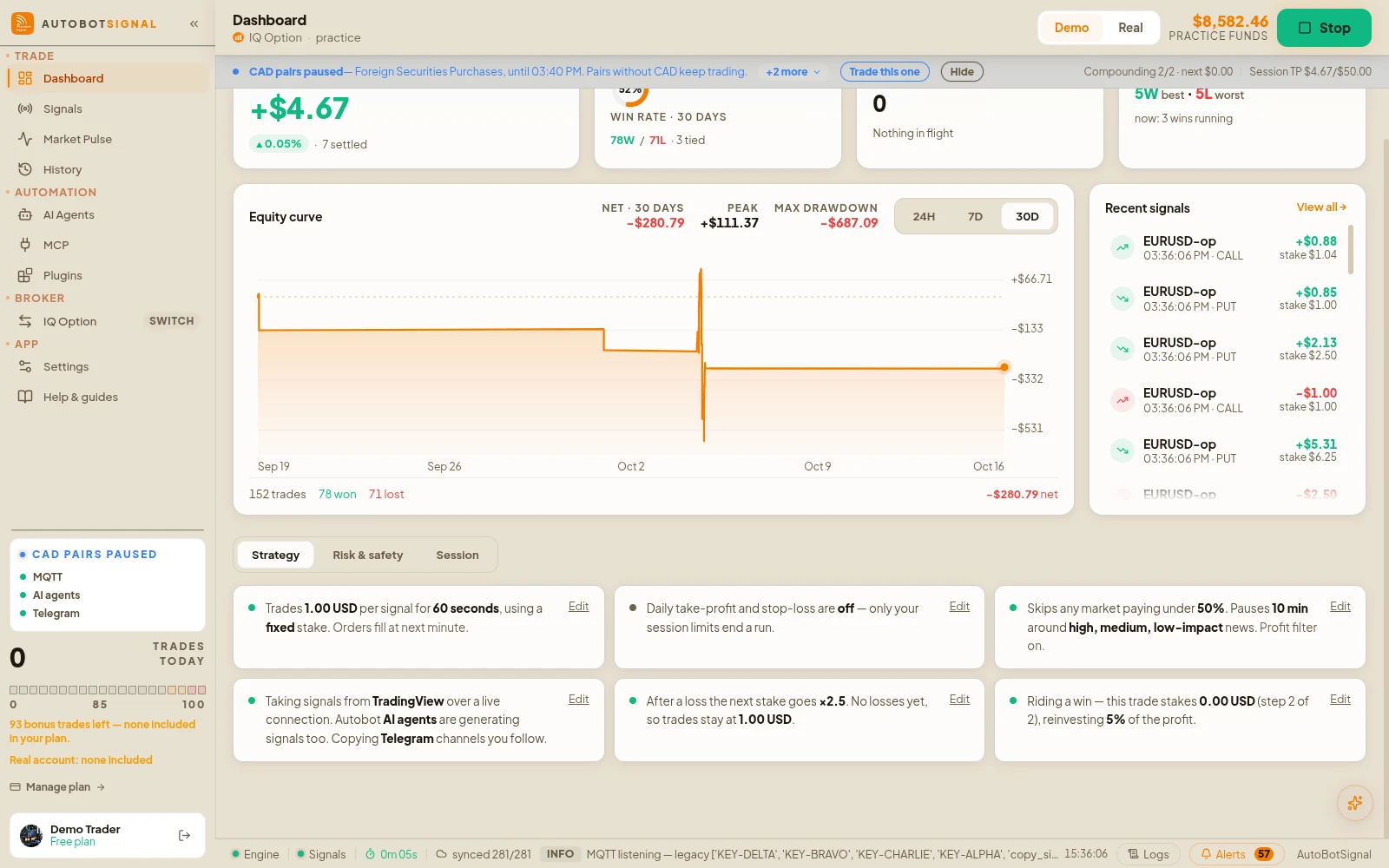
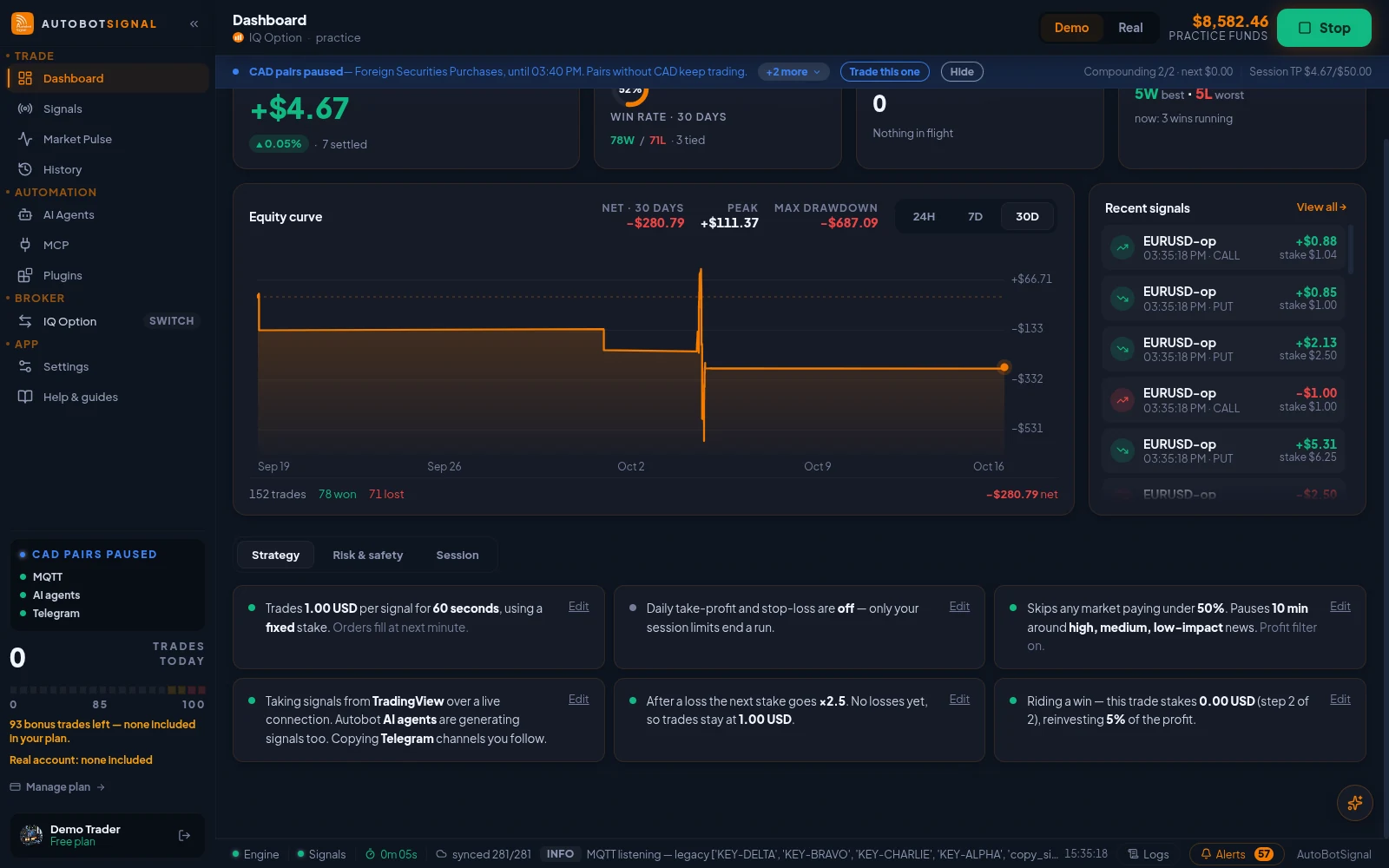
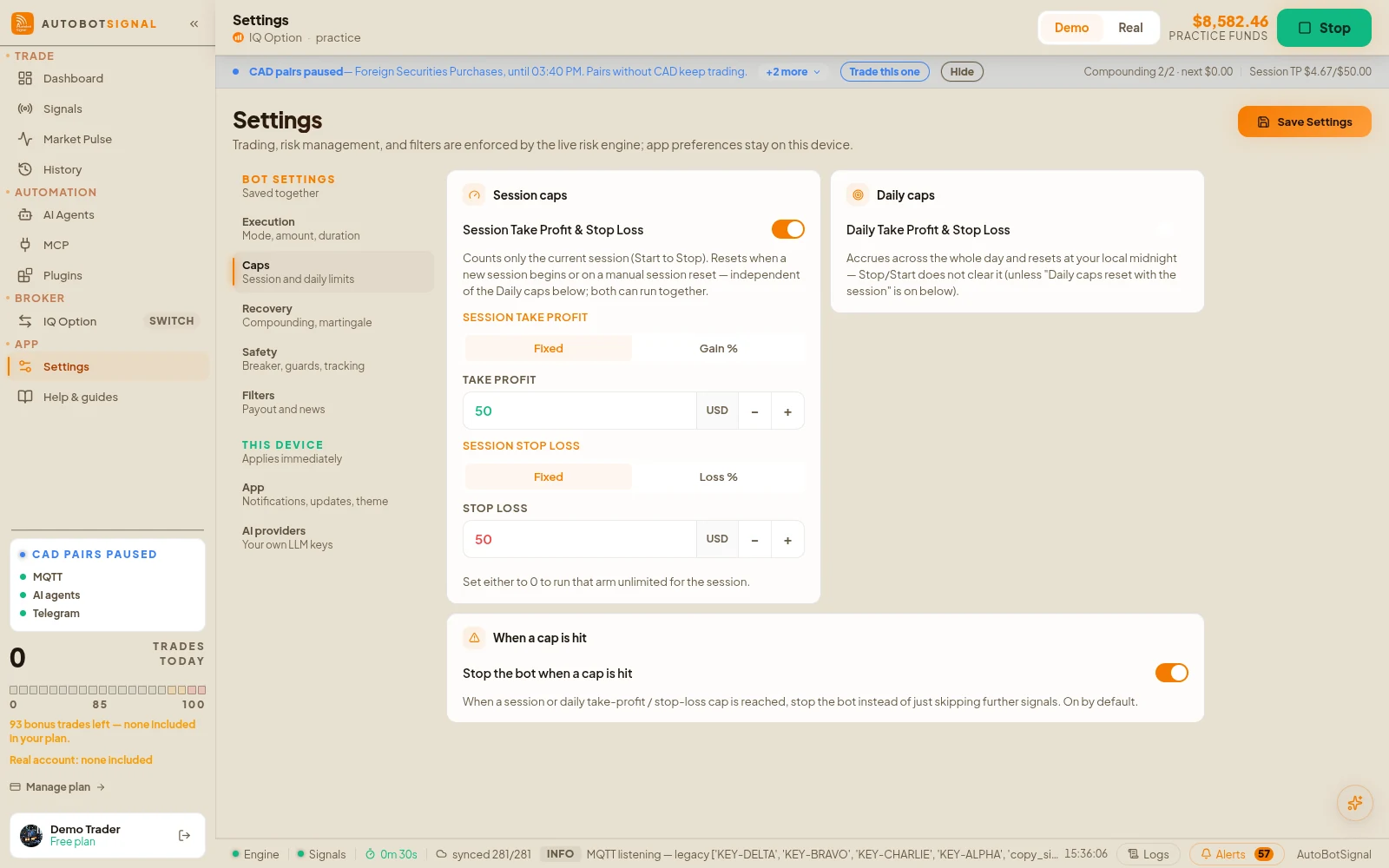
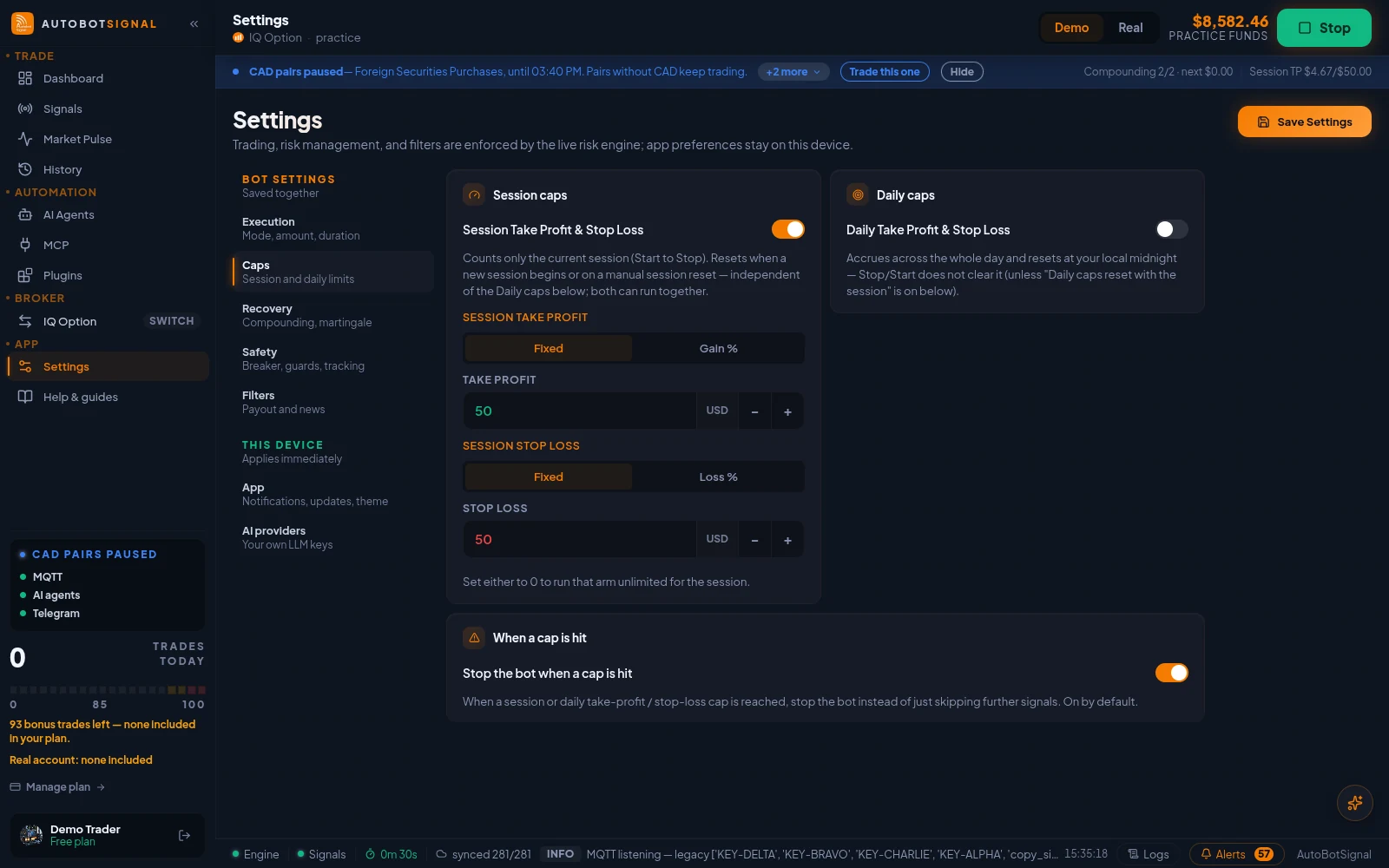
Real screenshots of the current release on a practice account.
System requirements
Windows
10 / 11 x64
.msi installer
macOS
12 or newer
Apple Silicon and Intel .dmg
Linux
x86_64 (64-bit)
AppImage, or .deb for Debian / Ubuntu
Android
AutobotSignal for Deriv
Live on Google Play
iOS
In development
Not released yet
Before and after you install
Before you install
- Create a free AutobotSignal account — you sign in with it
- Have an account with one of the six supported brokers
- Decide which signal source you want to drive the bot
Before you go live
- Run a full session on a demo account first
- Set a stake you are comfortable losing on every trade
- Set a daily trade cap and a session stop-loss
- Check the journal to confirm the bot did what you expected
Questions
Yes. The desktop app ships for 64-bit Linux as a portable AppImage and as a .deb package for Debian and Ubuntu, both on the downloads hub. Make the AppImage executable before running it. Everything the Windows and macOS apps do works the same on Linux, including connecting Quotex, Pocket Option, IQ Option, Olymp Trade and Expert Option. The AppImage updates itself like the other desktop builds; with the .deb you install the newer package when a release comes out.
The app must be running and online for trades to execute — automation stops when your machine sleeps.
Get the desktop app
Download the current release for Windows, macOS or Linux and run your first demo session.