
 ×
× Olymp Trade
Olymp Trade bot — automated AI trading for Fixed Time trades
Connect Olymp Trade in the desktop app, pick an AI, Telegram, TradingView or MetaTrader signal source, and let this auto trading robot place Fixed Time trades inside the algorithmic limits you set — with every entry and refusal written to your journal.
Signs in with your broker email and password, on your own machine · Automation runs on the desktop app
Fixed Time
1.08542
TradingView signal — rules passed
UPOlymp Trade at a glance
The broker facts worth knowing before you automate anything — checked against Olymp Trade's own site and public registers.
Minimum deposit
$10
Minimum trade
$1
Free demo
$10,000
Unlimited refills, no KYC
Instruments
190+
Weekend OTC
8 assets, 24/7
Founded
2014
Olymp Trade stacks UP and DOWN with the live strike price printed between them, and runs five trading modes including the 5-second Quickler.
Regulation — Offshore registration only
Olymp Trade operates through Aollikus Limited under a Vanuatu FSC registration (40131) — offshore supervision, not tier-1. It is also a Financial Commission Category A member with a €20,000 per-complaint fund. The Financial Commission is a private dispute-resolution body, not a regulator, and should not be read as one.
Where Olymp Trade will not open an account
Olymp Trade's own help centre states that residents of these places cannot trade, out of roughly 40 restricted countries:
- EU
- United States
- Canada
- Japan
- United Kingdom
Source: Olymp Trade help centre. Broker availability changes — confirm with Olymp Trade before you deposit. AutobotSignal cannot open a broker account for you.
Your signals, your risk rules, your broker
AutobotSignal automates fixed-time options on six brokers. Every trade is gated by the limits you set — and you can run the whole flow on demo first.



How to set up the Olymp Trade trading bot
Set-up takes a few minutes. You need an AutobotSignal account, the desktop app, and an active Olymp Trade account.
- 1
Create or open your Olymp Trade account
You need an active Olymp Trade account to trade. If you already have one you can use it — there is no separate broker account for AutobotSignal.
- 2
Install the desktop app
Automation runs on the AutobotSignal desktop app for Windows, macOS and Linux. Download the current release and sign in with your AutobotSignal account.
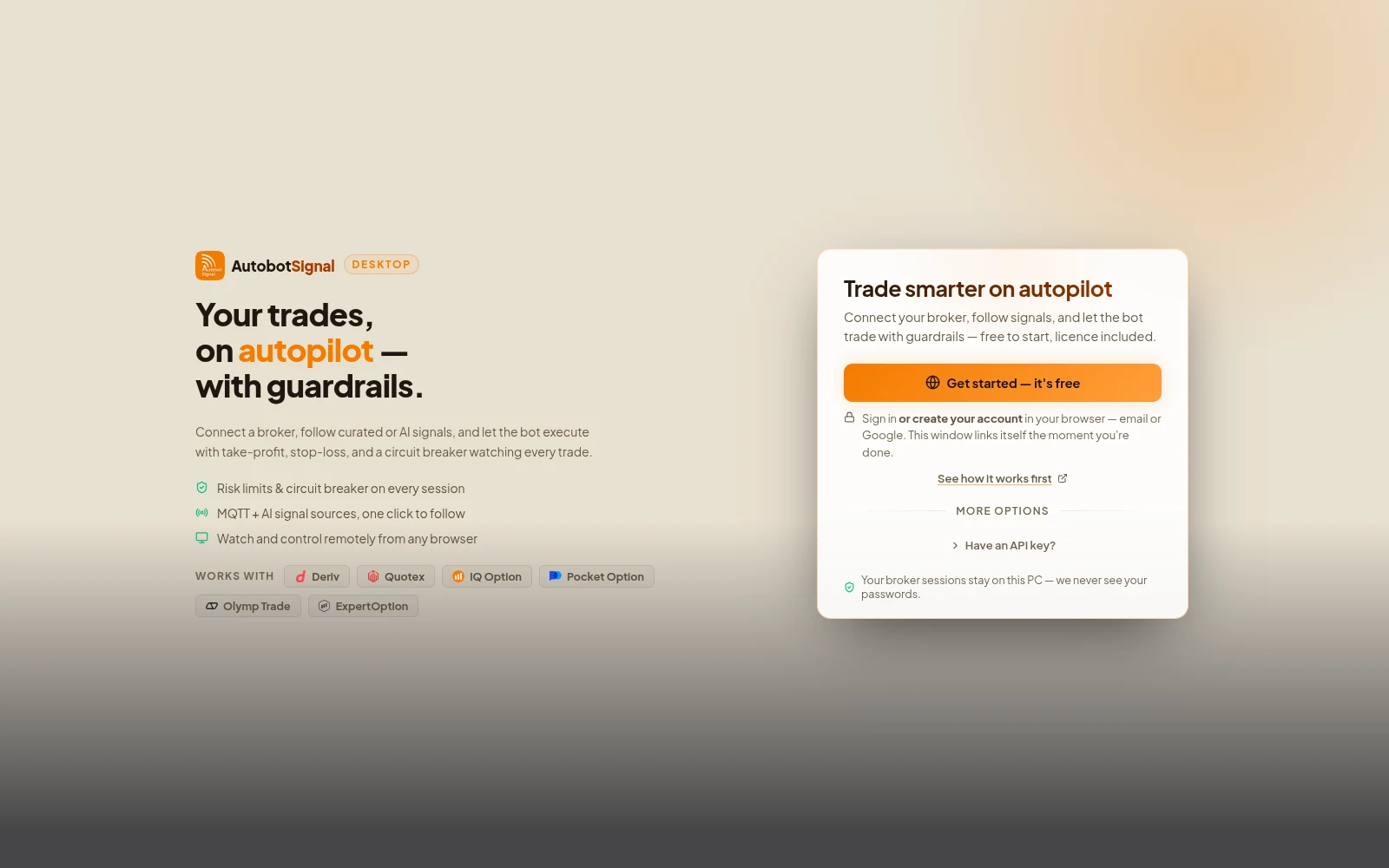
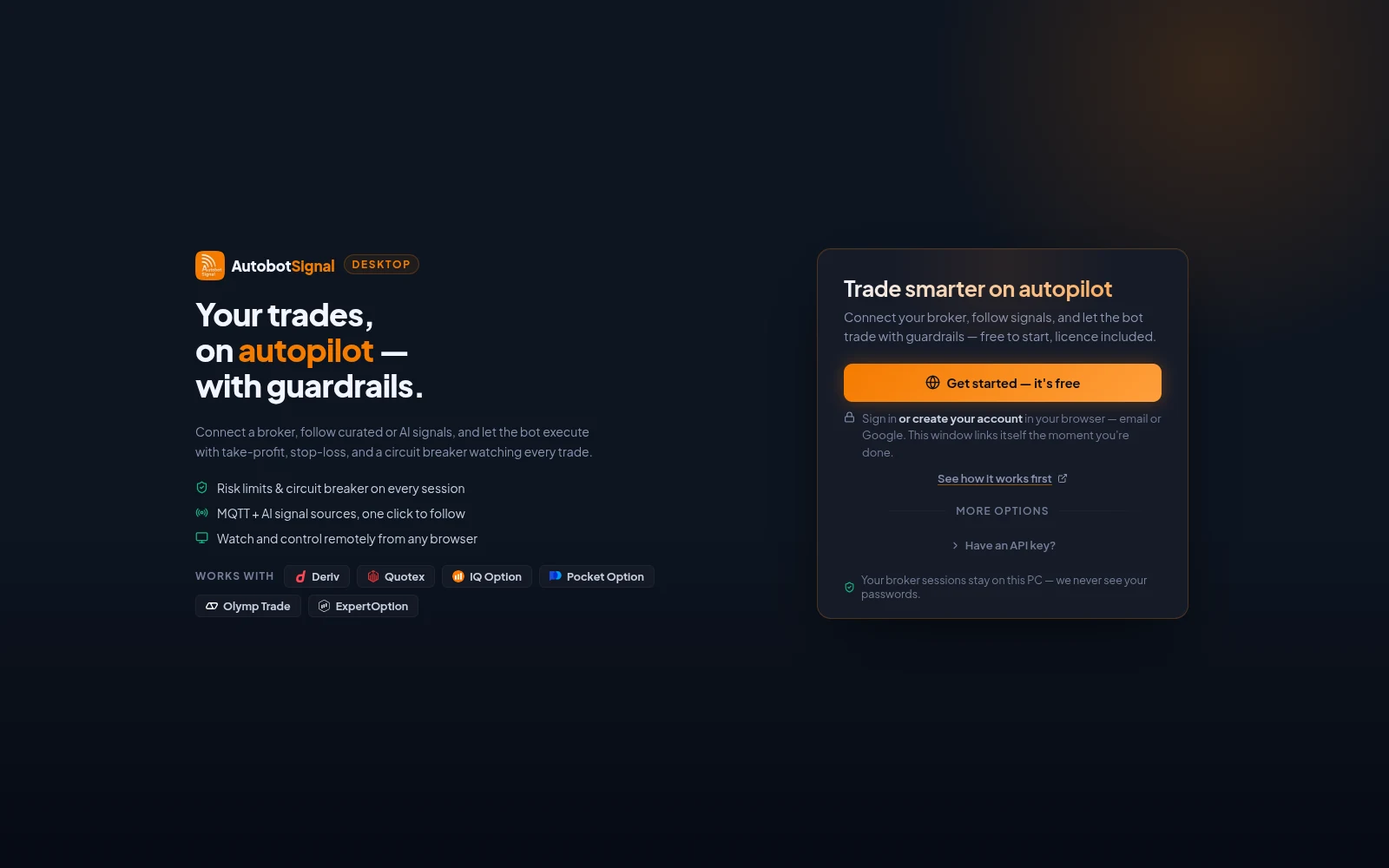
The desktop app after installing: Get started creates or signs in to your account in the browser, and the window links itself when you are done. - 3
Connect Olymp Trade
In the app open Brokers, choose Olymp Trade, and sign in with your Olymp Trade email and password. No API keys are required. The session is created on your device.
- Pick demo or real before starting a session
- Your broker credentials stay on your machine
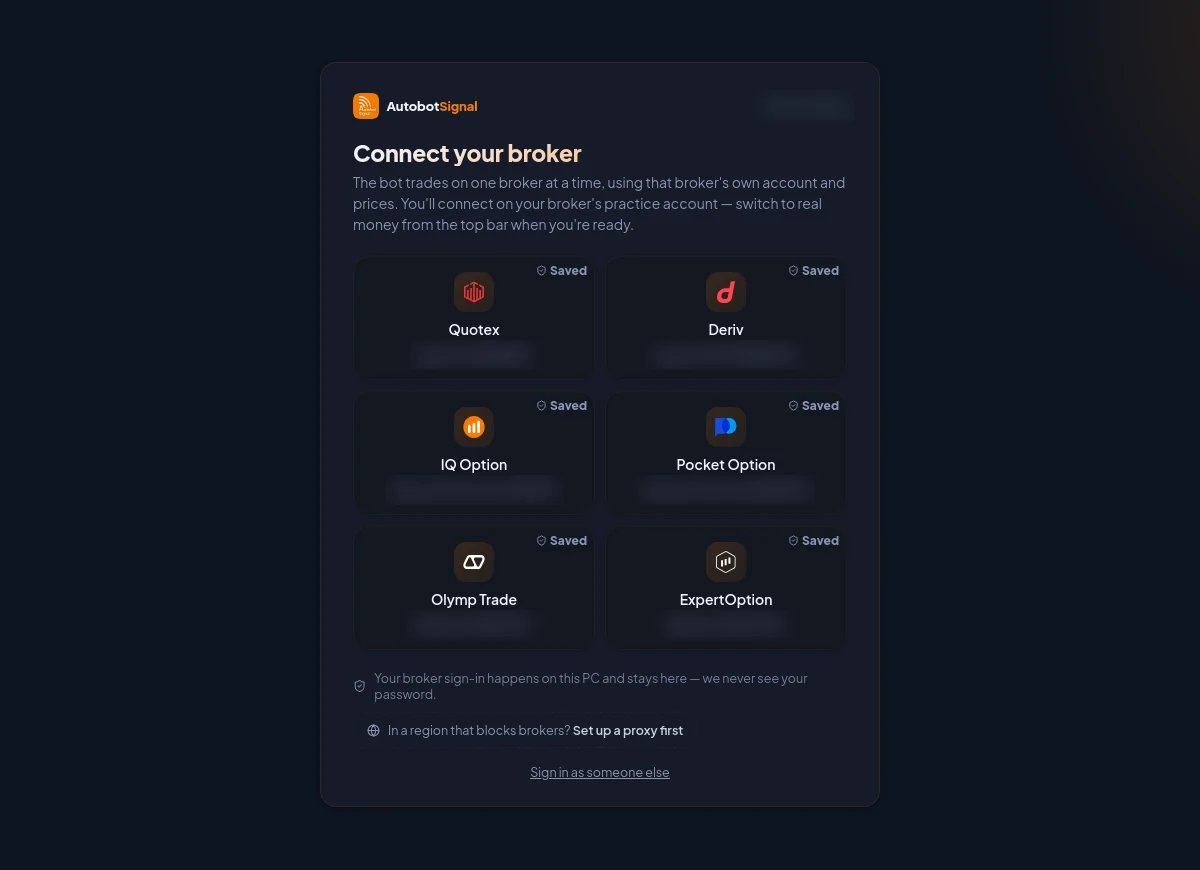
Pick the broker, connect on its practice account first, and switch to real money from the top bar only when you are ready. - 4
Choose a signal source
Connect an AI agent, a Telegram channel, a TradingView or MetaTrader alert, or follow a trader with Copy Trade. This is what decides when to enter.
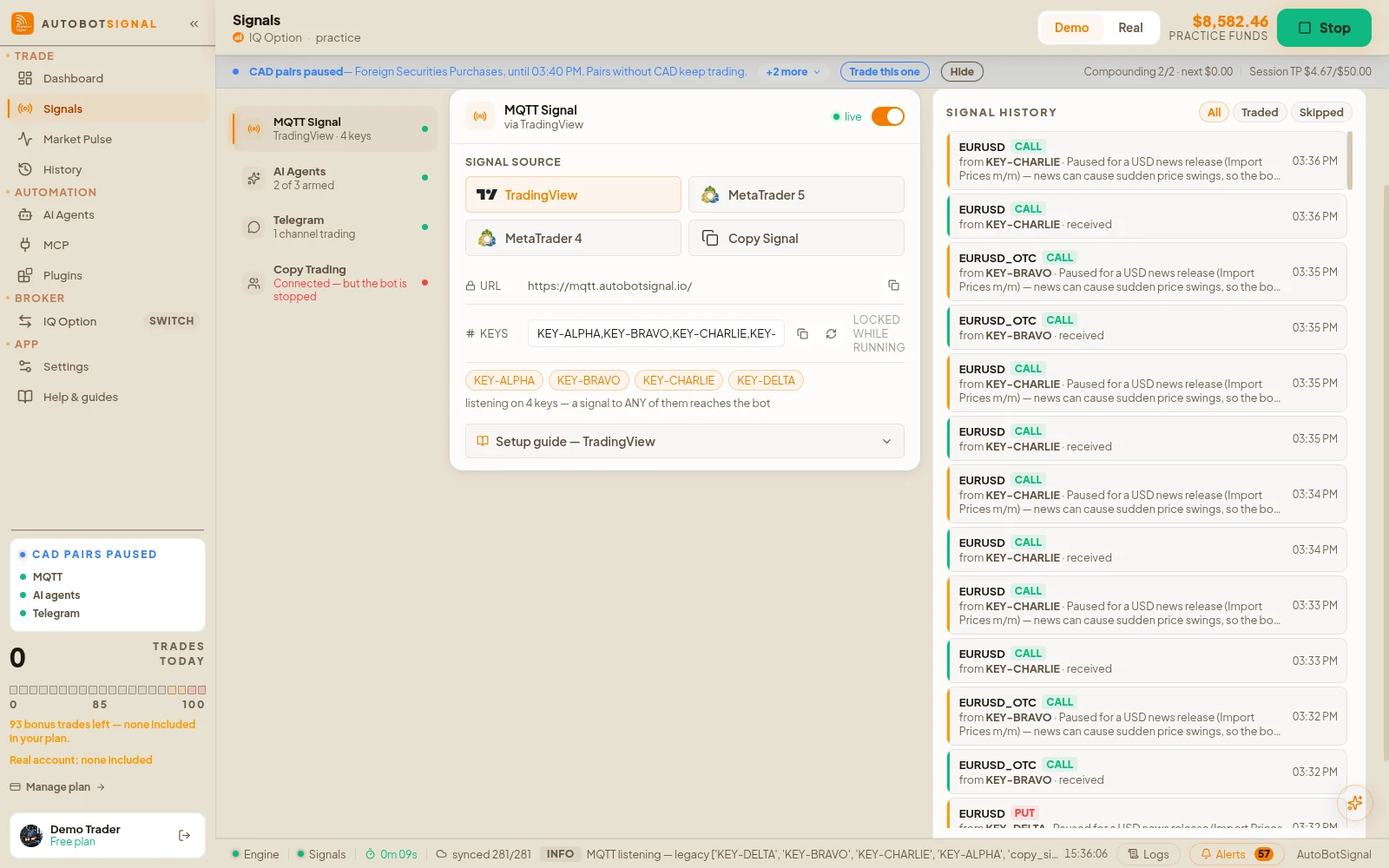
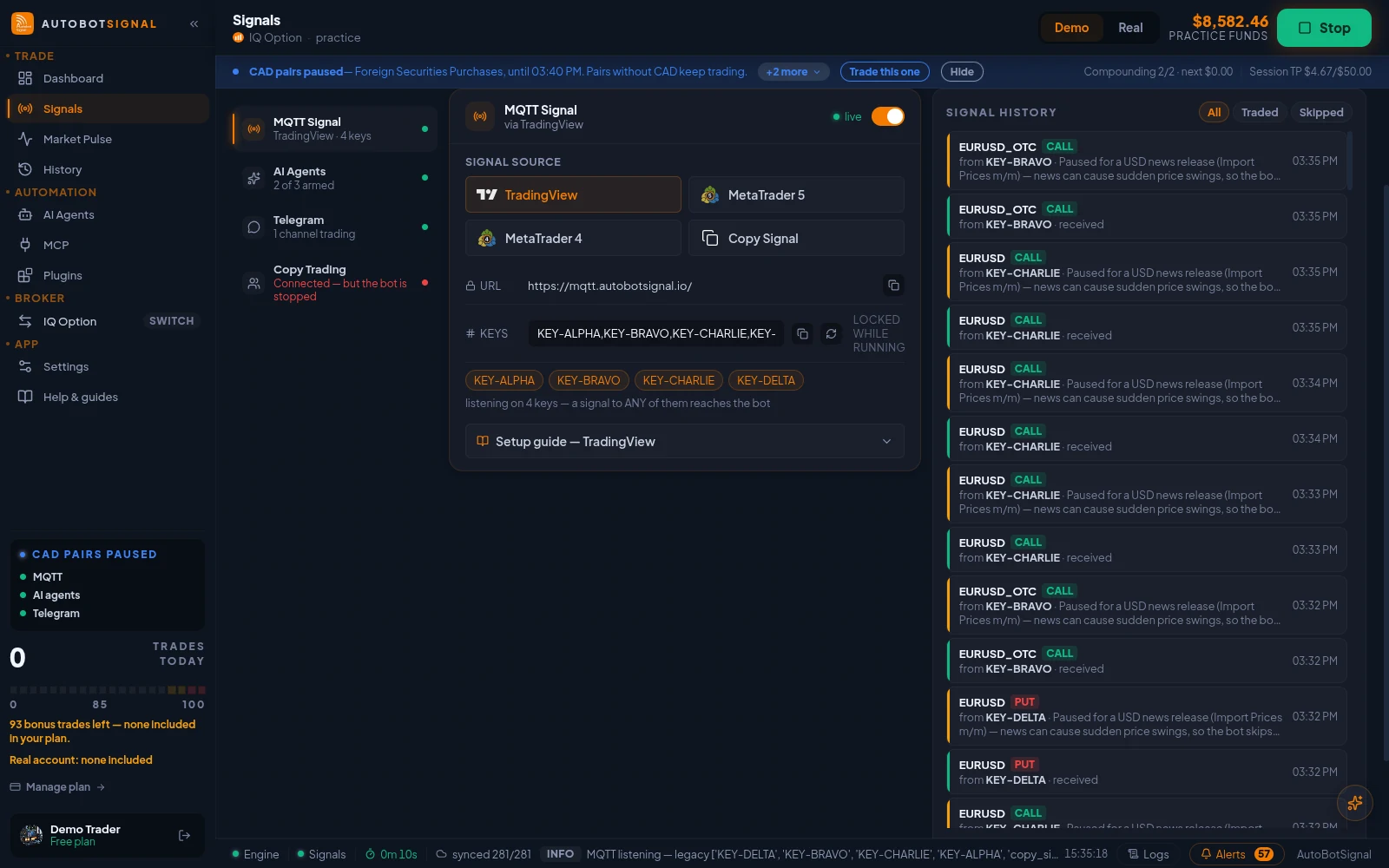
Signals → Sources → MQTT Signal: the webhook URL, your signal keys, and the TradingView, MetaTrader 5, MetaTrader 4 and Copy Signal senders. - 5
Set your rules and start
Configure stake, expiry, daily trade cap and stop-loss/take-profit, then arm the session. Every incoming signal is checked against your rules before it executes.
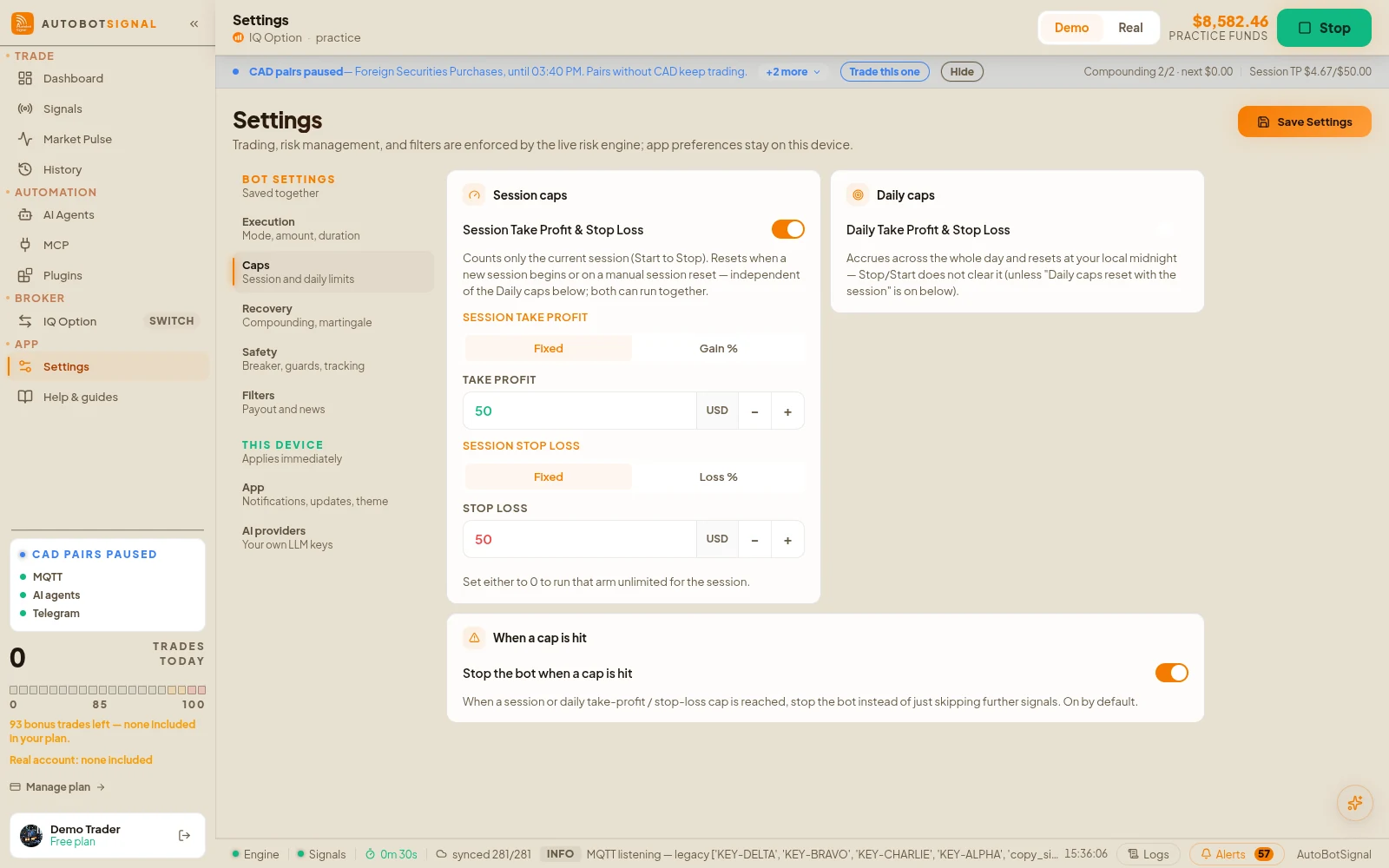
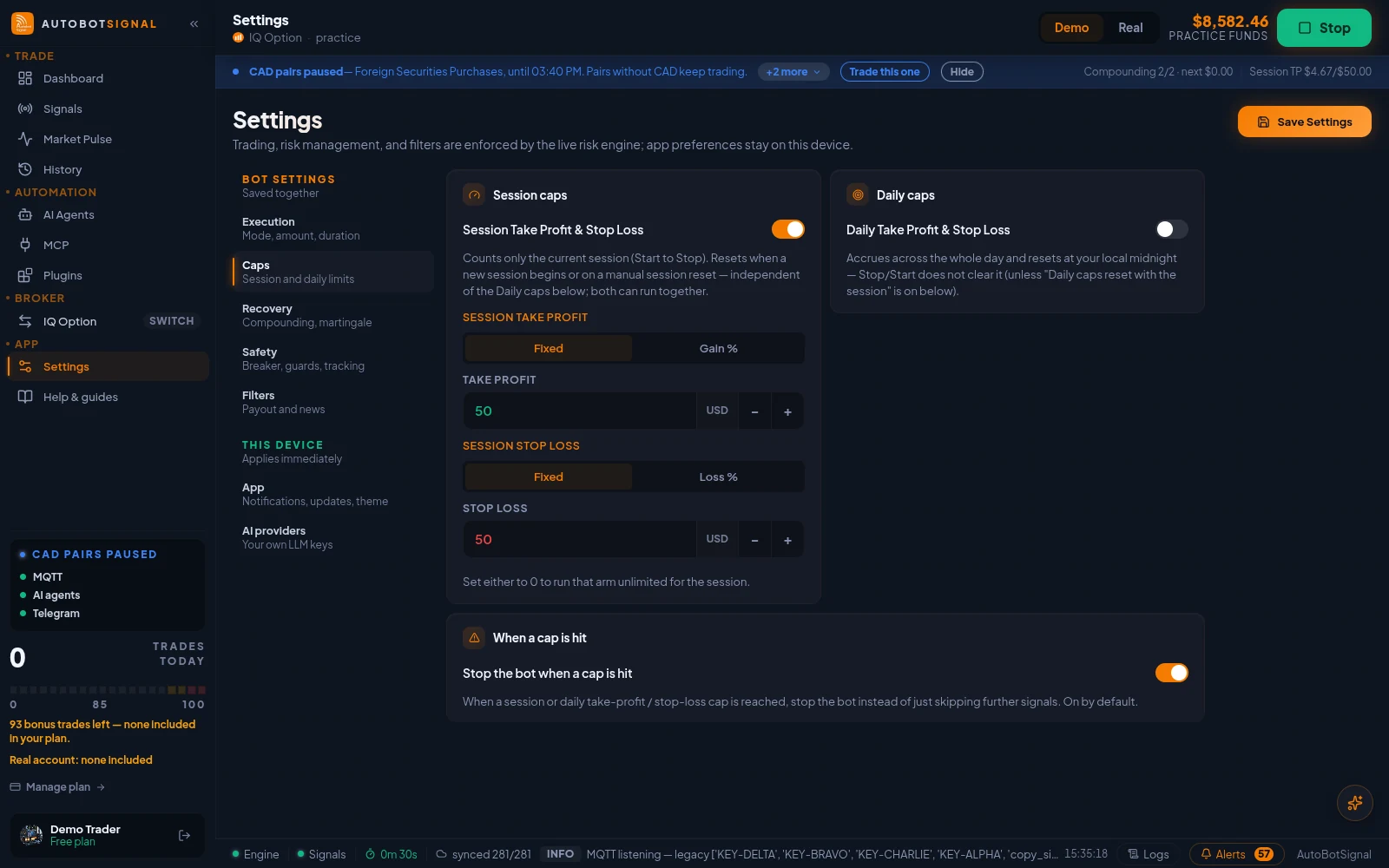
Settings → Caps: session take-profit and stop-loss, daily caps, and whether the bot stops when a cap is hit.
Start on a demo account. Automated trading can lose money, and no win rate or profit is guaranteed — you are responsible for the rules you configure.
AI trading signals that drive the Olymp Trade bot
Any of four sources can drive the bot. Whatever you pick, the signal passes through your rules before it reaches Olymp Trade.
AutobotSignal AI
Built-in agents
Telegram
Your own channels
TradingView / MT4-5
Webhook or EA alert
Copy Trade
Follow another trader
Your rules
stake · expiry · caps
Olymp Trade
Order placed on the exact instrument the signal named, on the account mode you armed.
What the Olymp Trade automated trading bot gives you
Four signal sources
Trade from AI signals, Telegram channels, TradingView or MetaTrader alerts, and Copy Trade — or combine them.
Your timing and risk rules
Set stake, expiry, martingale limits, daily caps and session stop-loss/take-profit. The app enforces them on every trade.
Demo or real
Choose the account mode before a session starts. Demo behaves exactly like real, so you can validate a strategy first.
Exact asset routing
OTC and non-OTC instruments are never mixed, so a signal always executes on the instrument it was meant for.
Full trade journal
Every entry, exit and settlement is recorded with its source, so you can audit what the bot did and why.
Runs on your machine
The desktop app holds the broker session locally and executes trades directly — no third party takes custody of funds.
Fixed Time is the mode the bot trades
Olymp Trade ships several modes — Fixed Time, Forex, Stocks, Flex and Quickler. Automation targets Fixed Time contracts, so your signal's expiry maps onto a contract the broker actually offers.
Account tiers change your ceiling, not your rules
Olymp Trade gates maximum trade size by deposit tier at the $10, $500 and $2,000 thresholds. Set your stake below your tier's ceiling and the app will never submit an order the broker would reject.
What Olymp Trade lets you trade
Instruments AutobotSignal can route a signal to. Availability varies by account and region — the broker's live list is authoritative.
Forex
- EUR/USD
- GBP/USD
- USD/JPY
- AUD/USD
- USD/CAD
- USD/CHF
- NZD/USD
Commodities
- Gold
- Silver
- Brent
- Natural Gas
Stocks
- Apple
- Tesla
- Amazon
- Alibaba
Indices
- S&P 500
- Dow Jones
- DAX
Crypto
- BTC/USD
- ETH/USD
OTC — open at weekends
- EUR/USD
- AUD/USD
- GBP/USD
- Gold
- NZD/USD
- USD/CAD
- USD/CHF
- USD/JPY
By hand versus automated on Olymp Trade
This is about discipline and record-keeping, not about winning more. A bot does exactly what you told it to, every time, and writes down what it did.
What traders say about the bot
“I was searching for such technology for months and I found Autobot Signal website. I went through the documentation on their website and it was well explained and i purchased the monthly plan. I needed a support for installation just after a i purchased it, I sent them message on their telegram group and I got quickest response i ever had in my life from any tech company they connected with me remotely and solved my issue in matter of minutes. I was impressed and i told them that they have a customer for life. Really awesome experience. I recommend this company for all trading individuals and groups.”
 Lokesh Patil · IndiaMay 2024 · on Trustpilot
“Got feedback from friends regarding the IQoption. Since my husband has over month, very good results, why not try to double the gain with both admin signal and his trading view strategies. Very Helpful program. Hats off to the admin.”
 Arielle Cadinouche · MauritiusFeb 2023 · on Trustpilot
“The website is very great to use. I recommend purchasing a VPS server in order to create a stress-free situation to allow the bot to run 24/7. Great product!”
 Demetrick Heard · United StatesJun 2024 · on Trustpilot
“This is truly an amazing Autobot. Made $298 on my first day trading on a demo account ! Follow the steps Joe takes you through, take your time, then you'll definitely see results. Try not to over complicate the process and take time to learn and then the results will follow, that's just my opinion ! Awesome ! looking forward to the future ! This could change things for you !”
 Joe, Director of Juicy Gems Inv · United KingdomDec 2022 · on Trustpilot
“Their software allows you to make automated binary option trades on various platforms using signals from Trading View or MT4/MT5.”
 Martin Ondiek Owaga · Kenya2025 · on Trustpilot
“It is a very easy and simple application. An application suitable for beginners and those who do not want to spend much time in front of the screen. It supports multiple brokers. If you have a strategy, you can send it as a signal via Tradingview. If you want to automate your processes, this application is for you. I recommend the application to everyone.”
 Ali Qehremanov · Azerbaijan2022 · on Trustpilot
“Amazing! Very good bot with excellent signals.i have been using it since quite a lot of time now and have not faced any issues like downtime etc. The bot has a great algorithm for signals with works very well. Highly recommend it.”
 Mubashir Ali · United Kingdom2022 · on Trustpilot
“Excellent💯. Amazing Customer Service. They replied to any questions and i asked and help me Sort out my issues. Great Team. Recommended the bot is amazing👍”
 Tahir Khan · Saudi Arabia2024 · on Trustpilot
“It's pretty good. I'm gonna stick to it longer. Happy with the results so far.”
 Adammaxie Lifestyle · Malaysia2023 · on Trustpilot
Swipe to read all 9 reviews →
Real reviews, quoted verbatim — read all of them on Trustpilot →
Olymp Trade trading bot — frequently asked questions
Fixed Time. Olymp Trade also offers Forex, Stocks, Flex and the 5-second Quickler mode, but automation targets Fixed Time contracts so your signal's expiry maps onto a contract the broker actually offers.
Ready to automate Olymp Trade?
Create an account, install the desktop app, and start a 7-day free trial to run your first session on demo.