MetaTrader trading bot · automation
MetaTrader trading bot — automate MT4 and MT5 signals on any broker
Run your MT4 or MT5 indicators as usual and let the AutoBotSignal Connector forward their signals to AutobotSignal, which executes them on your connected broker.
Works with MetaTrader 4 (.ex4) and MetaTrader 5 (.ex5)
Send MetaTrader signals to AutobotSignal
The AutoBotSignal Connector is an expert advisor that watches your chart and forwards signals to the desktop app.
- 1
Download the AutoBotSignal Connector
Download it above — there are two builds, one for MetaTrader 4 (.ex4) and one for MetaTrader 5 (.ex5). Each is a zip containing a single connector file. Choose the one matching your platform and unzip it.
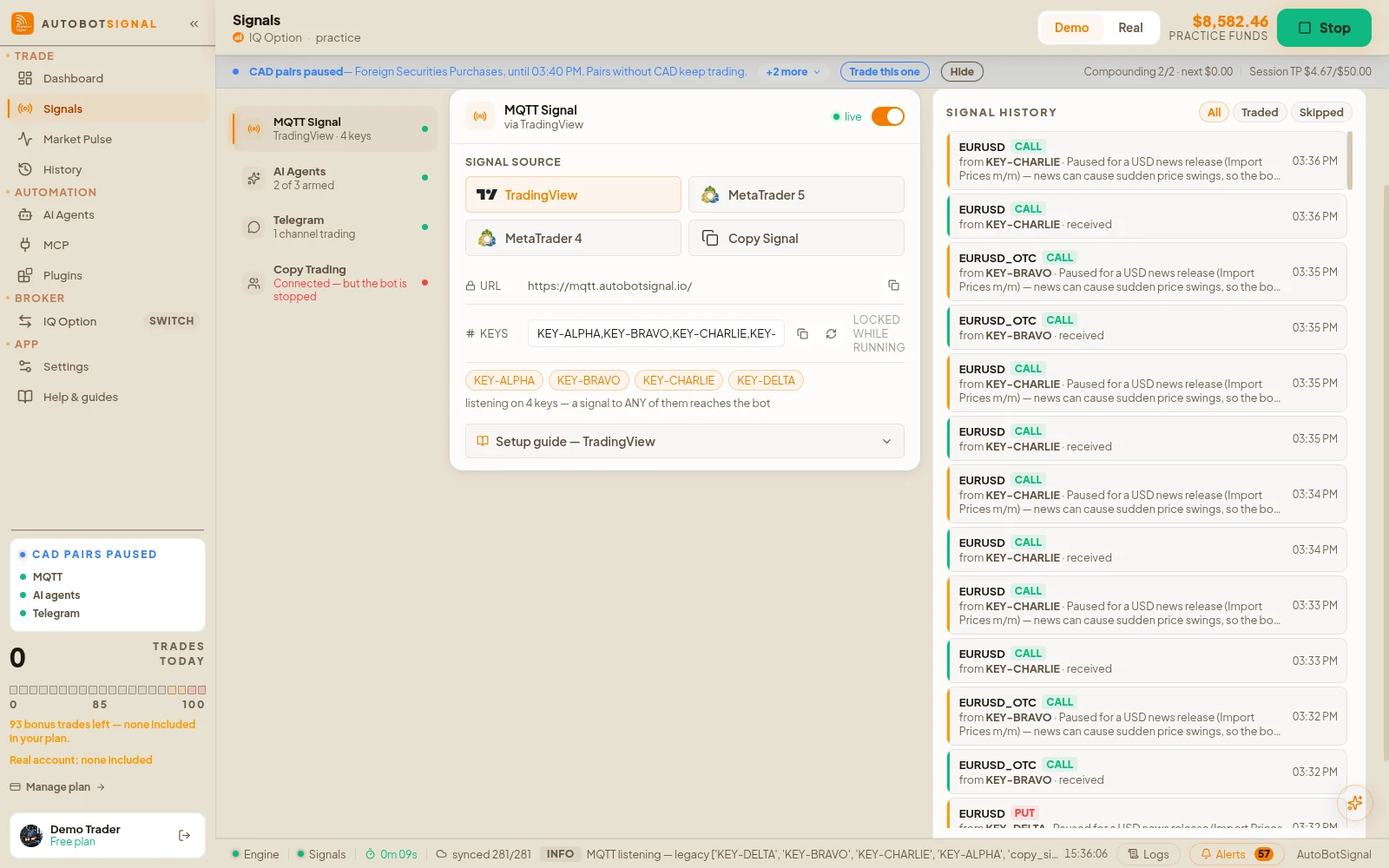
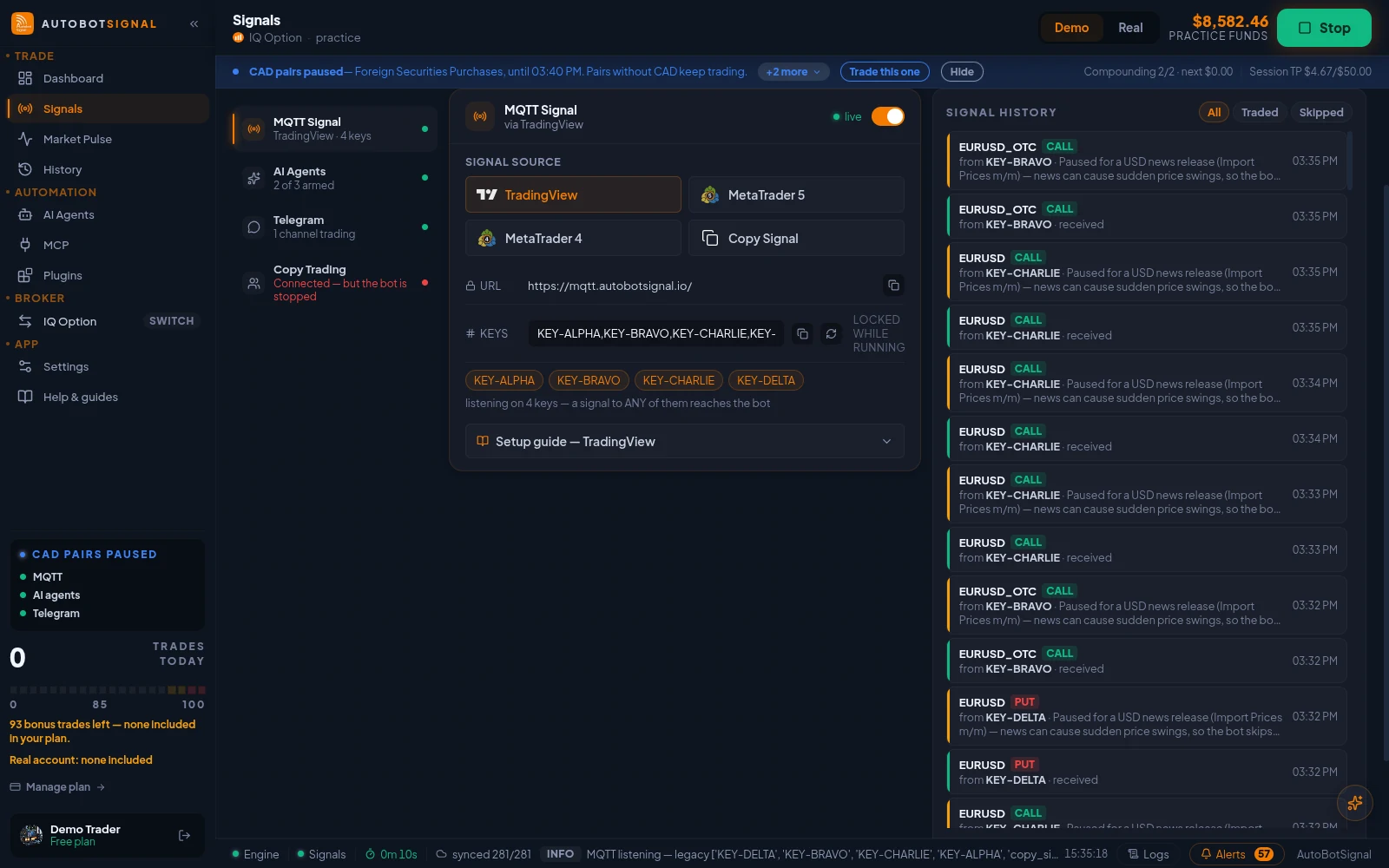
Signals → Sources → MQTT Signal: pick MetaTrader 5 or MetaTrader 4 to see the connector download and the key it needs. - 2
Place it in the Experts folder
In MetaTrader open File → Open Data Folder, then go to MQL4 (or MQL5) → Experts and copy the connector file in. Restart MetaTrader so it appears in the Navigator.
- 3
Allow automated trading and WebRequest
In Tools → Options → Expert Advisors, enable algorithmic trading and allow WebRequest for the AutobotSignal endpoint shown in the desktop app.
- 4
Attach the connector to a chart
Drag AutoBotSignal Connector from the Navigator onto the chart you want to trade, then enter your signal key from the desktop app in the inputs.
- One chart per instrument you want to signal from
- Confirm the smiley face shows the EA is active
- 5
Test, then arm
Let your indicator fire once and confirm the signal arrives in the desktop app. When it parses correctly, connect a broker, set your limits and arm the session.
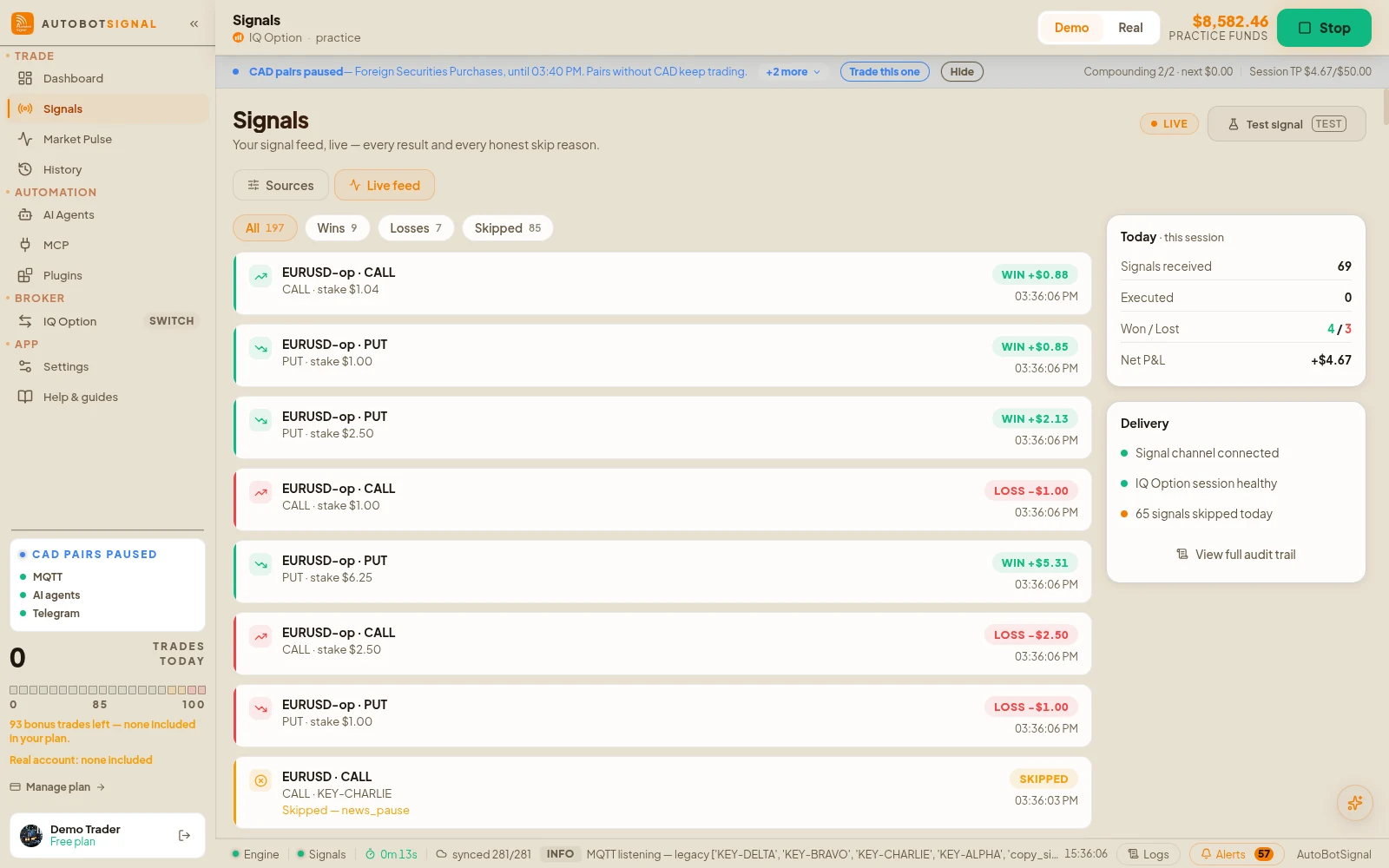
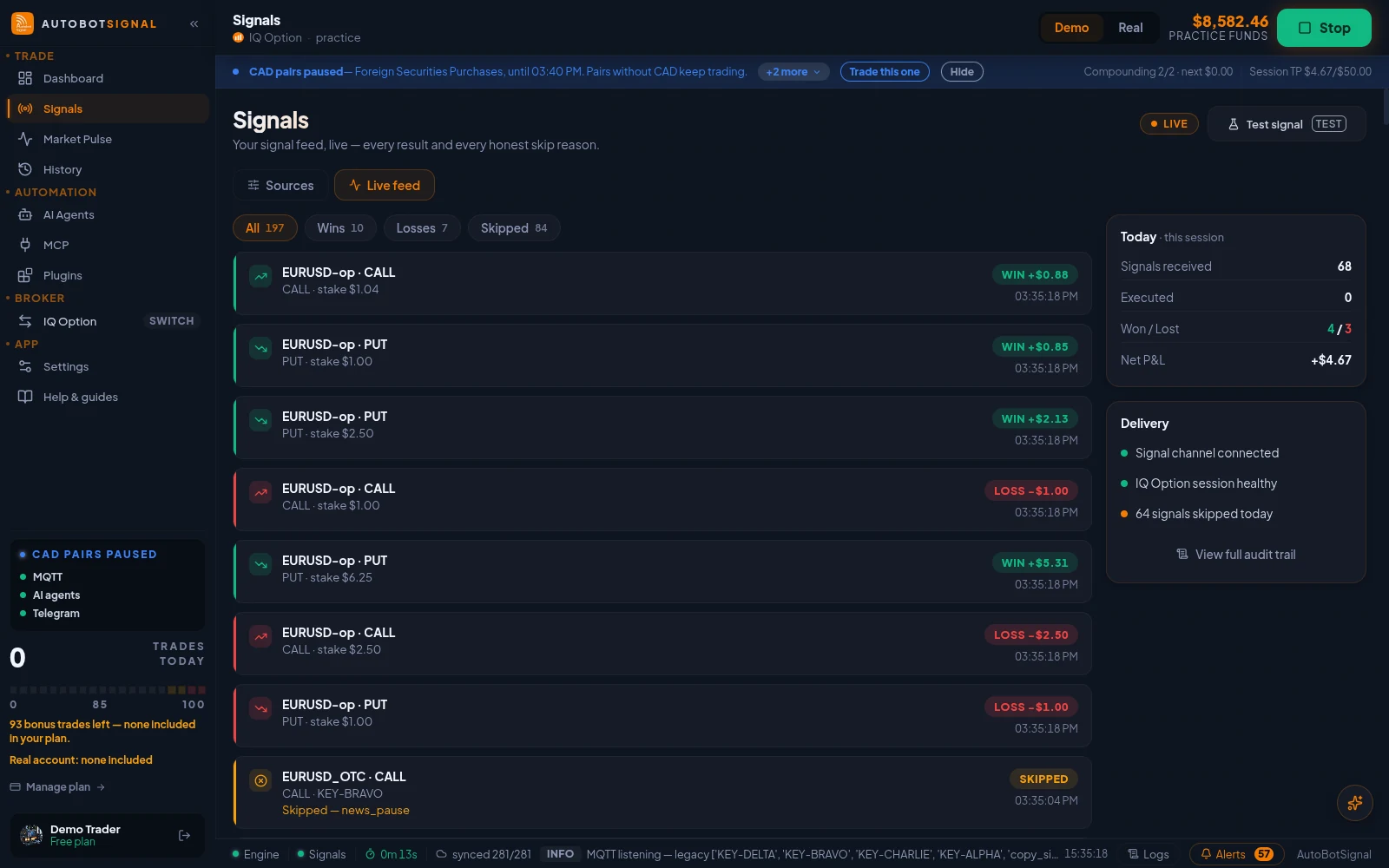
Signals → Live feed: every signal as it arrives, traded or skipped with the reason.
What this needs
MetaTrader
MT4 or MT5
Desktop terminal, not the mobile app
Connector EA
Free download
MT4 (.ex4) and MT5 (.ex5) builds
AutoTrading
Enabled
Tools → Options → Expert Advisors
Desktop app
Running + online
When MetaTrader signals do not arrive
The smiley face on the chart is sad, or there is no smiley at all
- Why
- AutoTrading is off, or the EA is not actually attached to the chart.
- Fix
- Enable AutoTrading in the toolbar, then confirm the connector appears in the top-right of the chart with a smiling face.
The EA runs but nothing reaches AutobotSignal
- Why
- The signal key entered in the EA inputs does not match the one in the desktop app, or WebRequest is not permitted for the endpoint.
- Fix
- Re-copy the key from the app, and allow the endpoint under Tools → Options → Expert Advisors → Allow WebRequest for listed URL.
Signals fire on every tick
- Why
- The indicator condition is evaluated per tick rather than per closed bar.
- Fix
- Configure the connector to act on bar close so one setup produces one signal, not dozens.
Brokers a MetaTrader signal can trade on
MetaTrader supplies the signal; execution happens on whichever of these you connected.


Start on a demo account. Automated trading can lose money and no win rate or profit is guaranteed — you are responsible for the rules you configure.
Questions
No. MetaTrader is only the signal source — trades execute on whichever broker you connect in AutobotSignal. Many users run MT5 on a demo server purely for charting.
Bridge MetaTrader to your broker
Download the connector, attach it to a chart, and forward your indicator signals automatically.