Telegram signal bot · automation
Telegram signal bot — trade channel signals automatically
Connect your own Telegram account, choose the channels you follow, and let AutobotSignal turn clear text signals into trades. Your broker, your stake, your limits.
Unclear messages are skipped rather than guessed
Connect Telegram signals
Sign in with your own Telegram account, choose the rooms you trust, and preview how messages are parsed before anything goes live.
- 1
Sign in with your Telegram account
Open the desktop app, go to Signals → Telegram, and sign in with your own Telegram account using your phone number, the Telegram code, and your two-factor password if you have one.
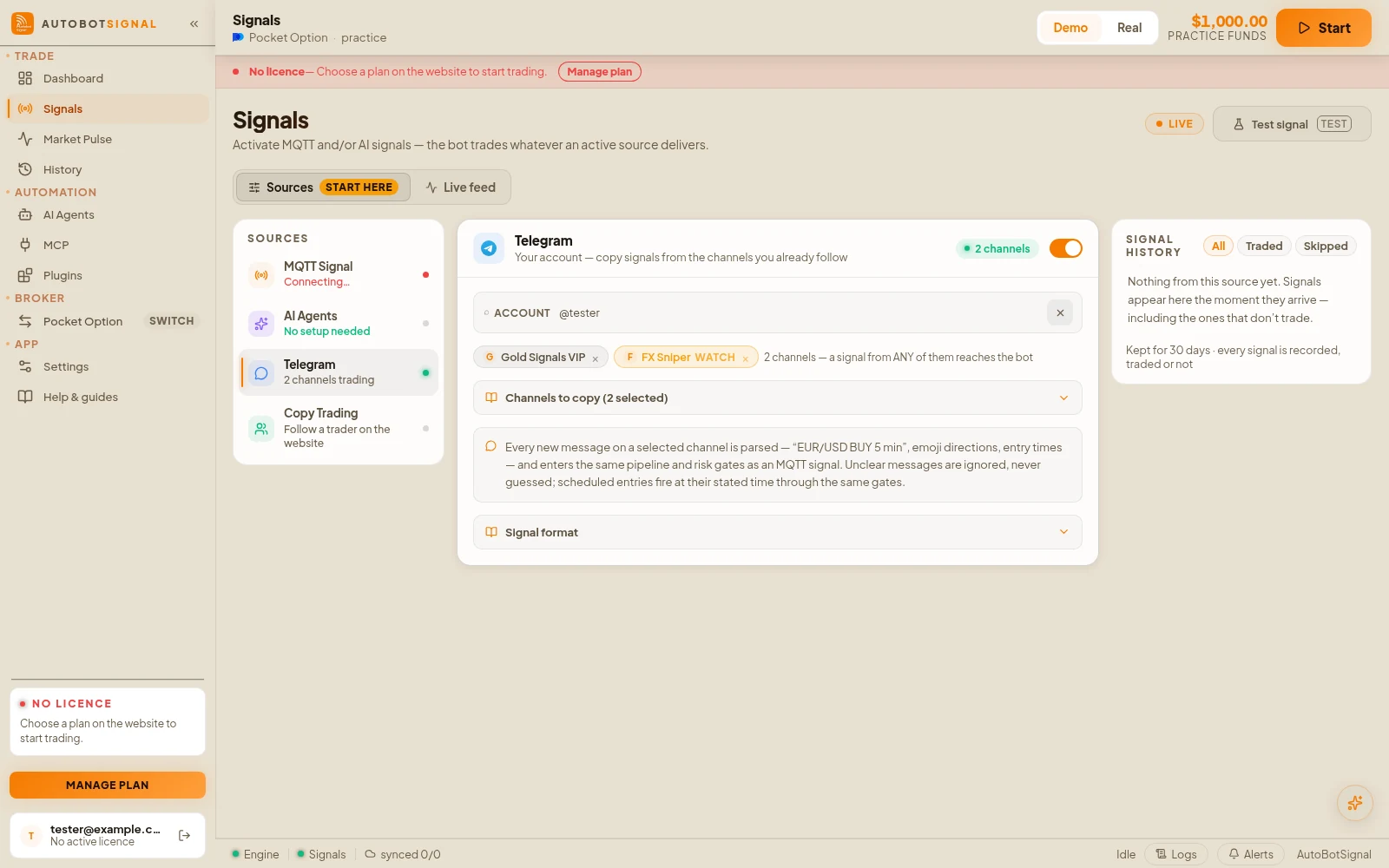
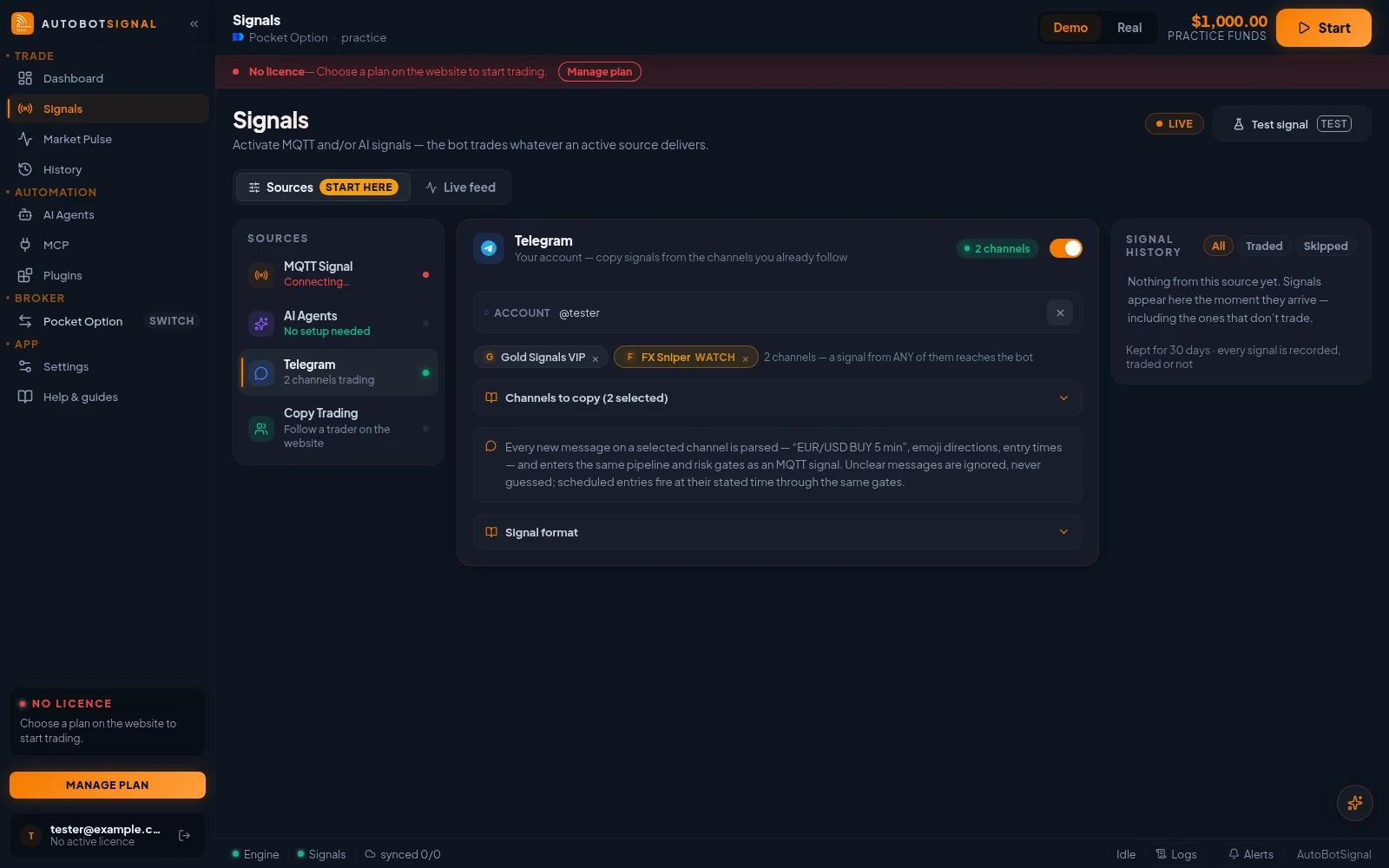
Signals → Sources → Telegram: your connected account and the channels being copied. - 2
Choose the channels to monitor
Search your channels and groups, select the signal rooms you trust, then save. AutobotSignal only monitors the channels you pick.
- 3
Test a message before going live
Paste a sample signal from your channel — for example “EUR/USD BUY 5 min”. The parser preview shows whether it will trade, and which symbol, direction and expiry it detected.
- Clear messages show “Will trade” with the parsed details
- Ambiguous messages are skipped instead of guessed
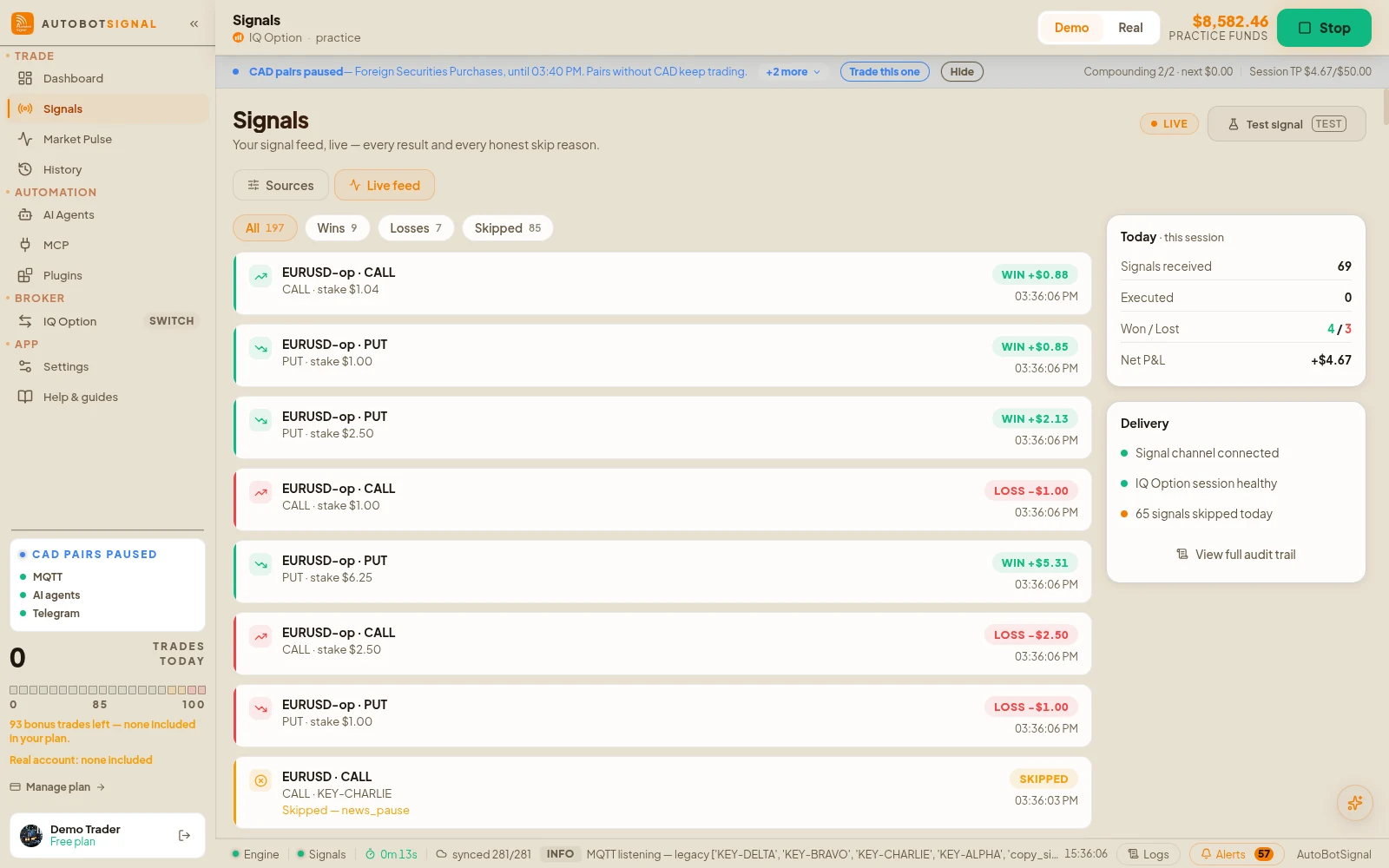
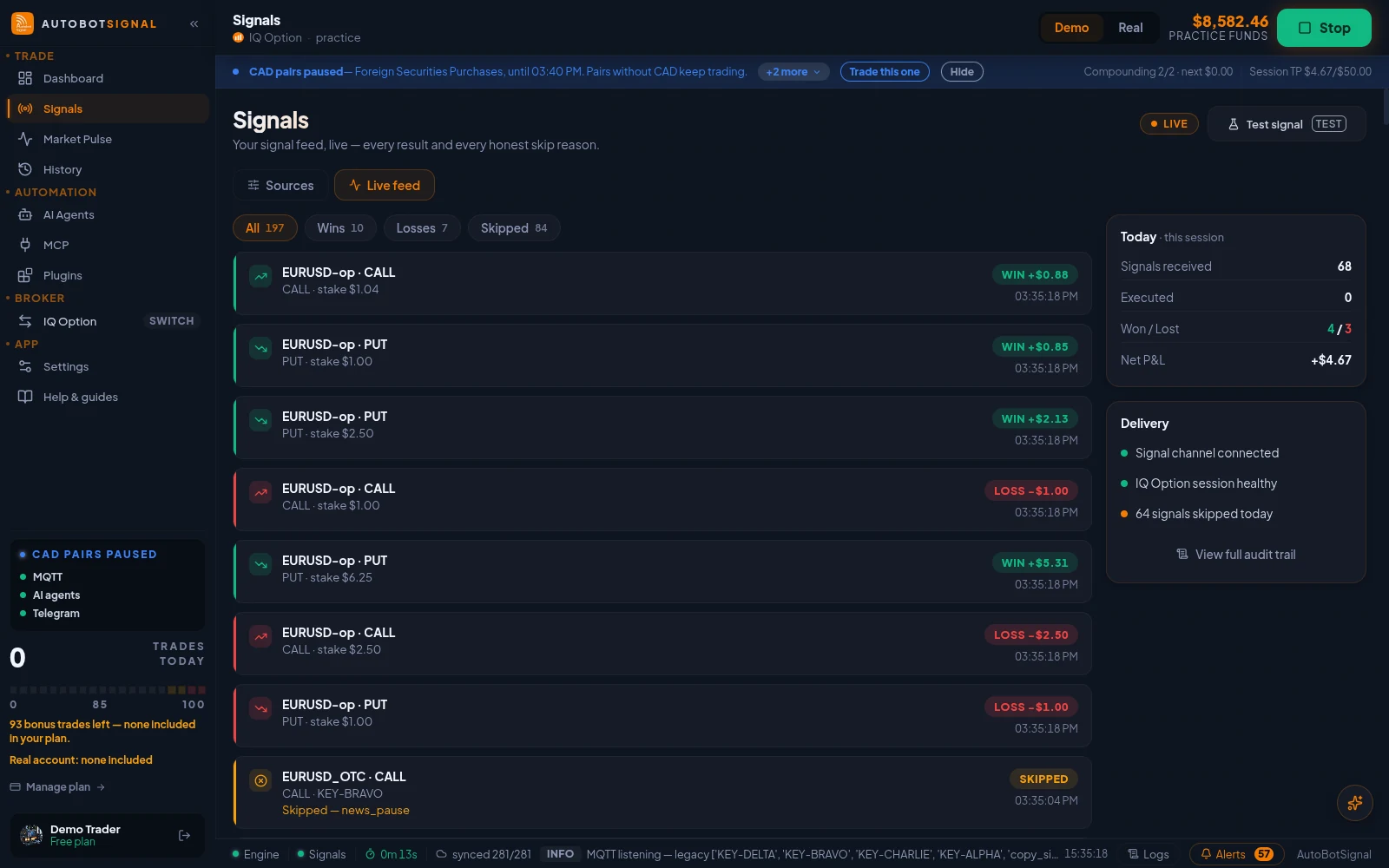
Signals → Live feed: every signal as it arrives, traded or skipped with the reason. - 4
Set your rules and arm
Connect a broker, set stake, expiry, daily cap and stop-loss/take-profit, then arm the session. Every parsed signal is checked against your rules first.
What this needs
Telegram account
Your own
The app reads channels you already joined
Channel access
Member
It cannot read a channel you are not in
Desktop app
Running + online
Message format
Parsed
Ambiguous messages are skipped, not guessed
What a signal message can look like
There is no required format. A message is read when it names an instrument and a direction — everything else is optional, and the wording can be whatever your provider already uses.
EUR/USD BUY 5 min
USDJPY sell M5
USD/DZD OTC ⬇️ 1 min
XAU/USD CALL 60s
GOLD ⬆️ entry 14:30
V75 BUY 5min
Boom 1000 SELL 1min

🎣 USD DZD OTC     ← no direction yet, so this one is held
🏆 1mint              and trades only when the arrow arrives
How to say the direction
A direction can be a word or an arrow, in the message or in a sticker. Some symbols are deliberately not read as a direction, because signal channels use them to mean something else entirely.
Read as BUY
- buy · call · up · higher · long · bull · bullish
- ⬆️ 🔼 📈 🔺 🆙 ☝ 👆
- 🐂 — the bull
Read as SELL
- sell · put · down · lower · short · bear · bearish
- ⬇️ 🔽 📉 🔻 👇
- 🐻 — the bear
Never read as a direction
- ❤️ and 💚 — channels send hearts to applaud a win, not to place a trade
- ✅ and ❌ — these mark whether the last trade won or lost
- 🟢 🔴 🟥 — a red or green light usually means the result, not the direction
- The words “green” and “red” — same reason: “EUR/USD closed red” is a result, not a sell
- A message using only these is skipped, so a results post can never open a position
Not read at all
- Pictures with words on them — a graphic that says CALL is not text, and is not read
- Voice notes, videos and forwarded screenshots
- Edits — a message changed after posting is not re-read
- A sticker counts only when its own emoji is a direction
When the direction arrives in a second message
Many channels post the pair first and the arrow a moment later. That works — the pair is held briefly and completed when the direction lands.
- 1
The pair, then the direction
A message naming the instrument is held for up to two minutes while the app waits for a direction. When an arrow or a CALL/PUT sticker arrives on the same channel, the two are read together as one signal.
- Nothing is traded until both halves are in
- If no direction arrives, the setup expires and the app says so
- A newer setup replaces an older one still waiting
- 2
If your channel decorates its setups
Some channels start the setup line with a chart or arrow emoji purely as decoration, which reads as a direction. Tick “The direction comes in its own message” on that channel so the decoration is ignored and only the real arrow counts.
- Use it when the setup line has 📈 or similar but the direction follows separately
- Leave it off for channels that say everything in one message
- 3
If your channel names an entry time
A clock time like “entry 14:30” means the trade is held until that time and then checked against your rules. If your channel stamps the time on every post and you would rather trade as soon as the signal lands, tick “Trade as soon as it arrives” on that channel.
When a Telegram signal does not trade
Messages appear in Telegram but not in the app
- Why
- The channel is not selected in the app, or your Telegram session there has expired.
- Fix
- Re-open Signals → Telegram, confirm the channel is ticked, and re-authenticate if prompted.
Some messages trade and others are ignored
- Why
- The parser skips anything it cannot read unambiguously. A message missing a direction, an instrument or an expiry is deliberately not guessed at.
- Fix
- Use the parser preview to see how a given message is read. If a provider posts in an unusual format, that is a provider problem rather than a settings one.
It traded the wrong instrument
- Why
- The channel named an instrument your broker lists under a different name, or an OTC variant was meant.
- Fix
- Check the journal entry — it records the raw message next to what was parsed, so you can see exactly how it was read.
Signals arrive late
- Why
- Some channels post an image rather than text, or edit a message after posting. Only text is parsed, and edits are not re-read.
- Fix
- Prefer channels that post plain-text signals at the moment of entry.
The trade waits a minute or two before it opens
- Why
- Either the channel named an entry time, or your execution mode is set to start on the next candle rather than on arrival. Both are deliberate waits, and the app now says which one is holding the trade.
- Fix
- Check Settings → Signal execution: “Market” enters as soon as the signal arrives. For a channel that stamps a time on every post, tick “Trade as soon as it arrives” on that channel.
The pair arrives but nothing trades until the arrow
- Why
- That is the intended behaviour for channels that split a signal across two messages. The setup is held for up to two minutes waiting for its direction.
- Fix
- Nothing to change. If the direction never arrives, the app records that the setup expired, so it reads as a lost signal rather than silence.
A channel that used to trade has gone quiet
- Why
- Its direction marker may be one that is no longer read as a direction — a green or red light, a tick, a heart, or the words “green” and “red”. Channels use all of those to announce how the last trade went, so they are skipped rather than risked.
- Fix
- Check how that channel writes its direction. Providers that use an arrow, a bull or bear, or a word like buy, call, sell or put work as before.
Brokers a Telegram signal can trade on


Start on a demo account. Automated trading can lose money and no win rate or profit is guaranteed — you are responsible for the rules you configure.
Questions
The app reads the channels you select using your own Telegram session, created on your own machine. It is not a bot added to the channel, only the channels you pick are monitored, and nobody else gains access to your account.
Turn your signal channels into trades
Connect Telegram in the desktop app and preview the parser before you arm a session.