Pocket Option OTC bot · automation
Pocket Option OTC bot — automated weekend trading
Pocket Option's _otc instruments run through the weekend at the broker's own prices. AutobotSignal automates them as distinct symbols — your signals, your risk rules, proven on the $50,000 demo first.
Works on the free $50,000 Pocket Option demo
Pocket Option OTC at a glance
Weekend OTC
Yes — 24/7
OTC assets
EUR/USD, GBP/USD, Gold, USD/JPY, AUD/CAD
_otc symbols
Practice account
$50,000 demo
Unlimited refills, no expiry
Signal sources
AI · Telegram · TradingView · MetaTrader
OTC instruments are routed on their own
Pocket Option's _otc instruments run through the weekend at prices that differ from the live market. AutobotSignal treats them as distinct symbols, so a signal never crosses from one to the other — a live EUR/USD signal waits for the live market, and an EUR/USD_otc signal trades the OTC market.
With OTC open 24/7, the trading bot will act on any signal your source fires at any hour. A schedule and a daily trade cap keep automated weekend trading inside the limits you chose on Friday afternoon.
How to set up the Pocket Option OTC bot
- 1
Connect Pocket Option
Install AutobotSignal for desktop and connect Pocket Option — start on the $50,000 practice balance with unlimited refills.
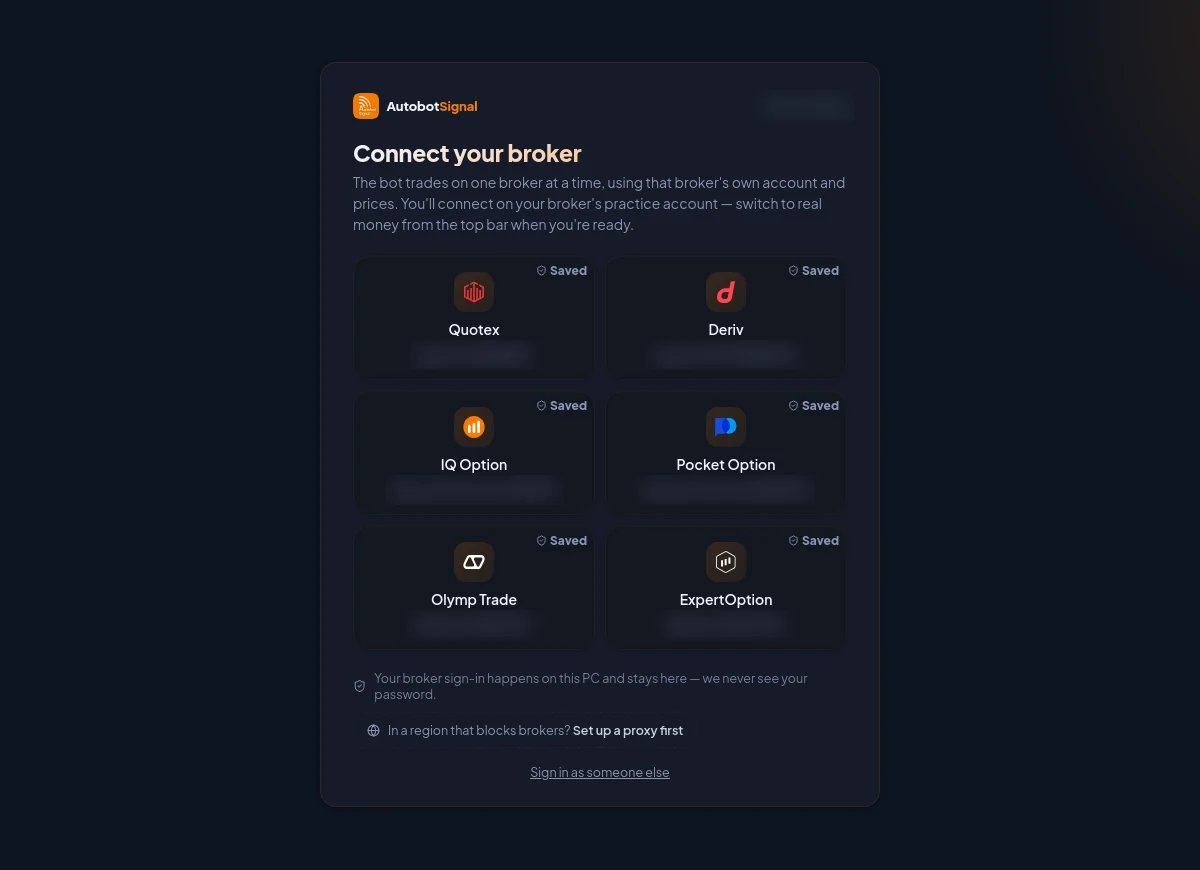
Pick the broker, connect on its practice account first, and switch to real money from the top bar only when you are ready. - 2
Choose your signal source
AI agents, Telegram channels, TradingView alerts or MetaTrader signals. Signals naming _otc assets trade the OTC market; live-asset signals never do.
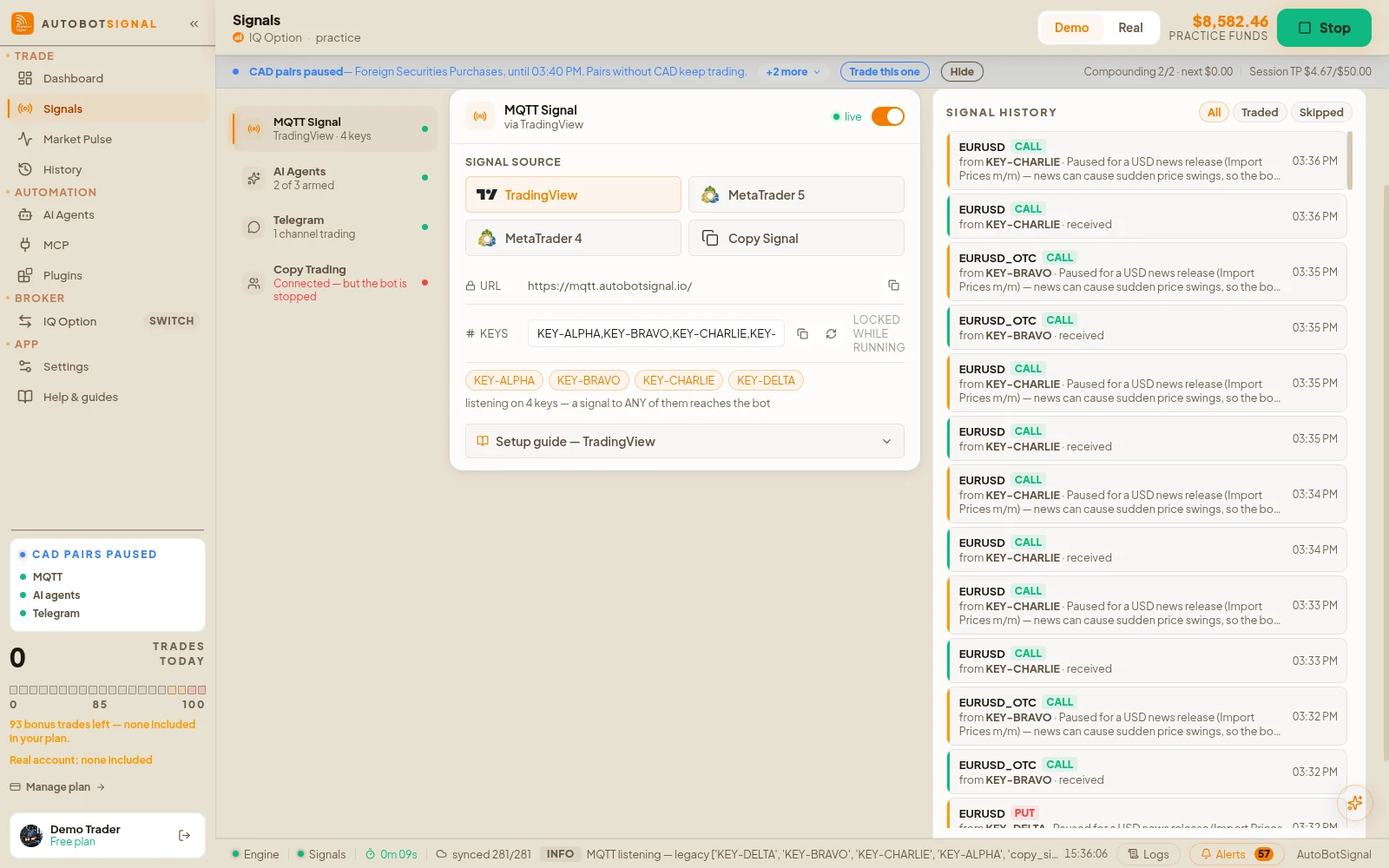
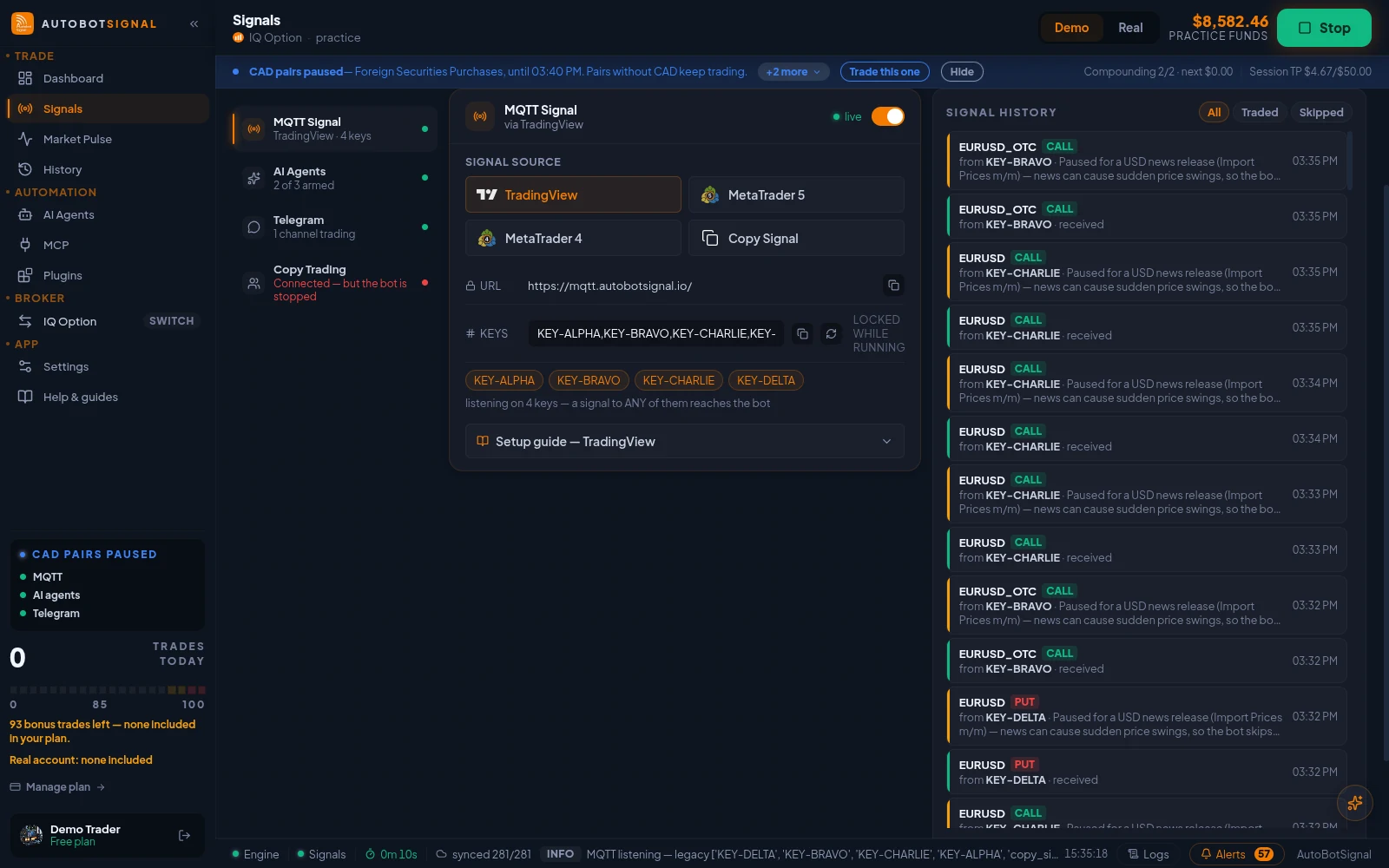
Signals → Sources → MQTT Signal: the webhook URL, your signal keys, and the TradingView, MetaTrader 5, MetaTrader 4 and Copy Signal senders. - 3
Set schedule and daily caps
Decide the hours and the maximum trades per day. A 24/7 market needs a brake you configured, not one you hope for.
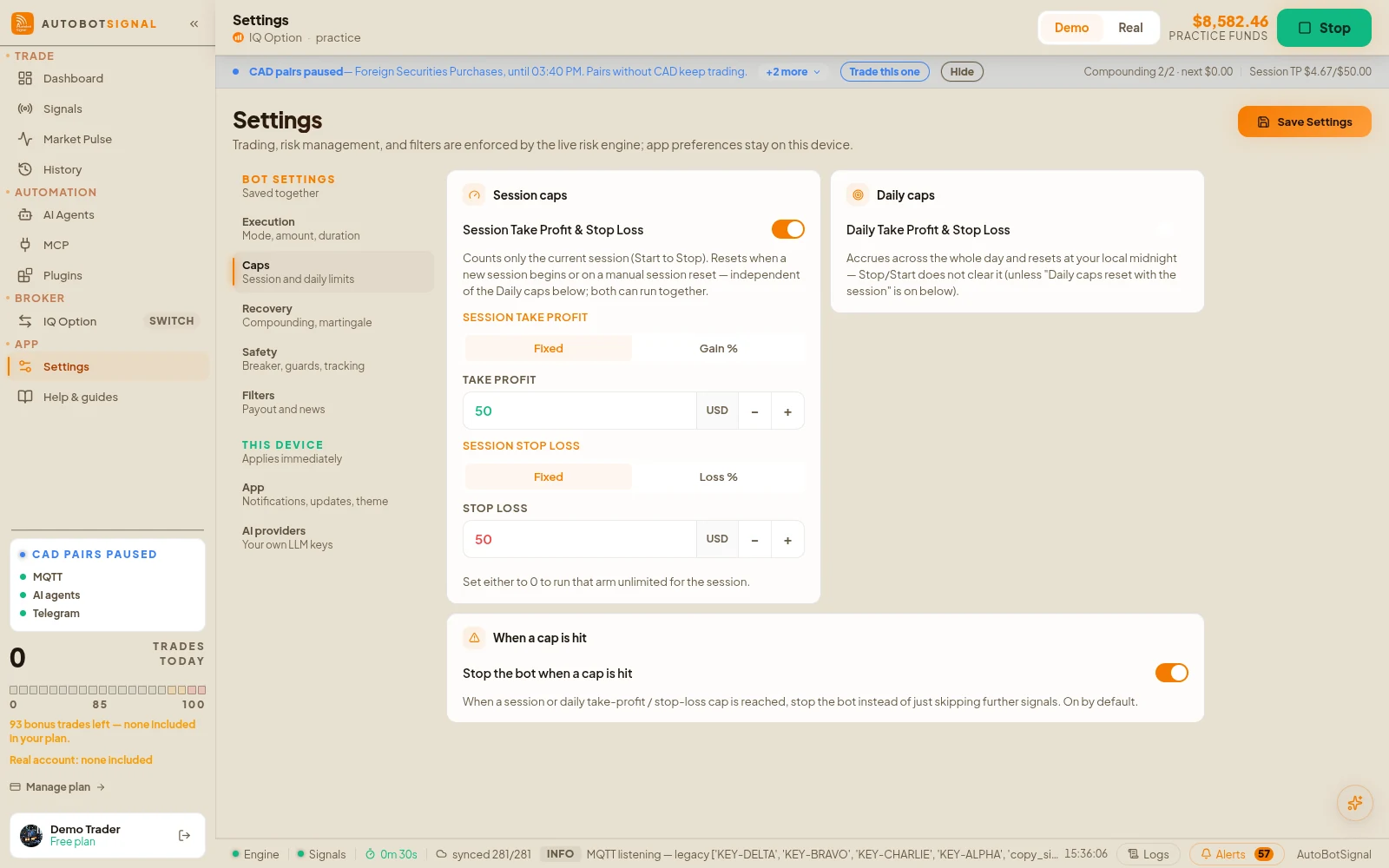
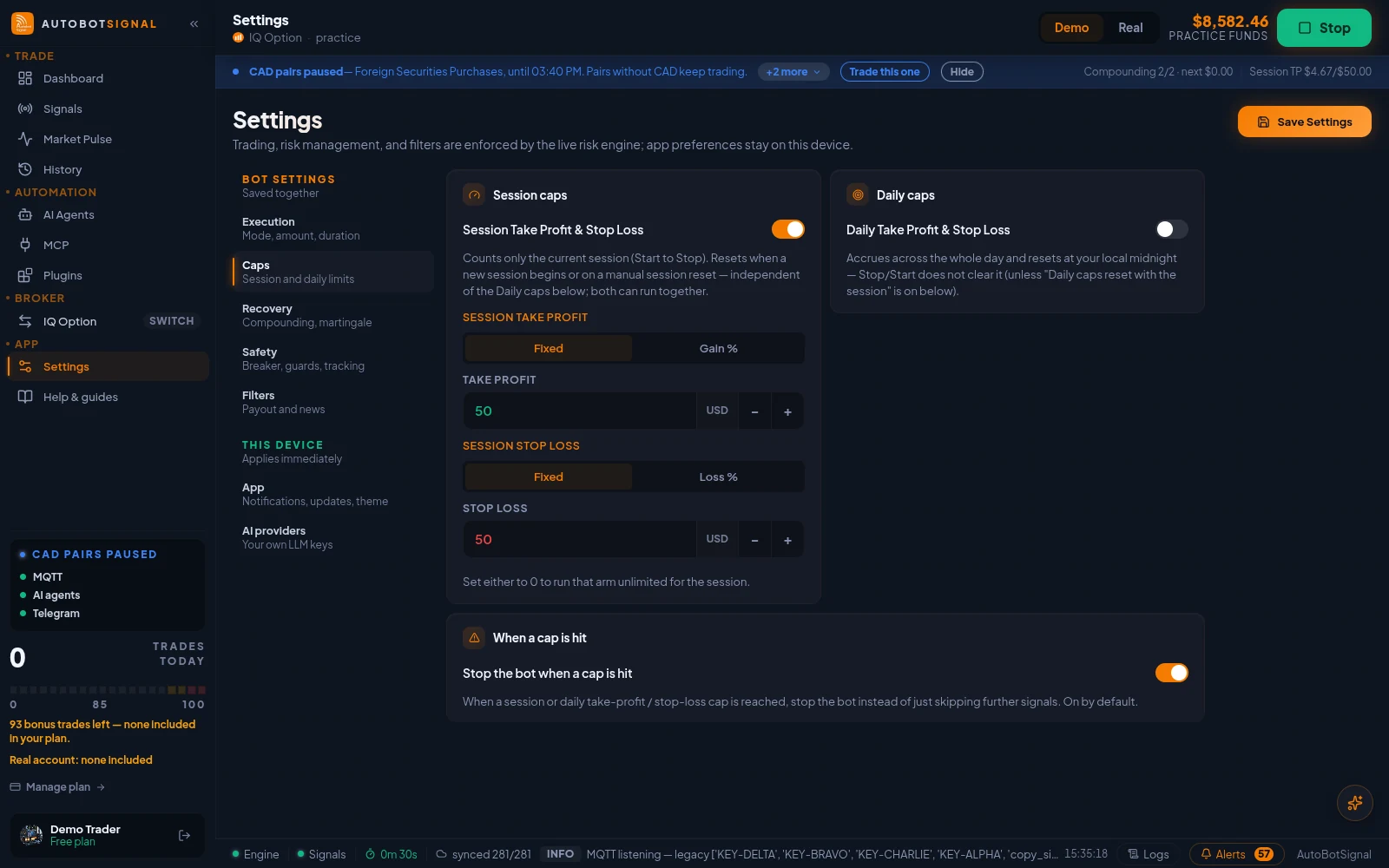
Settings → Caps: session take-profit and stop-loss, daily caps, and whether the bot stops when a cap is hit. - 4
Prove it on demo, then decide
Let the bot run a weekend on the demo. When what happened matches what you intended, the same setup flips to a real account.
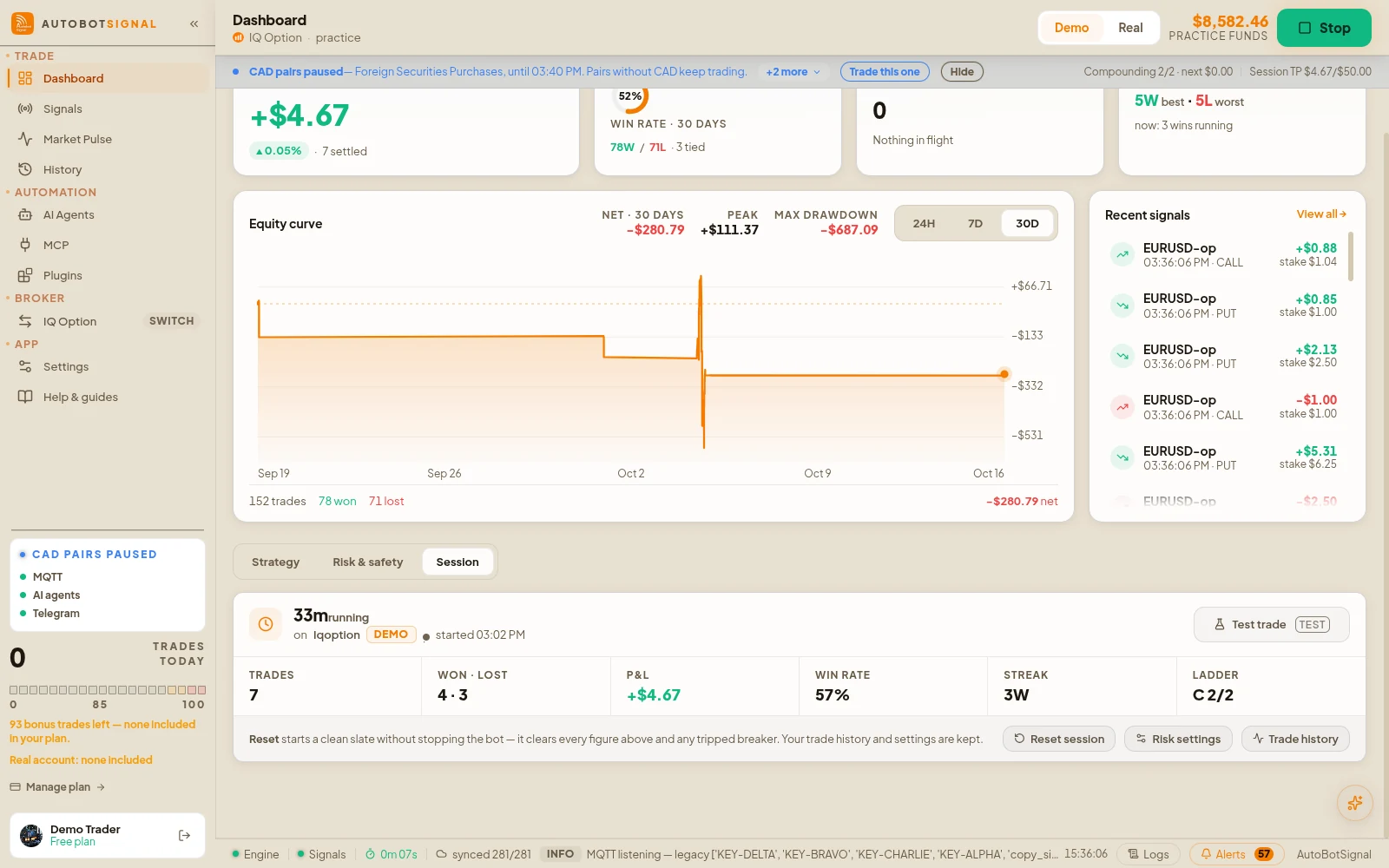
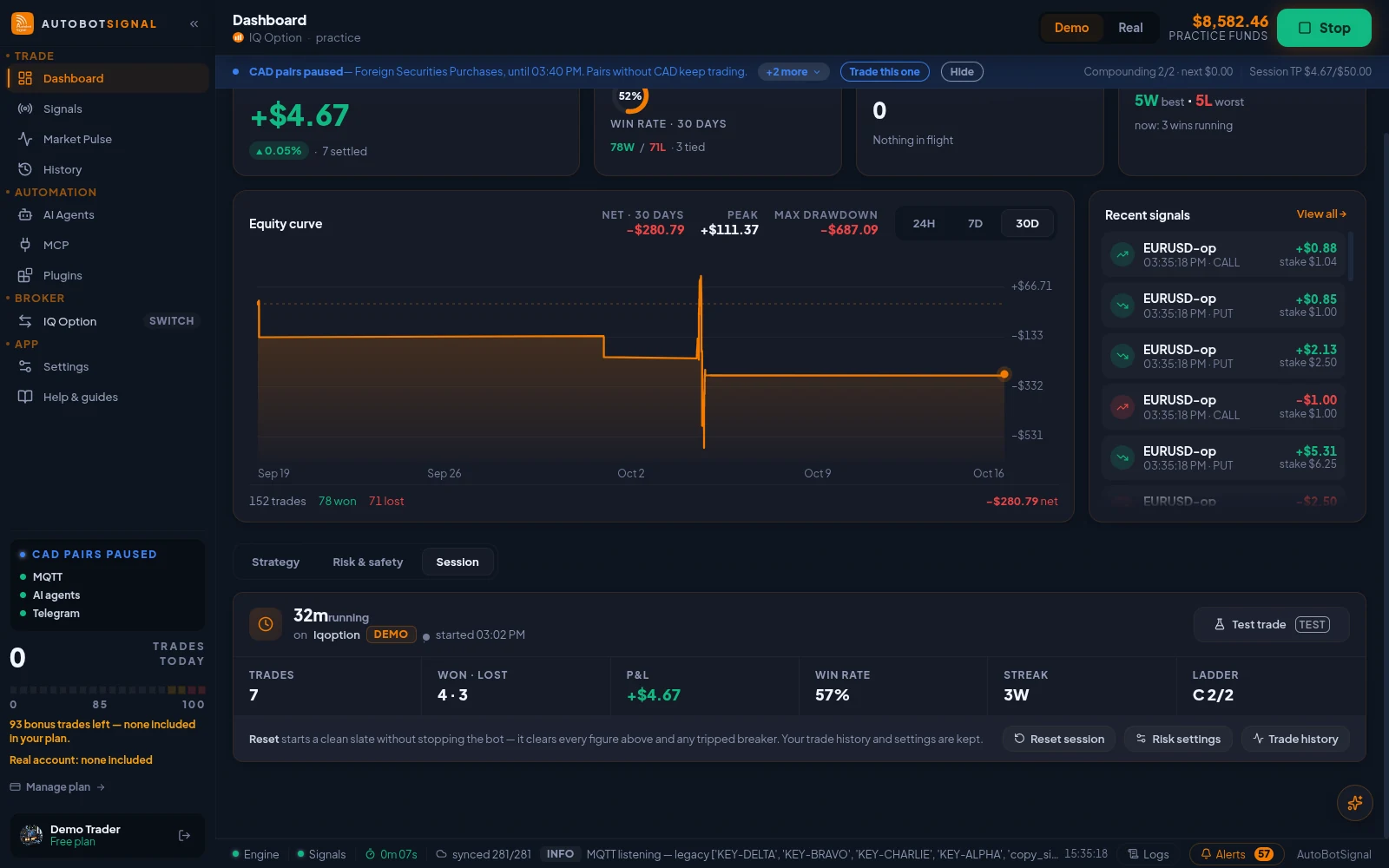
Dashboard → Session: this run's trades, P&L, win rate and ladder step, with Test trade and Reset session.
Start on a demo account. Automated trading can lose money and no win rate or profit is guaranteed — you are responsible for the rules you configure.
Pocket Option OTC bot — frequently asked questions
It marks Pocket Option's own over-the-counter market for that asset — quoted by the broker, open through the weekend, priced independently of the live market.
Automate Pocket Option OTC
Connect on the $50,000 demo, pick a signal source, set your caps — then judge the weekend by its results.