Quotex OTC bot · automation
Quotex OTC bot — automated trading on OTC assets
Quotex lists an OTC twin for many instruments and they run 24/7. AutobotSignal automates them with your signal source and your risk rules — and never crosses a signal between an OTC asset and its live twin.
Works on the free $10,000 Quotex demo
Quotex OTC at a glance
Weekend OTC
Yes — 24/7
OTC assets
EUR/USD, GBP/USD, USD/JPY, Gold, AUD/CAD
OTC twins of live instruments
Practice account
$10,000 demo
Signal sources
AI · Telegram · TradingView · MetaTrader
OTC and live assets never get mixed up
Quotex lists an OTC twin for many instruments, and they are different markets with different prices. AutobotSignal routes a signal to the exact instrument it named, so a weekday EUR/USD signal never lands on EUR/USD OTC by accident.
Because Quotex OTC runs 24/7, a trading bot left armed on Friday will keep trading all weekend. Set a schedule and a daily trade cap so that only happens when you intend it to — automated weekend trading should be a decision, not a surprise.
How to set up the Quotex OTC bot
- 1
Connect Quotex
Install AutobotSignal for desktop and connect your Quotex account — the demo works, and is where a new OTC setup belongs.
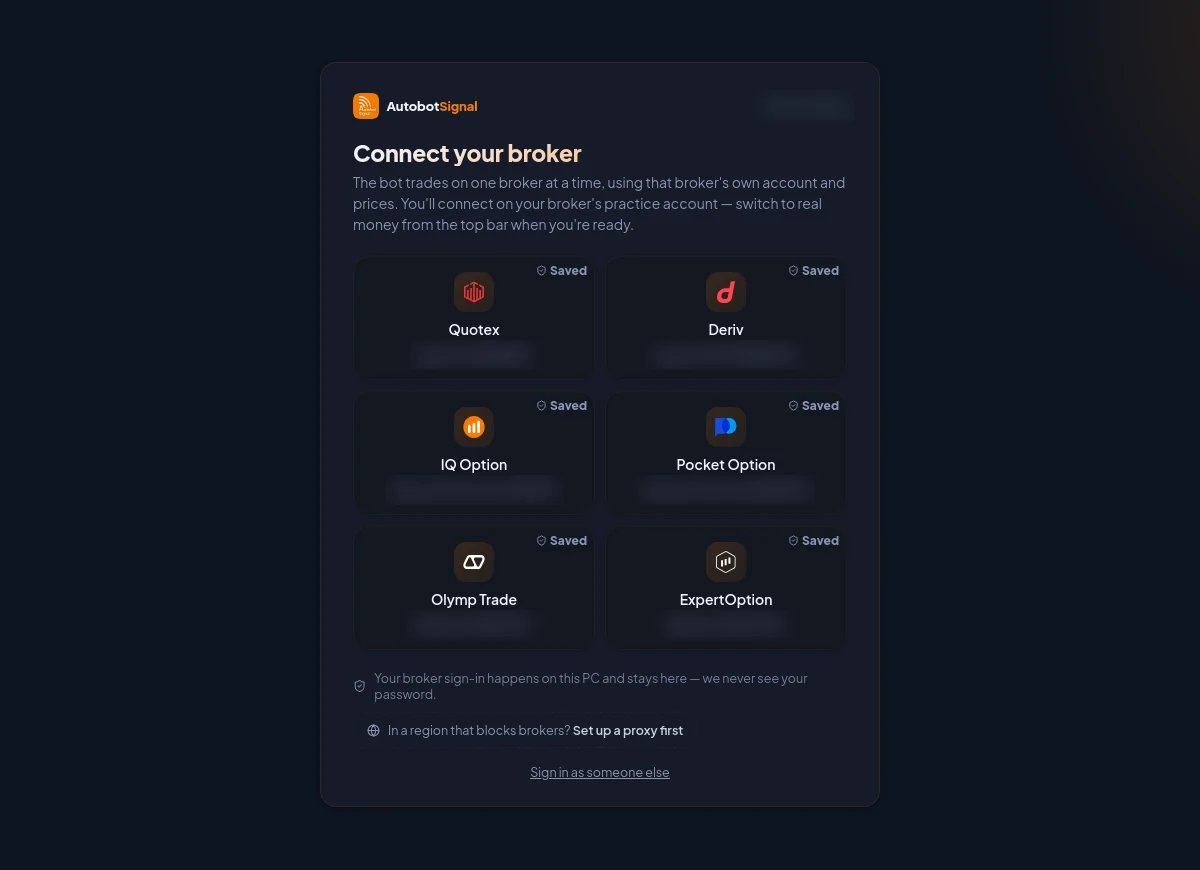
Pick the broker, connect on its practice account first, and switch to real money from the top bar only when you are ready. - 2
Choose your signal source
An AI agent, a Telegram channel, a TradingView alert or a MetaTrader connector — signals naming OTC assets route to those OTC assets automatically.
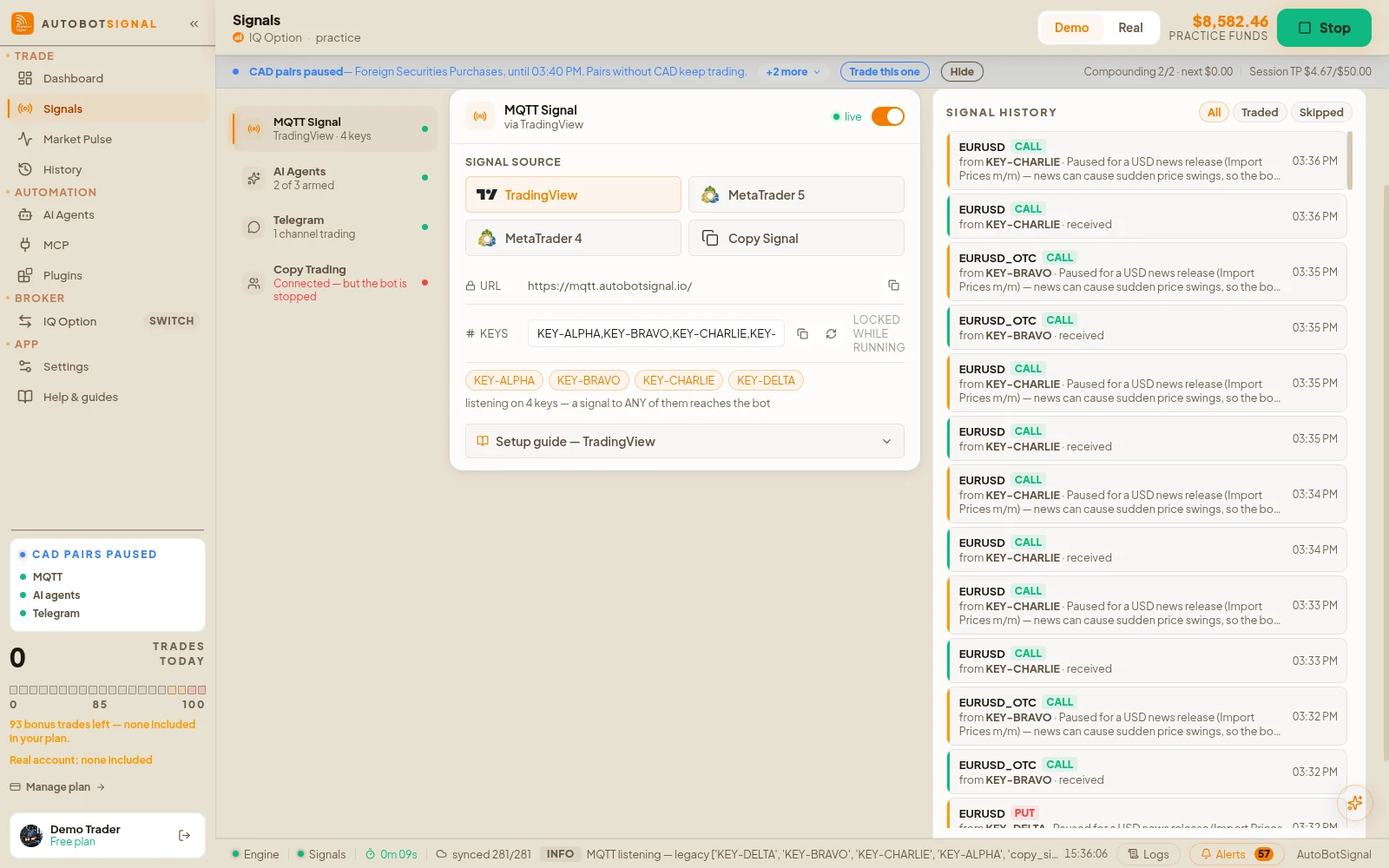
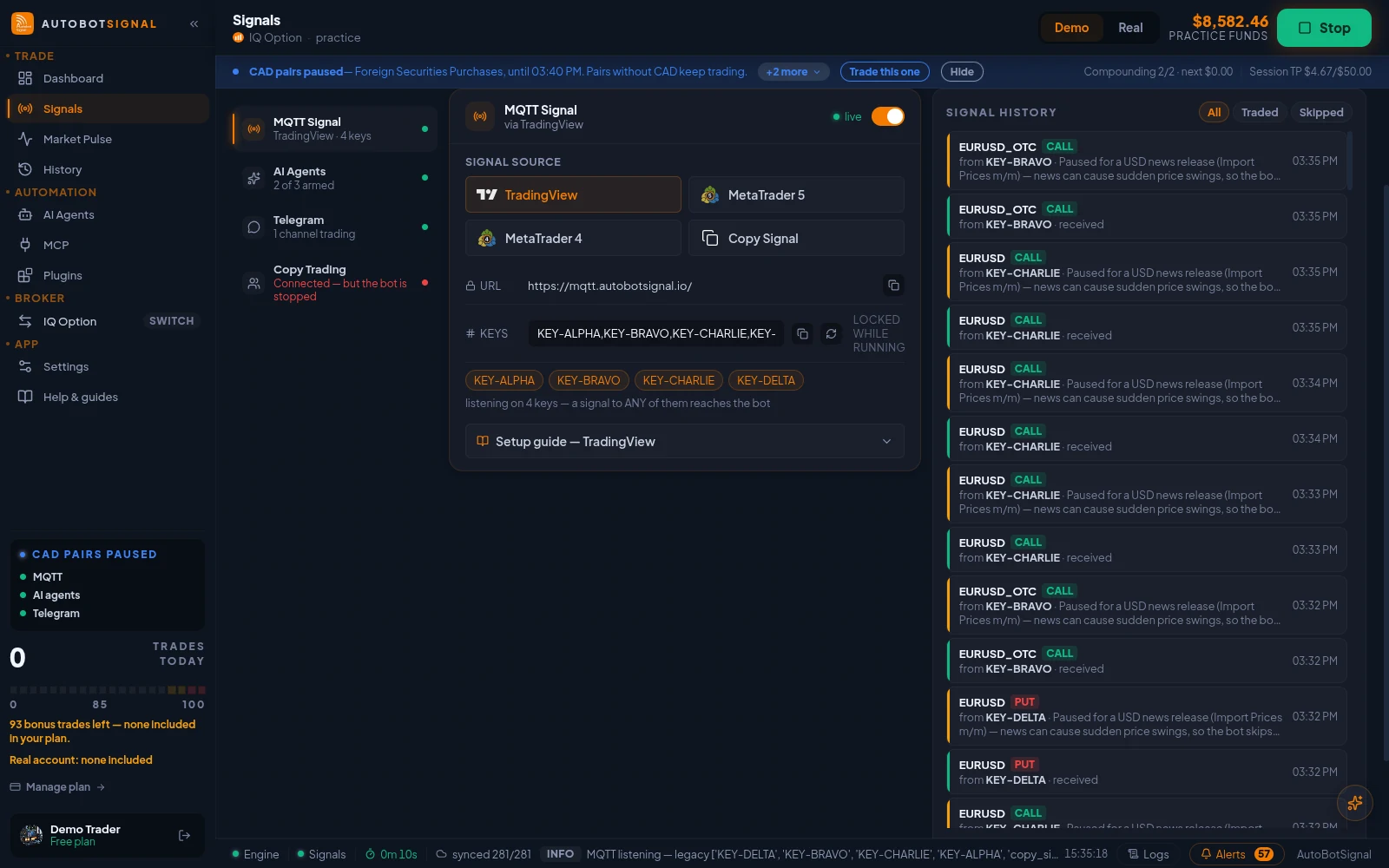
Signals → Sources → MQTT Signal: the webhook URL, your signal keys, and the TradingView, MetaTrader 5, MetaTrader 4 and Copy Signal senders. - 3
Set schedule and daily caps
Cap trades per day and restrict the hours the bot may trade. This is the brake that makes a 24/7 market safe to automate.
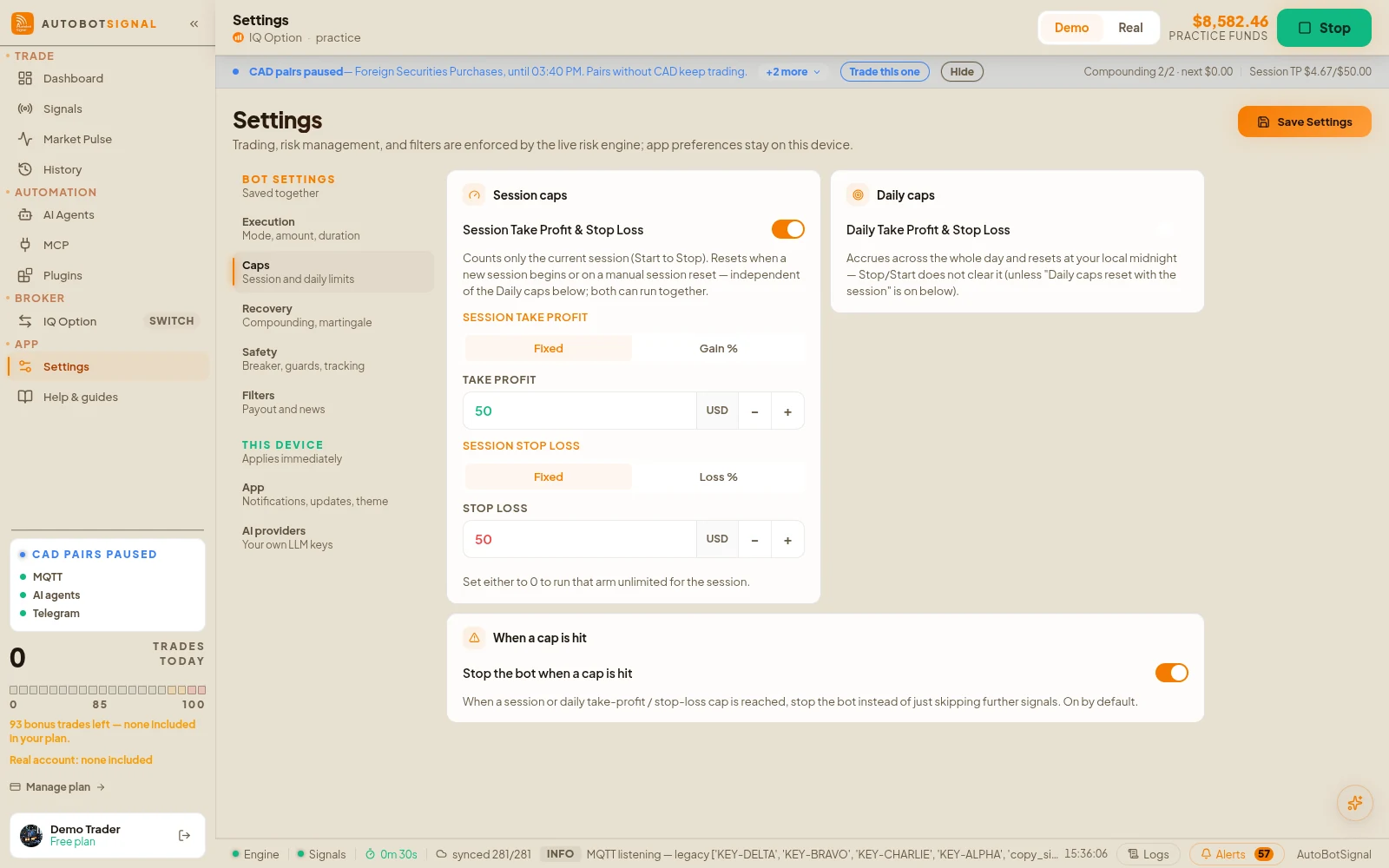
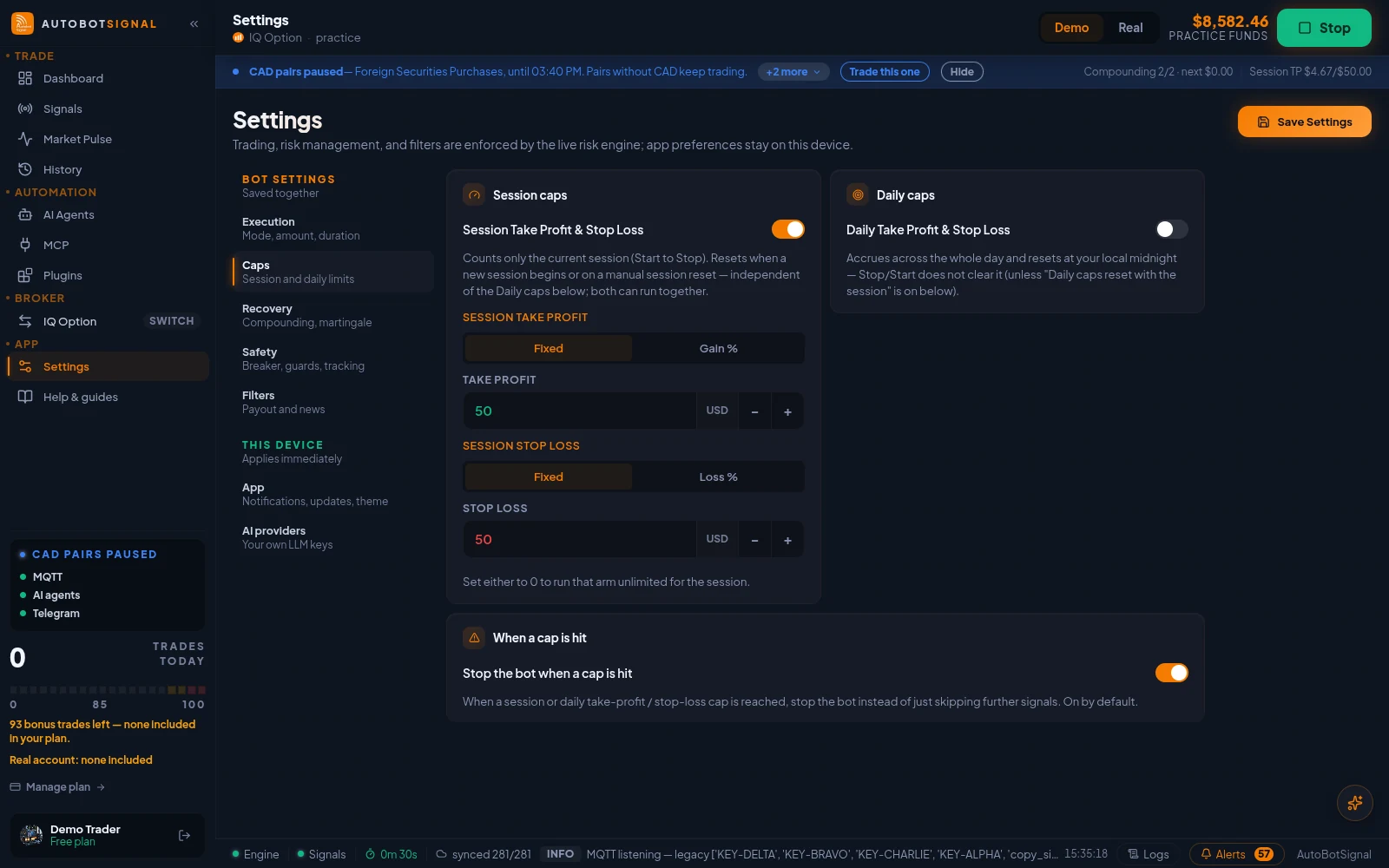
Settings → Caps: session take-profit and stop-loss, daily caps, and whether the bot stops when a cap is hit. - 4
Arm on demo first
Watch a weekend of OTC trades on the $10,000 practice balance before you consider a live account.
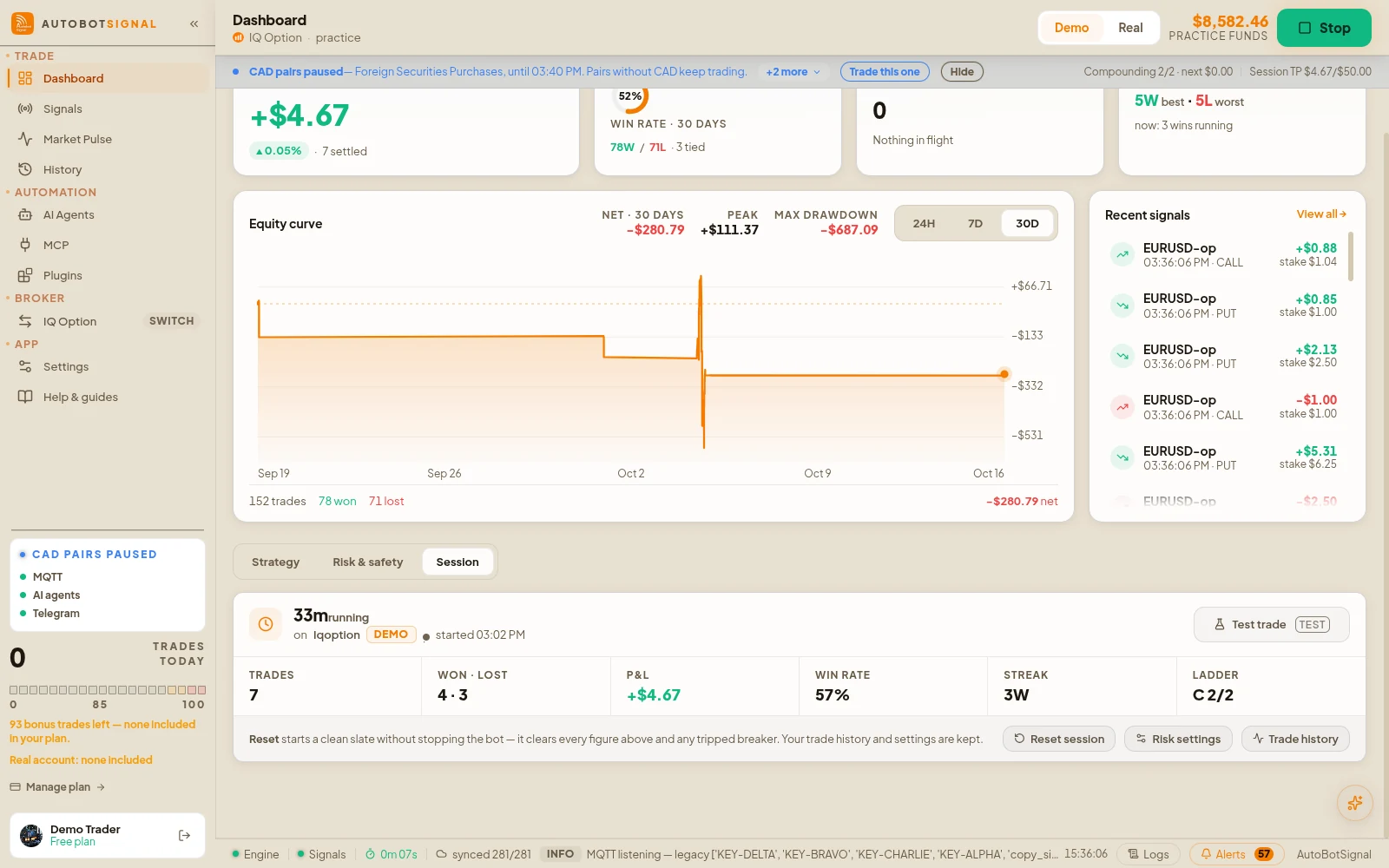
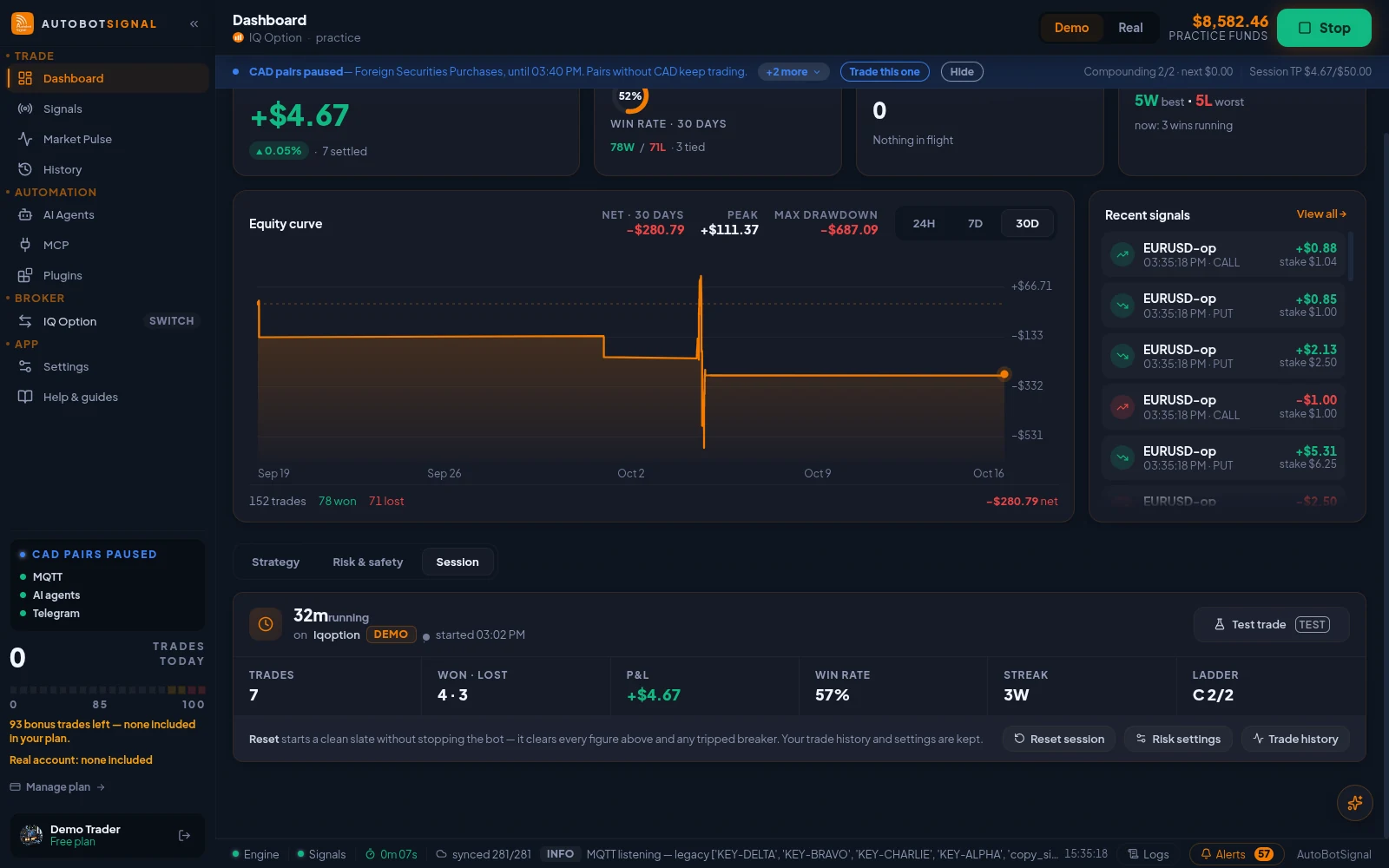
Dashboard → Session: this run's trades, P&L, win rate and ladder step, with Test trade and Reset session.
Start on a demo account. Automated trading can lose money and no win rate or profit is guaranteed — you are responsible for the rules you configure.
Quotex OTC bot — frequently asked questions
Yes — the OTC twins are quoted by Quotex itself and stay open through the weekend, which is why a schedule and daily cap matter for any automated bot.
Automate Quotex OTC
Connect Quotex on demo, pick a signal source, set your caps — the bot handles the weekend.