Desktop app guide
The Telegram signal format the AutobotSignal bot reads
What the bot reads from a Telegram channel: the pair, the direction, and optionally an expiry, an entry time and the broker it is for, on one line — in the recommended shape below, in the older styles it has always read, and in list posts line by line. Anything it cannot read with certainty is ignored and logged; it never guesses a trade. Send this page to a signal provider, or use it to judge a channel before you follow it.
Telegram signal format in the desktop app
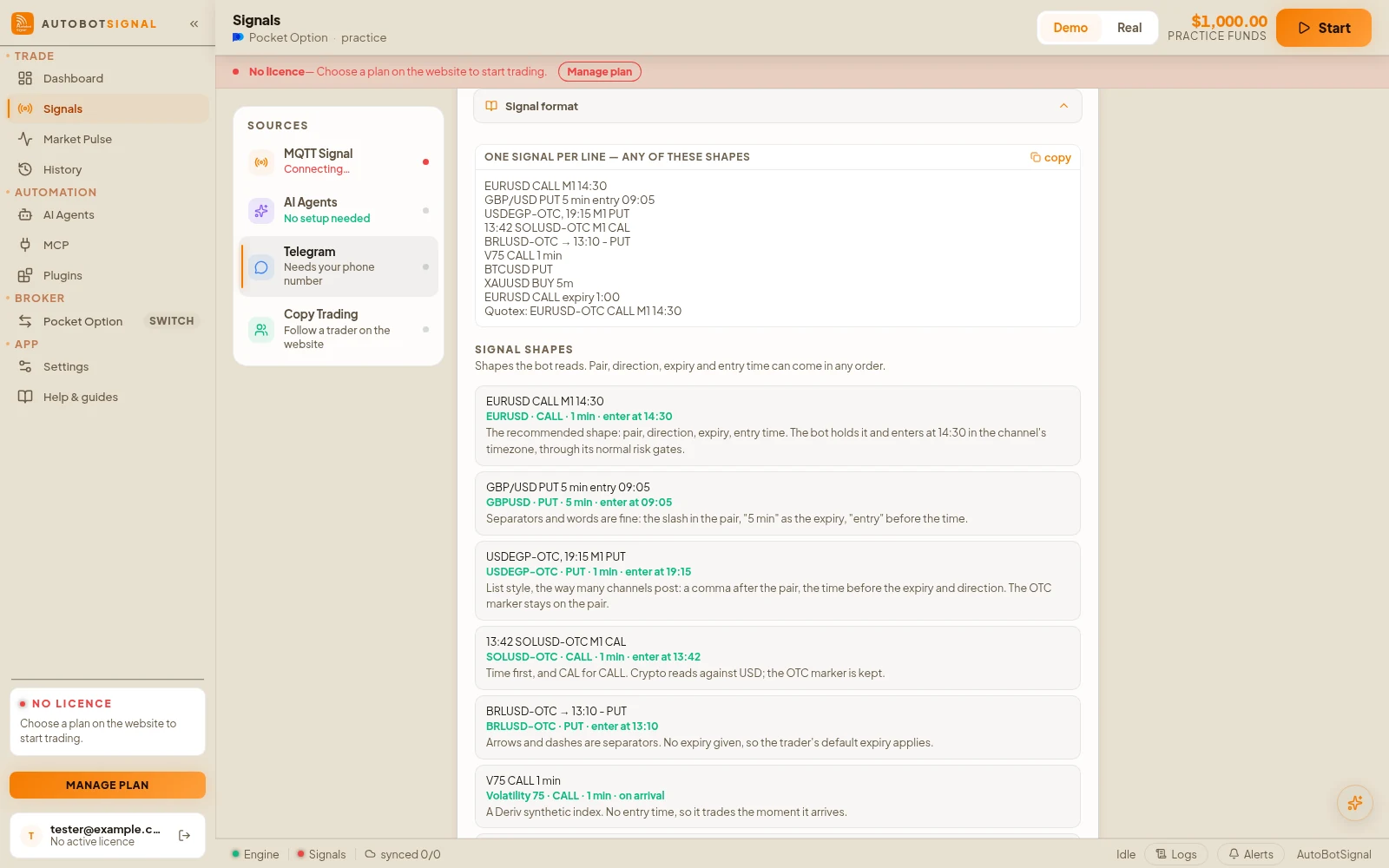
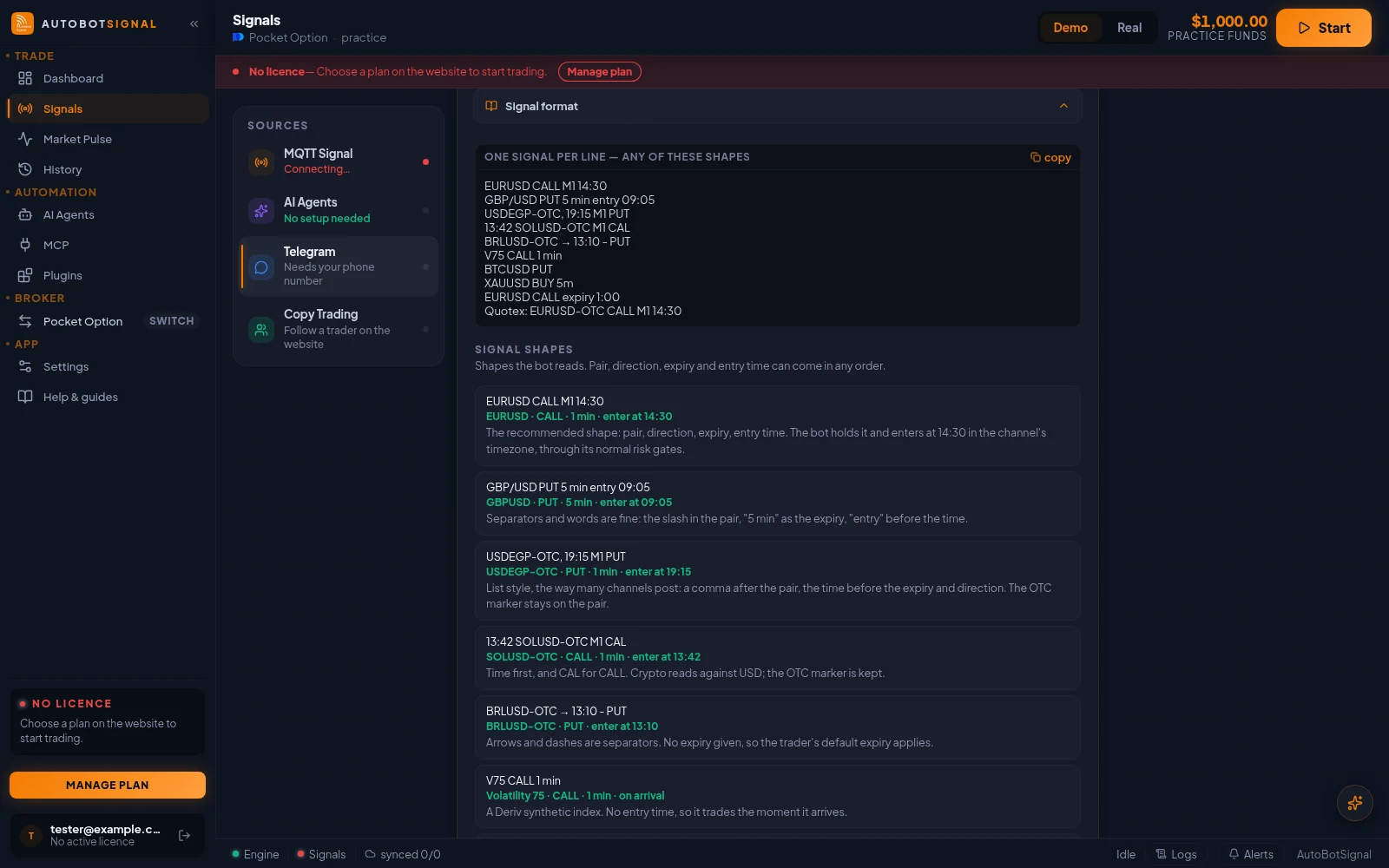
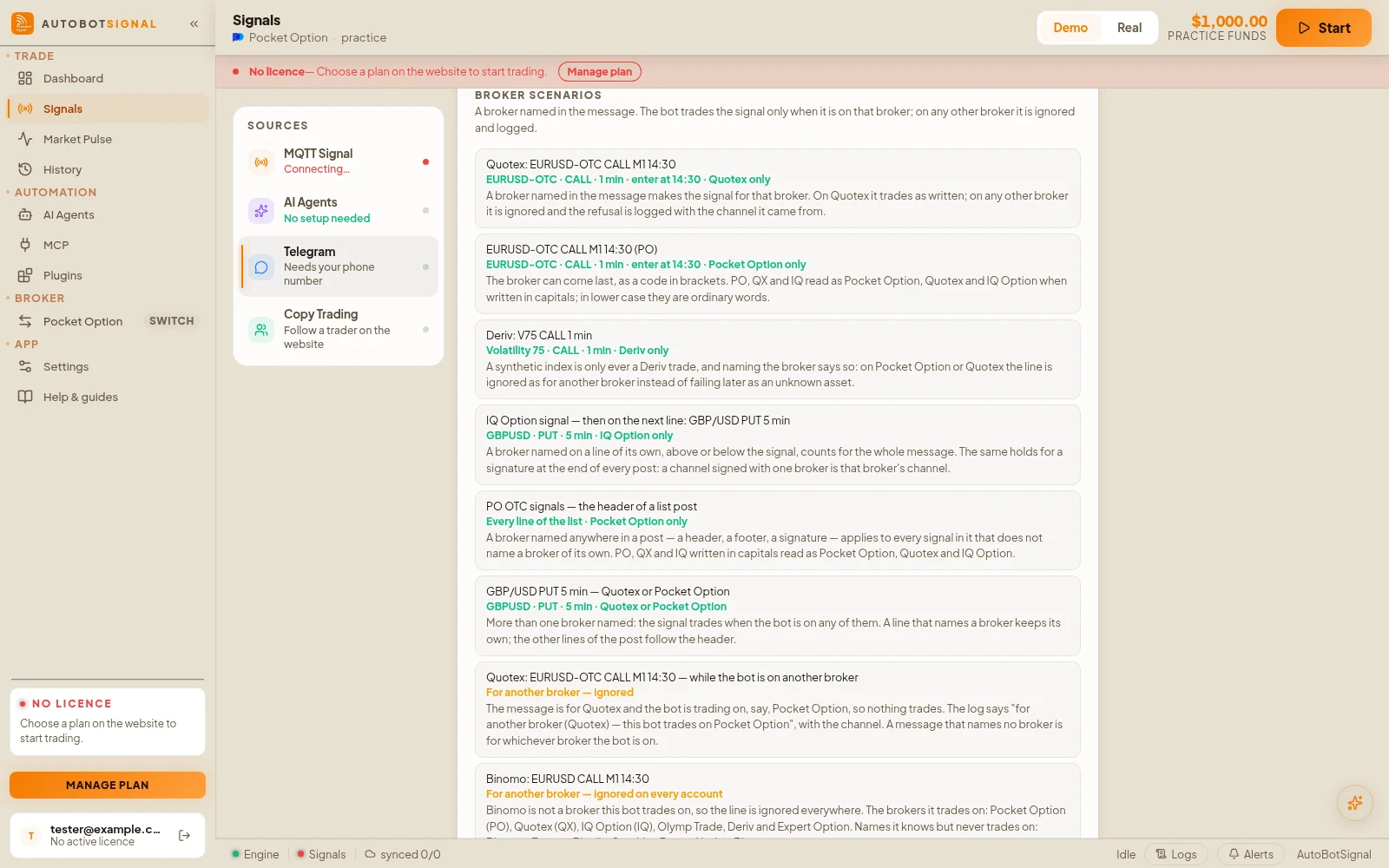
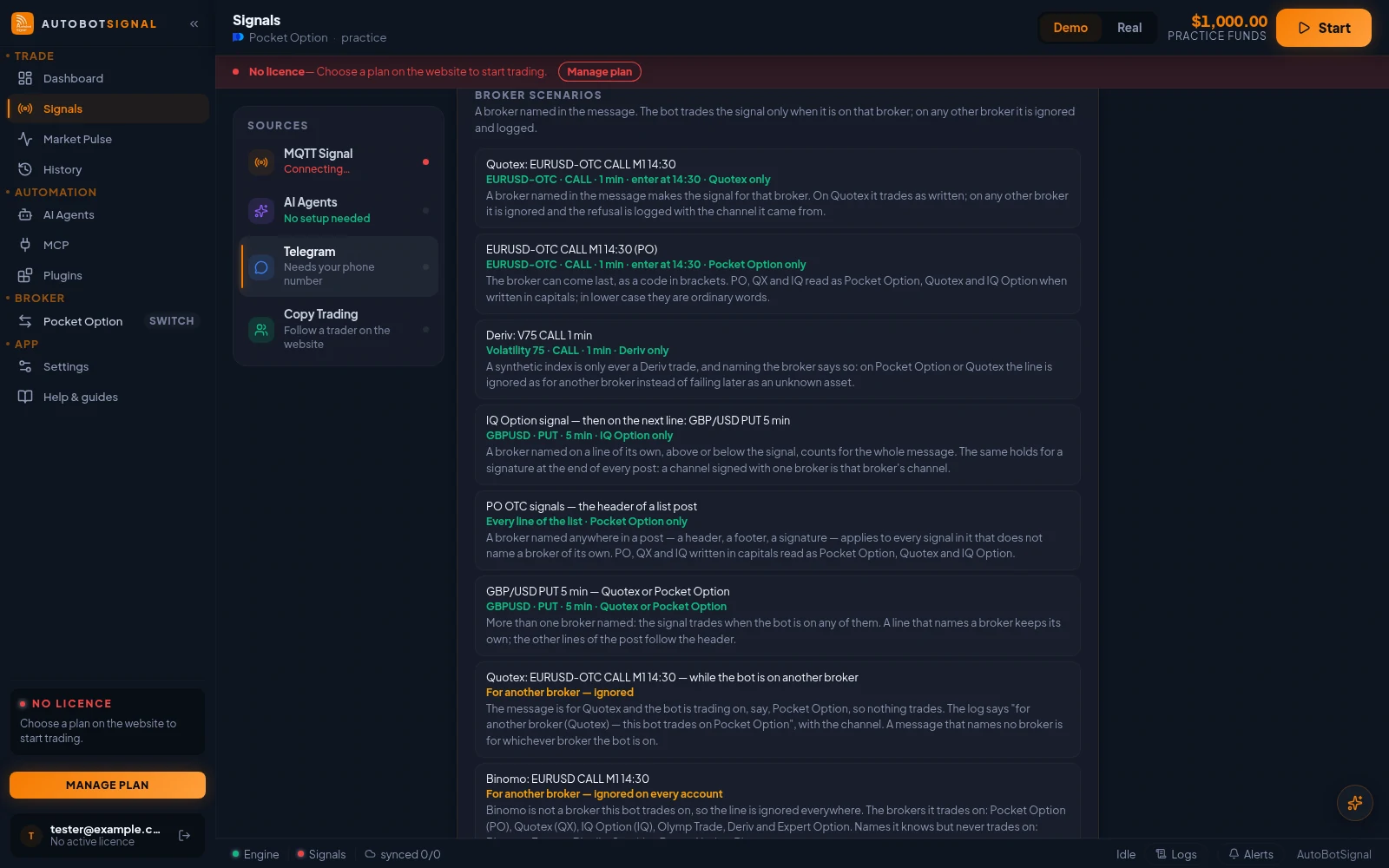
Real screenshots of the current release on a practice account.
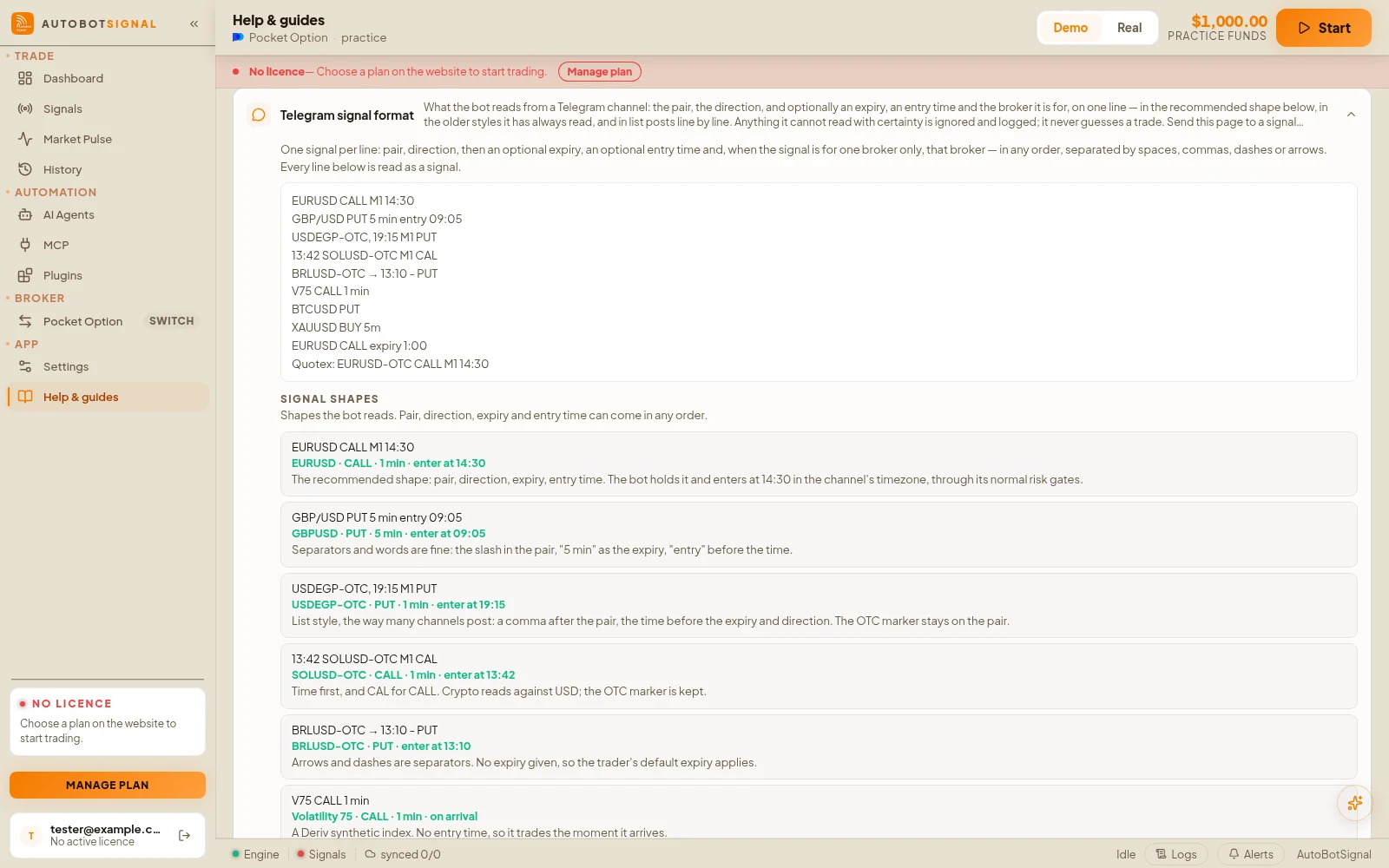
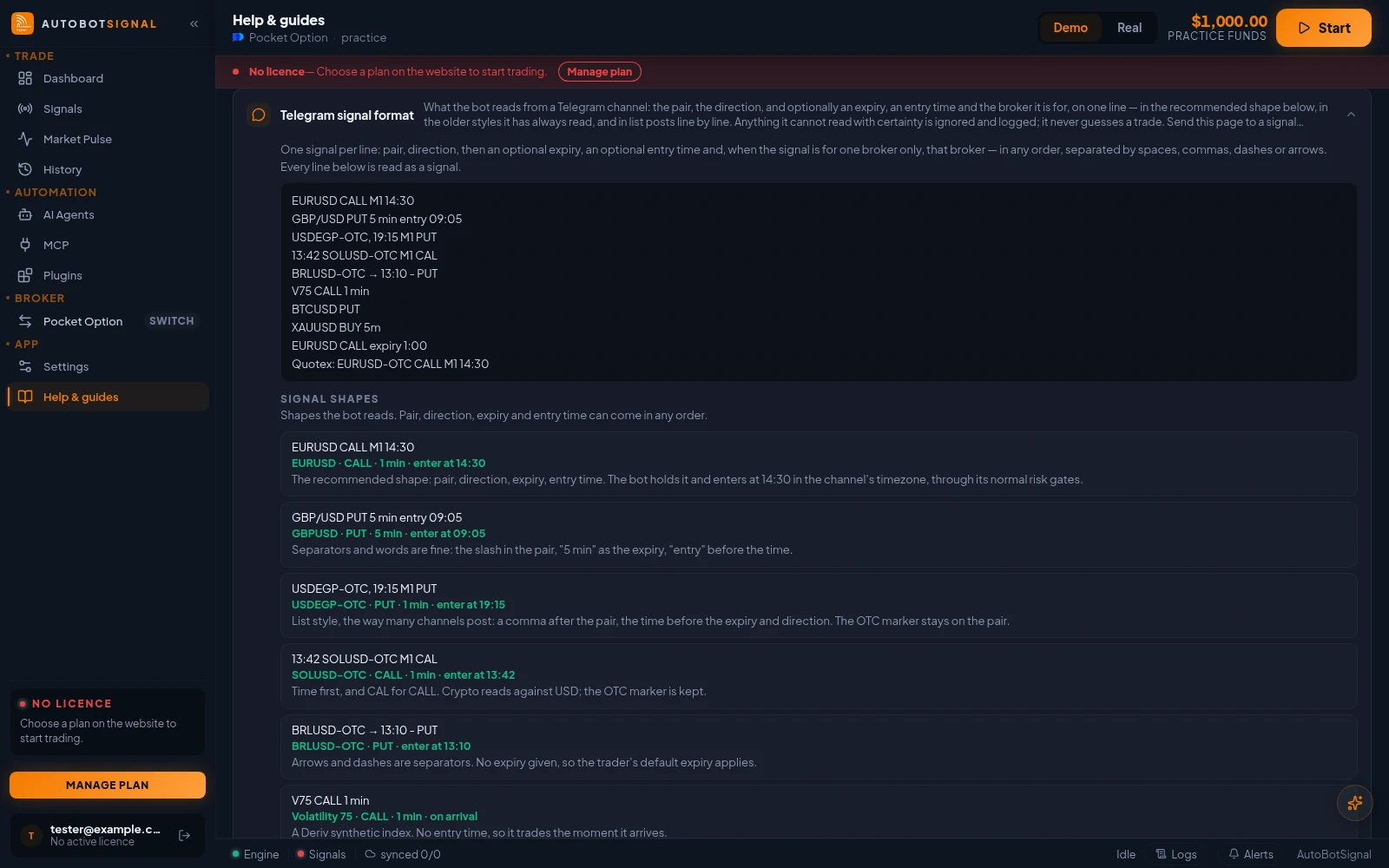
Recommended format
One signal per line: pair, direction, then an optional expiry, an optional entry time and, when the signal is for one broker only, that broker — in any order, separated by spaces, commas, dashes or arrows. Every line below is read as a signal.
EURUSD CALL M1 14:30
GBP/USD PUT 5 min entry 09:05
USDEGP-OTC, 19:15 M1 PUT
13:42 SOLUSD-OTC M1 CAL
BRLUSD-OTC → 13:10 - PUT
V75 CALL 1 min
BTCUSD PUT
XAUUSD BUY 5m
EURUSD CALL expiry 1:00
Quotex: EURUSD-OTC CALL M1 14:30
Signal shapes
Shapes the bot reads. Pair, direction, expiry and entry time can come in any order.
- 1
EURUSD CALL M1 14:30
Reads as: EURUSD · CALL · 1 min · enter at 14:30. The recommended shape: pair, direction, expiry, entry time. The bot holds it and enters at 14:30 in the channel's timezone, through its normal risk gates.
- 2
GBP/USD PUT 5 min entry 09:05
Reads as: GBPUSD · PUT · 5 min · enter at 09:05. Separators and words are fine: the slash in the pair, "5 min" as the expiry, "entry" before the time.
- 3
USDEGP-OTC, 19:15 M1 PUT
Reads as: USDEGP-OTC · PUT · 1 min · enter at 19:15. List style, the way many channels post: a comma after the pair, the time before the expiry and direction. The OTC marker stays on the pair.
- 4
13:42 SOLUSD-OTC M1 CAL
Reads as: SOLUSD-OTC · CALL · 1 min · enter at 13:42. Time first, and CAL for CALL. Crypto reads against USD; the OTC marker is kept.
- 5
BRLUSD-OTC → 13:10 - PUT
Reads as: BRLUSD-OTC · PUT · enter at 13:10. Arrows and dashes are separators. No expiry given, so the trader's default expiry applies.
- 6
V75 CALL 1 min
Reads as: Volatility 75 · CALL · 1 min · on arrival. A Deriv synthetic index. No entry time, so it trades the moment it arrives.
- 7
BTCUSD PUT
Reads as: BTCUSD · PUT · default expiry · on arrival. The minimum: a pair and a direction. Everything else comes from the trader's own settings.
- 8
XAUUSD BUY 5m
Reads as: XAUUSD · CALL · 5 min · on arrival. Gold. BUY, UP and LONG mean CALL; SELL, DOWN and SHORT mean PUT. "5m" is five minutes.
- 9
EURUSD CALL expiry 1:00
Reads as: EURUSD · CALL · 1 min · on arrival. After a duration word, 1:00 is an expiry. A bare 1:00 on its own would read as an entry time at one o'clock — write M1 instead.
- 10
USD/DZD OTC 1 min — then, a moment later: CALL
Reads as: USDDZD-OTC · CALL · 1 min. The two-message style: a pair on its own is held for two minutes, and the next direction-only message on the same channel completes it. Switch on "The direction comes in its own message" for channels that decorate the pair line with arrows.
- 11
USDPKR-OTC, 13:28 M1 PUT — one line of a fifteen-line post
Reads as: Fifteen signals, one per line. A list post is read line by line. Each line keeps its own time and direction, so the same pair at 13:28, 13:40 and 13:51 is three entries.
Broker scenarios
A broker named in the message. The bot trades the signal only when it is on that broker; on any other broker it is ignored and logged.
- 1
Quotex: EURUSD-OTC CALL M1 14:30
Reads as: EURUSD-OTC · CALL · 1 min · enter at 14:30 · Quotex only. A broker named in the message makes the signal for that broker. On Quotex it trades as written; on any other broker it is ignored and the refusal is logged with the channel it came from.
- 2
EURUSD-OTC CALL M1 14:30 (PO)
Reads as: EURUSD-OTC · CALL · 1 min · enter at 14:30 · Pocket Option only. The broker can come last, as a code in brackets. PO, QX and IQ read as Pocket Option, Quotex and IQ Option when written in capitals; in lower case they are ordinary words.
- 3
Deriv: V75 CALL 1 min
Reads as: Volatility 75 · CALL · 1 min · Deriv only. A synthetic index is only ever a Deriv trade, and naming the broker says so: on Pocket Option or Quotex the line is ignored as for another broker instead of failing later as an unknown asset.
- 4
IQ Option signal — then on the next line: GBP/USD PUT 5 min
Reads as: GBPUSD · PUT · 5 min · IQ Option only. A broker named on a line of its own, above or below the signal, counts for the whole message. The same holds for a signature at the end of every post: a channel signed with one broker is that broker's channel.
- 5
PO OTC signals — the header of a list post
Reads as: Every line of the list · Pocket Option only. A broker named anywhere in a post — a header, a footer, a signature — applies to every signal in it that does not name a broker of its own. PO, QX and IQ written in capitals read as Pocket Option, Quotex and IQ Option.
- 6
GBP/USD PUT 5 min — Quotex or Pocket Option
Reads as: GBPUSD · PUT · 5 min · Quotex or Pocket Option. More than one broker named: the signal trades when the bot is on any of them. A line that names a broker keeps its own; the other lines of the post follow the header.
- 7
Quotex: EURUSD-OTC CALL M1 14:30 — while the bot is on another broker
Reads as: For another broker — ignored. The message is for Quotex and the bot is trading on, say, Pocket Option, so nothing trades. The log says "for another broker (Quotex) — this bot trades on Pocket Option", with the channel. A message that names no broker is for whichever broker the bot is on.
- 8
Binomo: EURUSD CALL M1 14:30
Reads as: For another broker — ignored on every account. Binomo is not a broker this bot trades on, so the line is ignored everywhere. The brokers it trades on: Pocket Option (PO), Quotex (QX), IQ Option (IQ), Olymp Trade, Deriv and Expert Option. Names it knows but never trades on: Binomo, Exnova, Binolla, Stockity, Bynex, Nadex, Binance.
Refused shapes
Shapes the bot deliberately refuses, each with its reason.
- 1
USDEGP-OTC, 19:15 M1 PUT — with a tick after it
Reads as: A result — ignored. A tick or cross, or the words win, loss, ITM or OTM, mark a result. Results are never traded, and should stay in their own post.
- 2
EURUSD CALL PUT
Reads as: Refused — two directions. A line that says both ways is ambiguous. It is ignored, and the reason is logged with the channel it came from.
- 3
SHIBUSD-OTC, 13:20 M1 PUT
Reads as: Ignored — unknown pair. A pair the bot does not know (SHIB is not in its crypto list) is logged as "no asset" and skipped. The currencies, metals, crypto and Deriv indices it knows are listed under Pair.
- 4
ANALYSIS: EURUSD CALL M1 14:30 if price holds 1.0850
Reads as: Marked as not a signal — ignored. One of the ignore words anywhere in a message marks the whole message as not a signal: recap, analysis, review, summary, test, demo, example, practice, closed, expired, or the phrase "not a signal". Nothing in it trades, and the bot logs the word it stopped on.
Format rules
- 1
Pair
Two currency codes, with or without a separator: EURUSD, EUR/USD or EUR-USD. Broker OTC pairs carry the marker: EURUSD-OTC or EURUSD OTC. Metals are XAUUSD and XAGUSD (GOLD and SILVER also read). Crypto is BTCUSD, ETHUSD, LTCUSD, XRPUSD, DOGEUSD, BNBUSD, SOLUSD, ADAUSD, AXSUSD, BCHUSD, DASUSD or TRUUSD. Deriv synthetics read as V75, Volatility 75, V100 (1s), Boom 1000, Crash 500, Jump 25, Step Index or RB 100.
- 2
Direction
CALL or PUT. CAL, BUY, UP, LONG and an up-arrow or rising-chart emoji also mean CALL; SELL, DOWN, SHORT and a down-arrow or falling-chart emoji mean PUT. Exactly one direction per signal — a message that says both is refused. Tick, cross, green or red circle and heart emoji are never read as a direction: in a signal channel they mark results and applause.
- 3
Expiry (optional)
M1, M5, 5 min, 1 minute or 30s. Write it as a duration, never as a clock — a bare 1:00 reads as an entry time at one o'clock. Leave it out and the trader's own default expiry applies.
- 4
Entry time (optional)
A 24-hour clock time in the channel's timezone, ideally introduced by entry, at or @ — entry 14:30. The bot holds the signal and enters at that minute through its normal risk gates. Up to six hours ahead; a time more than five minutes in the past is skipped, never traded late. Leave it out to trade on arrival.
- 5
Broker (optional)
Name the broker the signal is for — Pocket Option, Quotex, IQ Option, Olymp Trade, Deriv or Expert Option, or PO, QX and IQ in capitals — anywhere in the message. The bot trades it only when it is on that broker; on any other broker the signal is ignored and the reason is logged with the channel. A name in a header, footer or signature applies to every signal in the post; a name on a line applies to that line. Two brokers named means either. No broker named means whichever broker the bot is on. A broker the bot does not trade on — Binomo, Exnova, Binolla, Stockity, Bynex, Nadex, Binance — makes the signal for another broker on every account. A queued entry is judged again when its time comes, so switching broker while it waits cancels it, with the reason shown.
- 6
Lists and older styles
Several signals in one post are read line by line, each with its own time and direction — a list of six lines is six signals. The older single-line styles still read exactly as before, and a pair posted on its own, followed within two minutes by a direction-only message on the same channel, is read as one signal. The bot reads the plain letters behind decorative Unicode fonts, but plain text is always the safest.
- 7
Marking a message as not a signal
Put one of these words anywhere in a message and nothing in it trades, however much it looks like a signal: recap, analysis, review, summary, test, demo, example, practice, closed, expired, or the phrase "not a signal". Whole words only, so "retest" does not count. Use it for analysis, recaps, worked examples and tests; the bot logs the word it stopped on and the channel it came from.
- 8
Timezone
State the channel's timezone once, in the channel description or a pinned post — for example GMT+6. The trader sets it on the channel under Signals → Telegram → channel settings; the bot does not read it from messages.
- 9
Results and other posts
Post results as their own messages without repeating the direction word — "EURUSD 14:30 win" — and keep arrow and chart emoji out of headers and footers. A results line that still says CALL or PUT reads as a new signal.
Good to know
What the app does, and does not do, here
- A results post that repeats the signal lines with ticks and crosses is recognised as results and never traded — but a line that still says CALL or PUT with no result mark is a signal, so keep results and signals in separate posts.
- Switch on "The direction comes in its own message" for channels that post the pair first and the arrow a moment later.
- Never repost an earlier signal: a repost minutes later is a new signal to the bot and is traded again.
- Every message is recorded in Signal History with the reason it was or was not traded, so a channel can be judged before it is trusted — put a new channel on Watch only first.
- A channel that signs every post with a broker name is read as that broker's channel: on any other broker, every signal from it is ignored and logged. Check Signal History after following a channel that names a broker you do not trade on.
Start on a demo account. Automated trading can lose money and no win rate or profit is guaranteed — you are responsible for the rules you configure.
Run it on demo first
Install the desktop app, connect a practice account and see every rule on this page enforced before any real money is involved.