Desktop app guides
Every screen of the desktop app, explained
What each screen does, how the bot actually behaves, and what it deliberately won't do. The same guides live inside the app under Help & guides; here they come with screenshots.
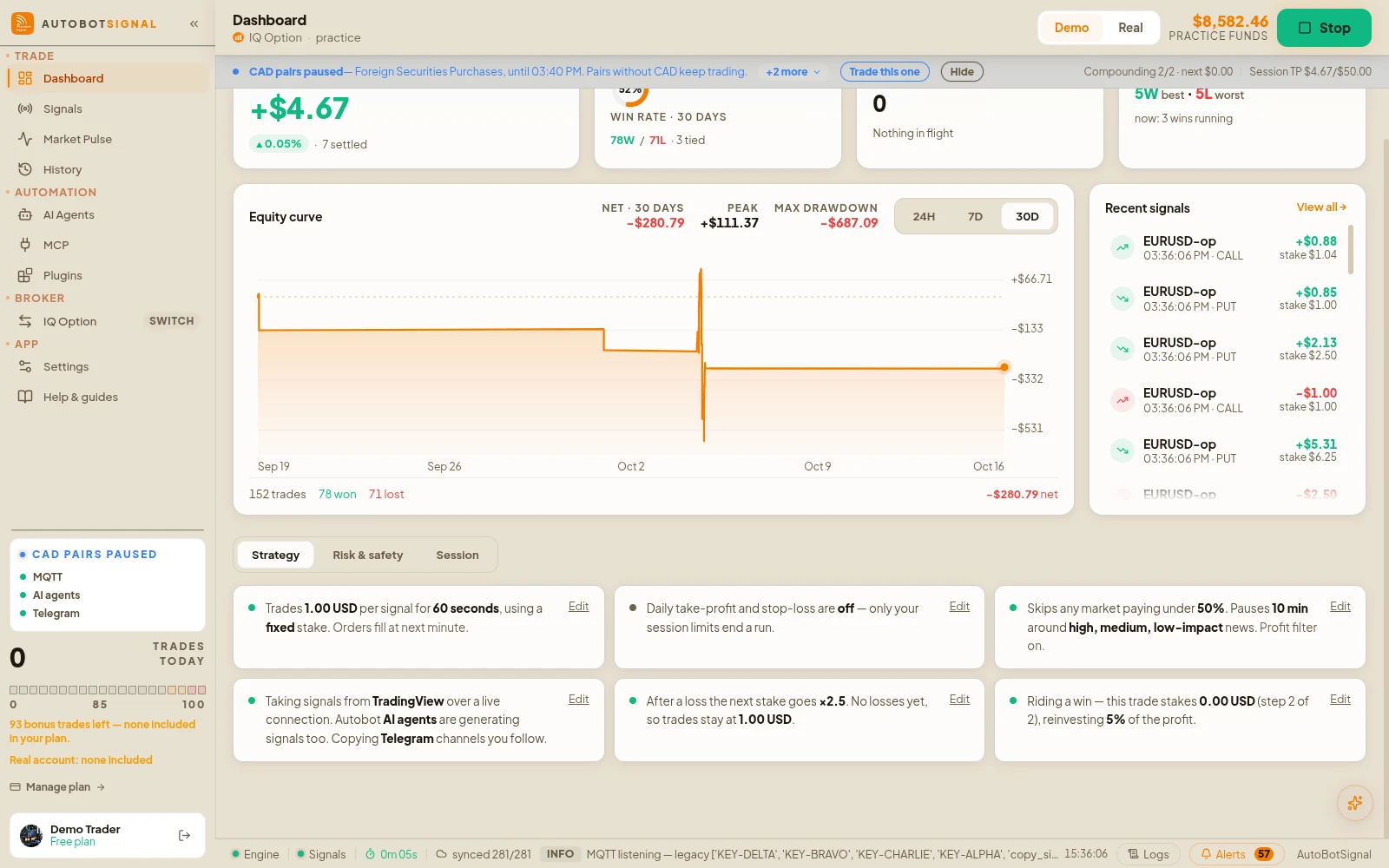
The app on a practice account
Guides by screen
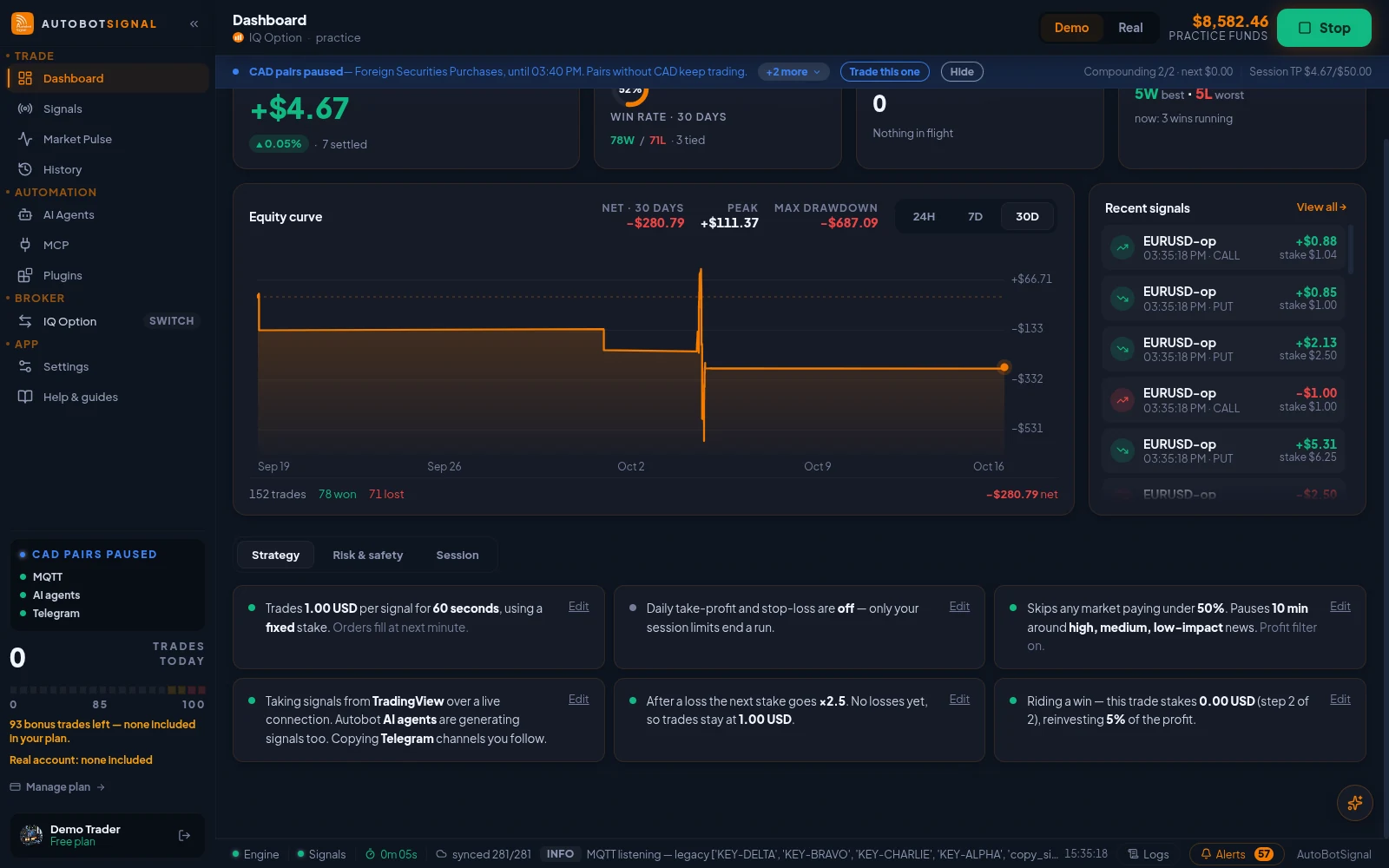
Dashboard
Win rate, P&L, the equity curve, and the risk state the engine is enforcing right now.
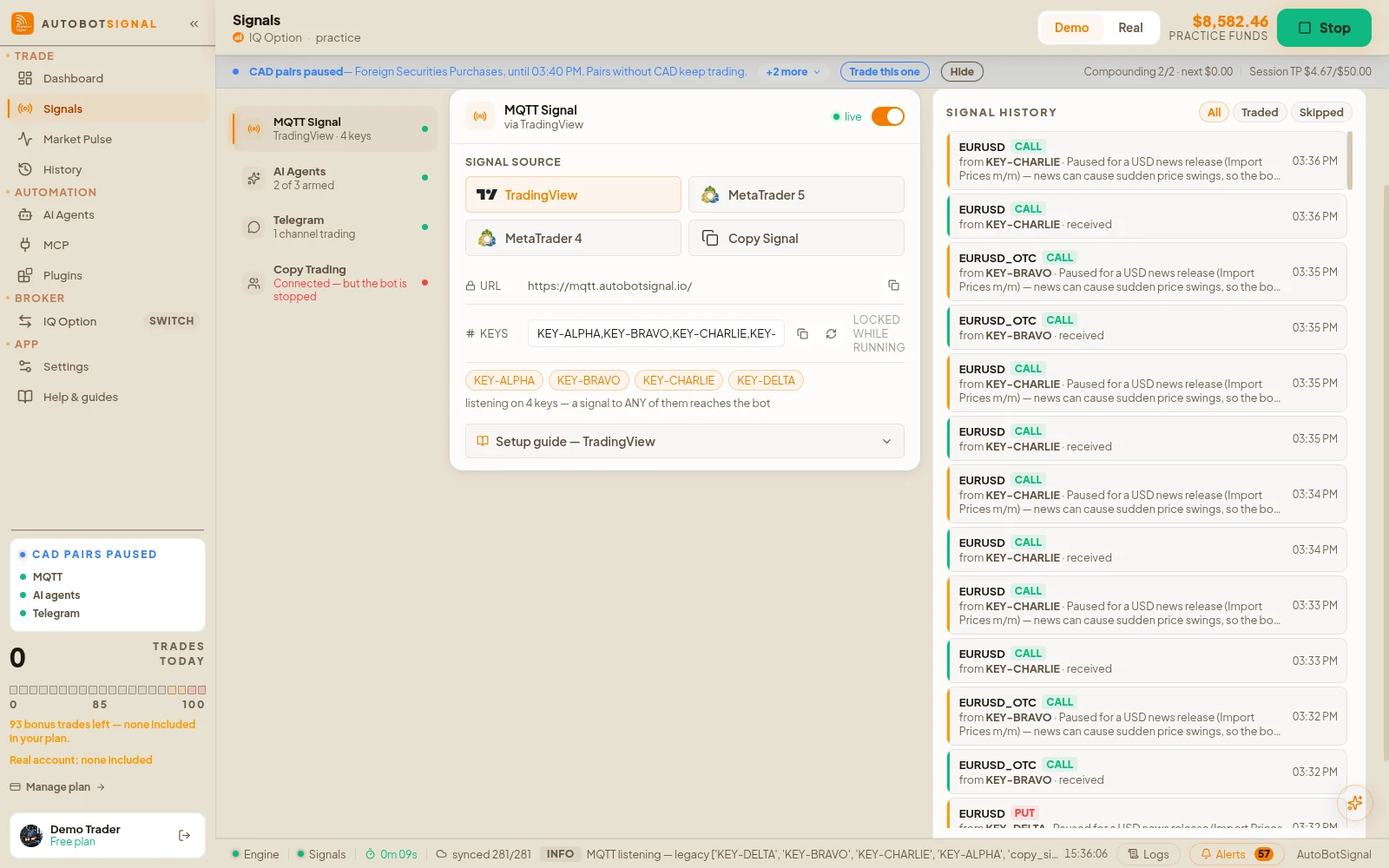
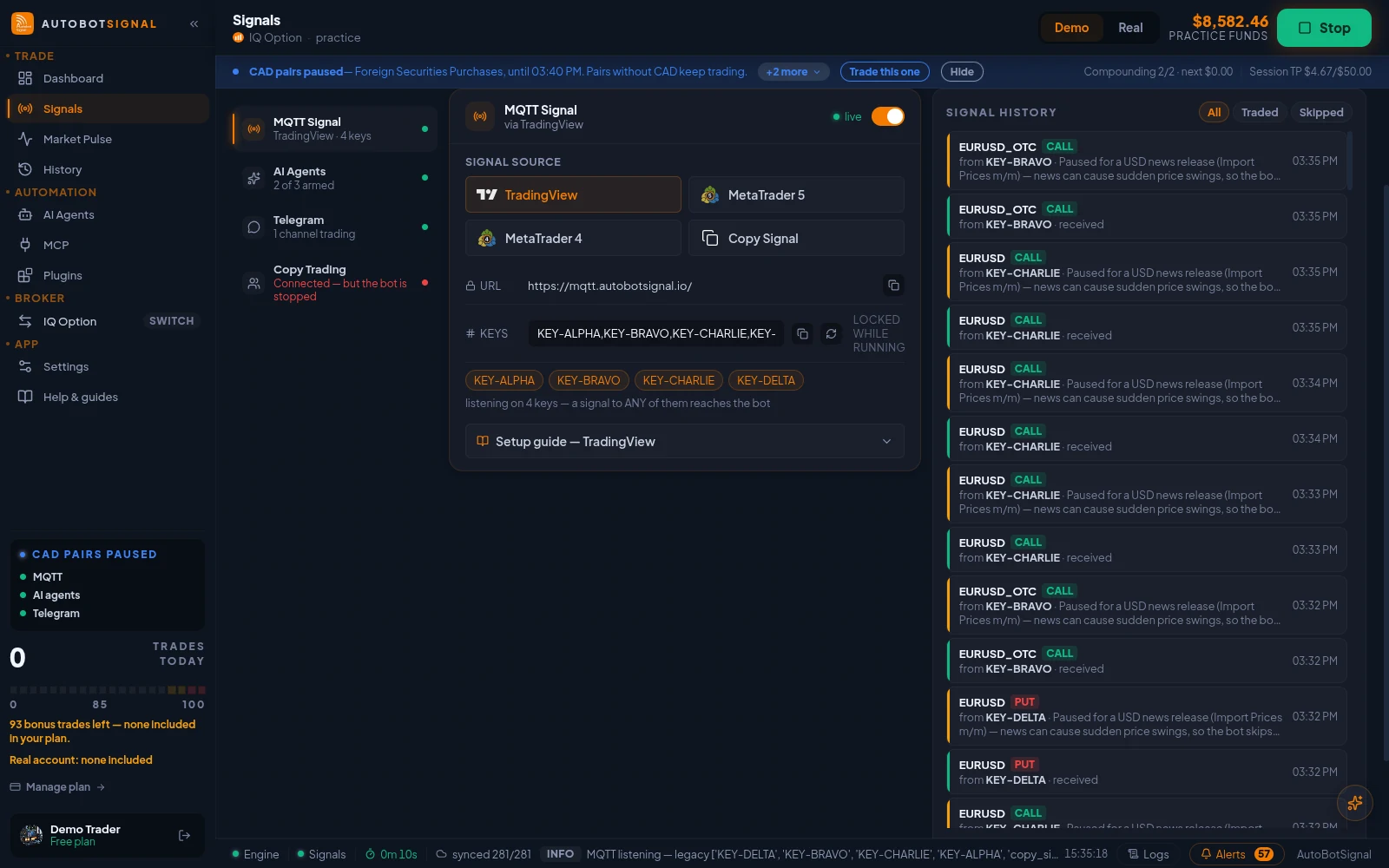
Signals
Switch sources on, point your senders at the webhook, and watch every signal arrive with its reason.
Telegram signal format
Every message shape the bot reads, the broker rule, and the words that stop a message — send it to your signal provider.
Brokers
Connect the account you already have; the app holds the session and places the trades.
Market Pulse
Live ticks from your broker's own feed, one pair at a time.
AI Agents
Describe a strategy in plain words; the agent trades it through the same risk engine.
MCP — AI assistants
Let an AI assistant read the bot and, with your permission, manage it.
Plugins
MetaTrader 5 OTC charts, Discord and Telegram publishers, OBS overlay, TikTok Live.
History
Every trade and signal, recorded on your machine and synced to the website.
Logs
The engine's raw log stream — filter it, pause it, export it for support.
Settings
Execution, caps, the ladders, the guards and the filters, enforced on every signal.
Connection proxy
Route broker sign-ins through a relay when your region blocks a broker.
Start on a demo account. Automated trading can lose money and no win rate or profit is guaranteed — you are responsible for the rules you configure.
Start on demo
Install the desktop app, connect a practice account, and walk through these screens with nothing at stake.