Desktop app guide
Logs — how it works in the AutobotSignal desktop app
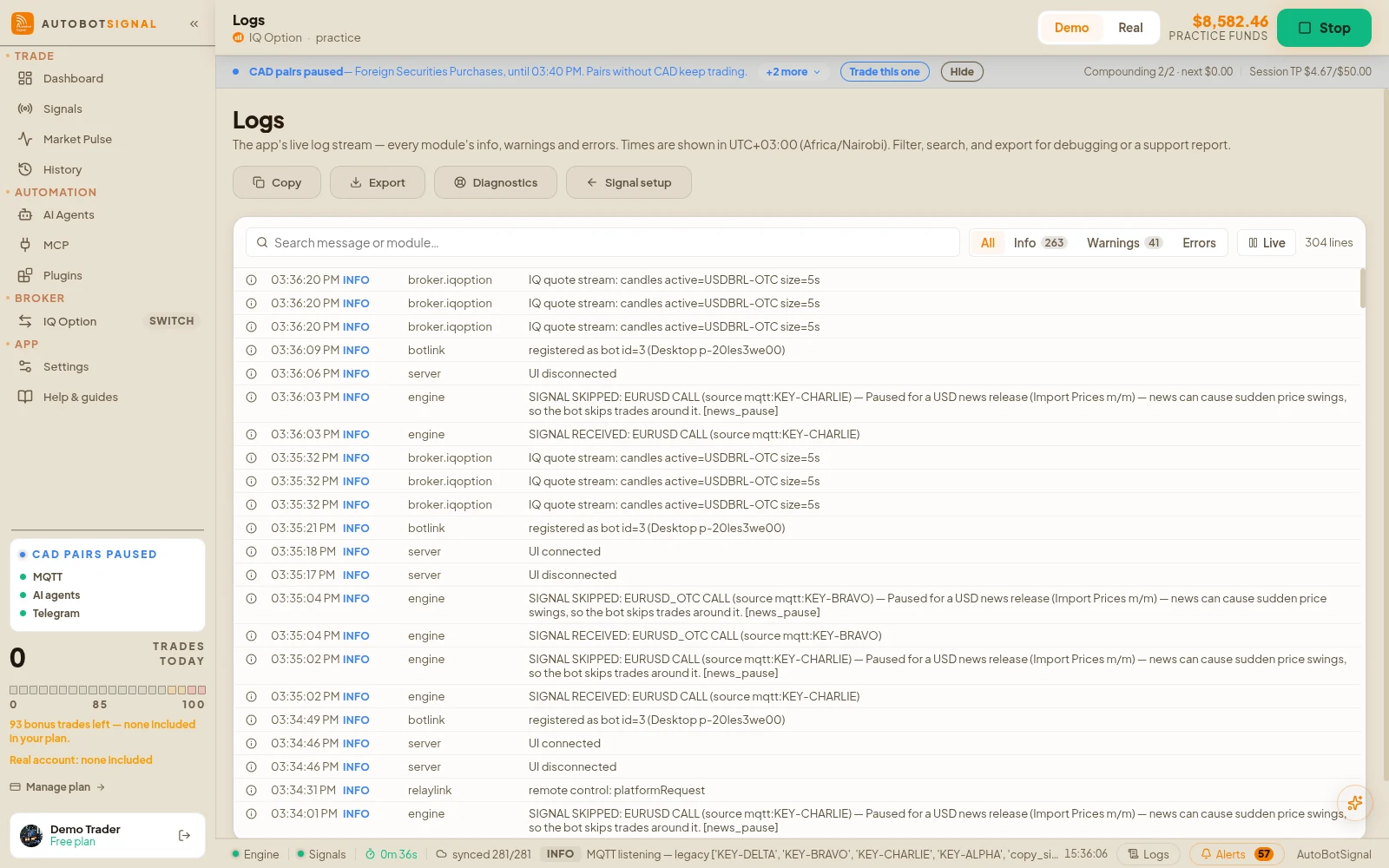
The engine’s raw log stream — every module’s info, warnings and errors as they happen. This is the diagnostic layer under the curated signal feed: use it when a trade did something you cannot explain, then copy or export the lines into a support report.
Logs in the desktop app
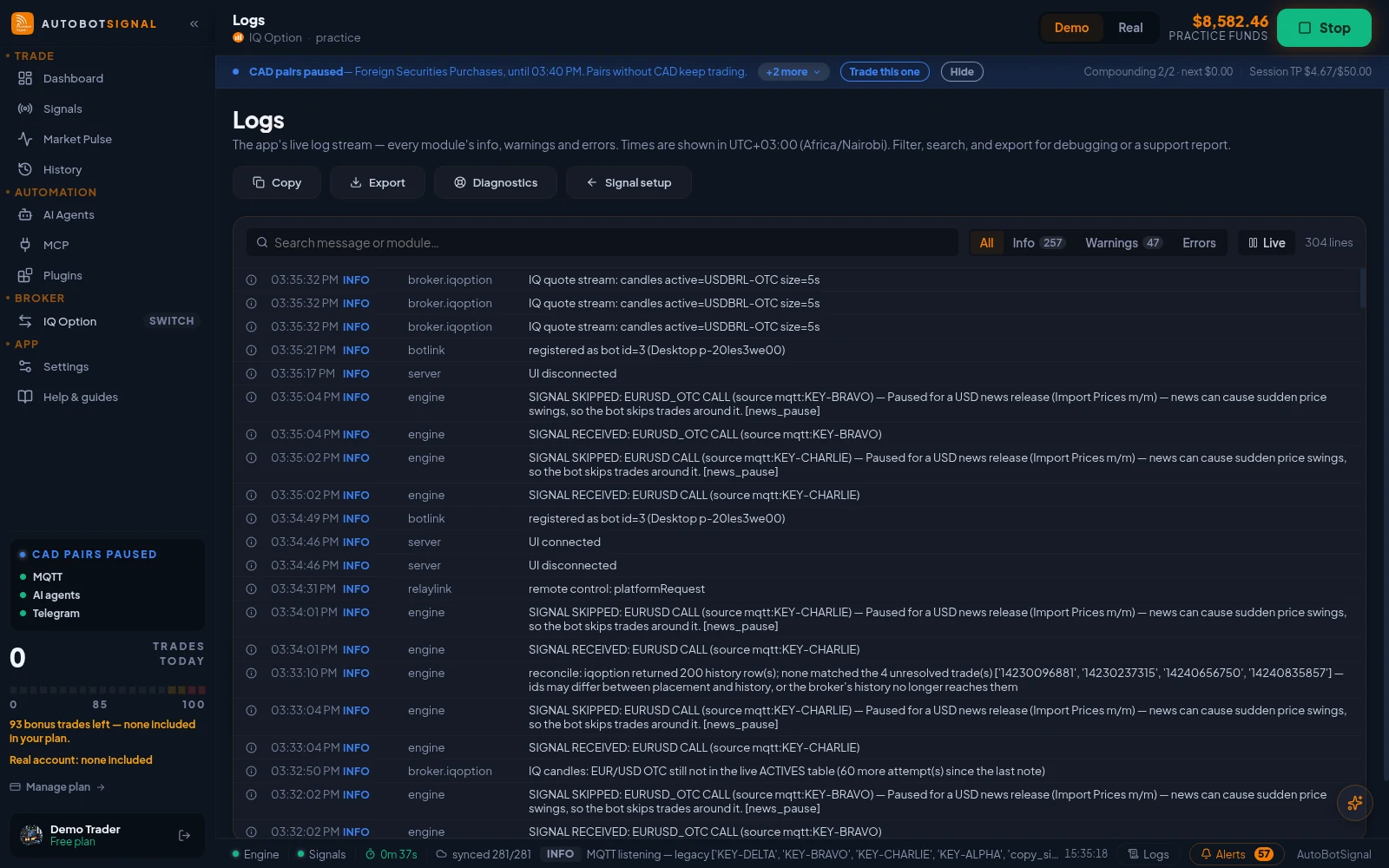
Real screenshots of the current release on a practice account.
How Logs works
- 1
Filter to what you are chasing
Switch to Warnings or Errors, or search by message text or module name — the broker adapter, the risk engine and the MQTT client all log under their own names.
- 2
Freeze the tail before you read it
The Live / Paused button freezes the view so a fast-scrolling log can actually be read, selected and copied. New lines keep arriving in the background and appear when you resume.
- 3
Export for support
Copy and Export both write out the currently filtered lines, oldest first, with full timestamps — the order a human reads them in.
Good to know
What the app does, and does not do, here
- This page’s view starts over when the app restarts, but a durable engine log survives on disk and rides along in support reports — export from here when you want exactly the filtered lines you are looking at.
- A closed market is logged as a skip, not an error, and deliberately does not count toward the circuit breaker — otherwise a weekend signal loop would trip it.
- Actions taken by a connected AI assistant (MCP) are recorded here too, attributed as assistant activity — including requests the engine refused.
- Exported logs can contain asset names, stakes and raw broker responses. Read them before pasting them anywhere public.
Start on a demo account. Automated trading can lose money and no win rate or profit is guaranteed — you are responsible for the rules you configure.
Run it on demo first
Install the desktop app, connect a practice account and see every rule on this page enforced before any real money is involved.