Desktop app guide
AI Agents — how it works in the AutobotSignal desktop app
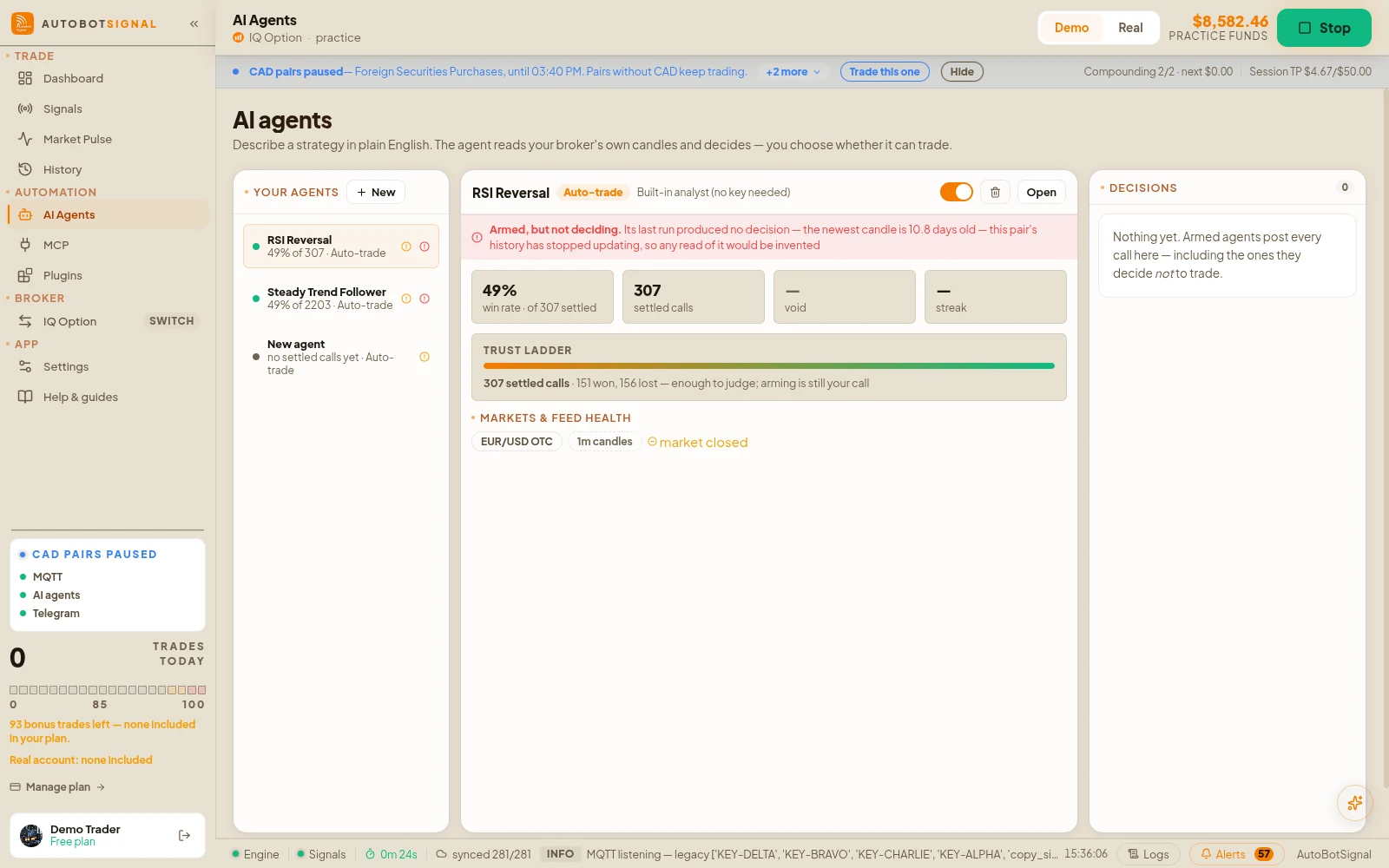
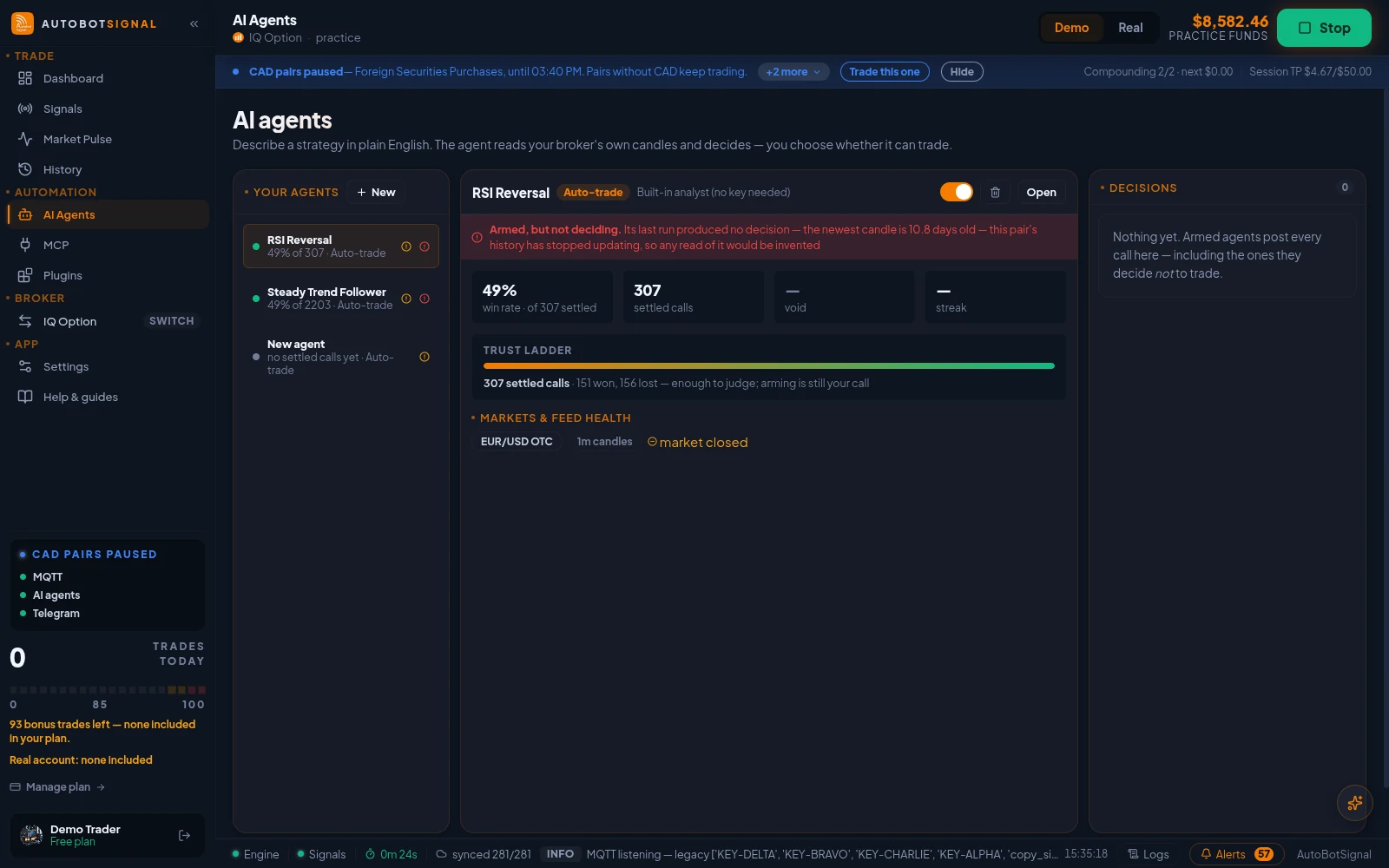
Your own analysts, running locally on this machine — not on a server. Each agent watches the pairs you give it on your connected broker, evaluates your strategy on its trigger, and either just tells you what it sees or, in full mode once armed, trades it through the exact same risk engine as every other signal. The built-in analyst needs no API key and works the minute an agent is created.
AI Agents in the desktop app
Real screenshots of the current release on a practice account.
How AI Agents works
- 1
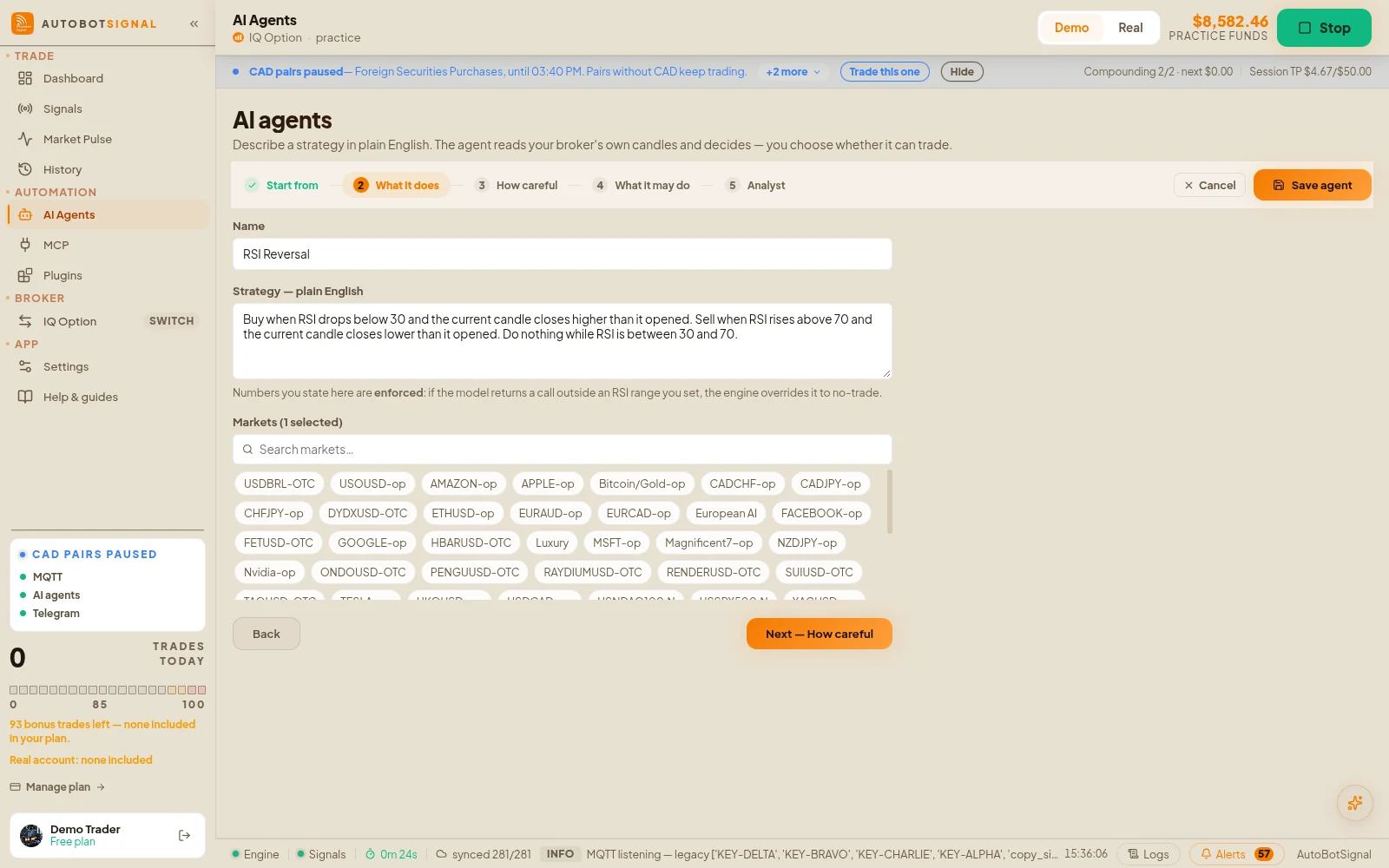
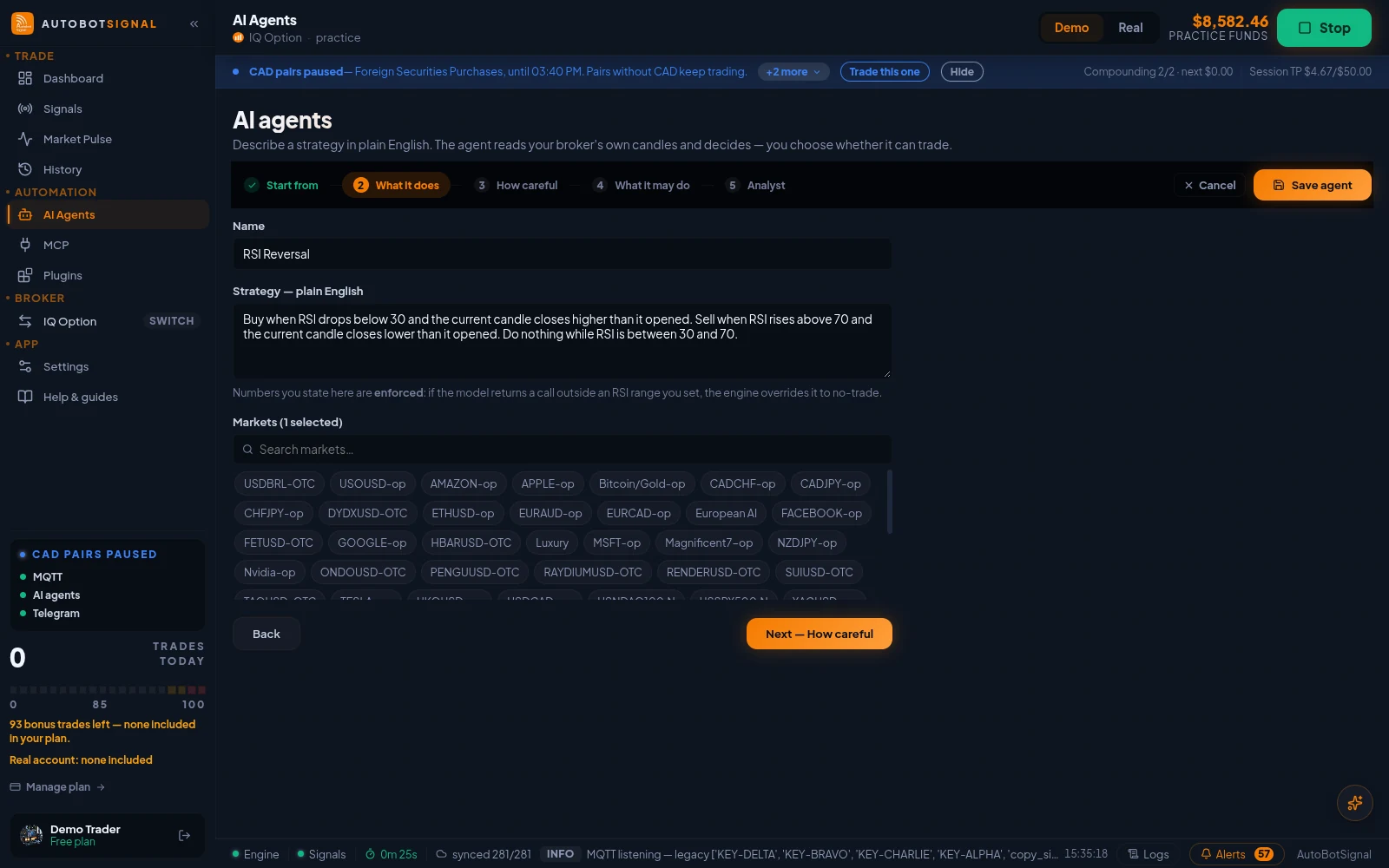
Create an agent and write the strategy in plain words
Name it, pick the markets it watches (as your connected broker spells them), the bar size, and describe the strategy in ordinary language — the engine parses it for the indicators and conditions it names, computes those natively, and holds the agent to them.
- 2
Pick a provider — builtin needs nothing
The built-in analyst decides from indicator rules with no account, no key and no network. External providers (OpenAI, Anthropic, Google, DeepSeek, custom) use your own API key, sent directly to that provider: add it once in Settings → AI providers, or on the agent itself — an agent's own key always wins.
- 3
Choose the trigger and the mode
Triggers: every closed bar, a price move beyond your percentage, or a schedule in minutes. Modes: manual and semi only surface the call in the feed; full auto-trades an actionable call — but only while the agent is armed AND the bot is started, and always through the daily caps, circuit breaker, concurrency limit and news pause.
- 4
Arm it and judge it by its paper record
Every actionable call is paper-traded — including from manual and semi agents that never trade for real — and settled on the broker’s own price at expiry, so an agent earns a measurable win/loss record before you trust it with money. No price at expiry voids the paper trade rather than guessing.
Good to know
What the app does, and does not do, here
- Arming refuses with a reason if the agent has no market to watch or its provider has no key anywhere the runtime would look — the built-in analyst is the no-key path.
- Each watched pair shows a live data state on the card. A starved pair (closed market, no bars advancing) says so instead of going silent — that state uses the same freshness rule the decision gate enforces.
- A disarmed agent still analyses, so the feed shows what it would have done; its calls are marked advisory.
- An AI assistant connected over MCP can consult any agent on demand — that answer is advisory only and never touches the paper record or the schedule.
Start on a demo account. Automated trading can lose money and no win rate or profit is guaranteed — you are responsible for the rules you configure.
Run it on demo first
Install the desktop app, connect a practice account and see every rule on this page enforced before any real money is involved.